9
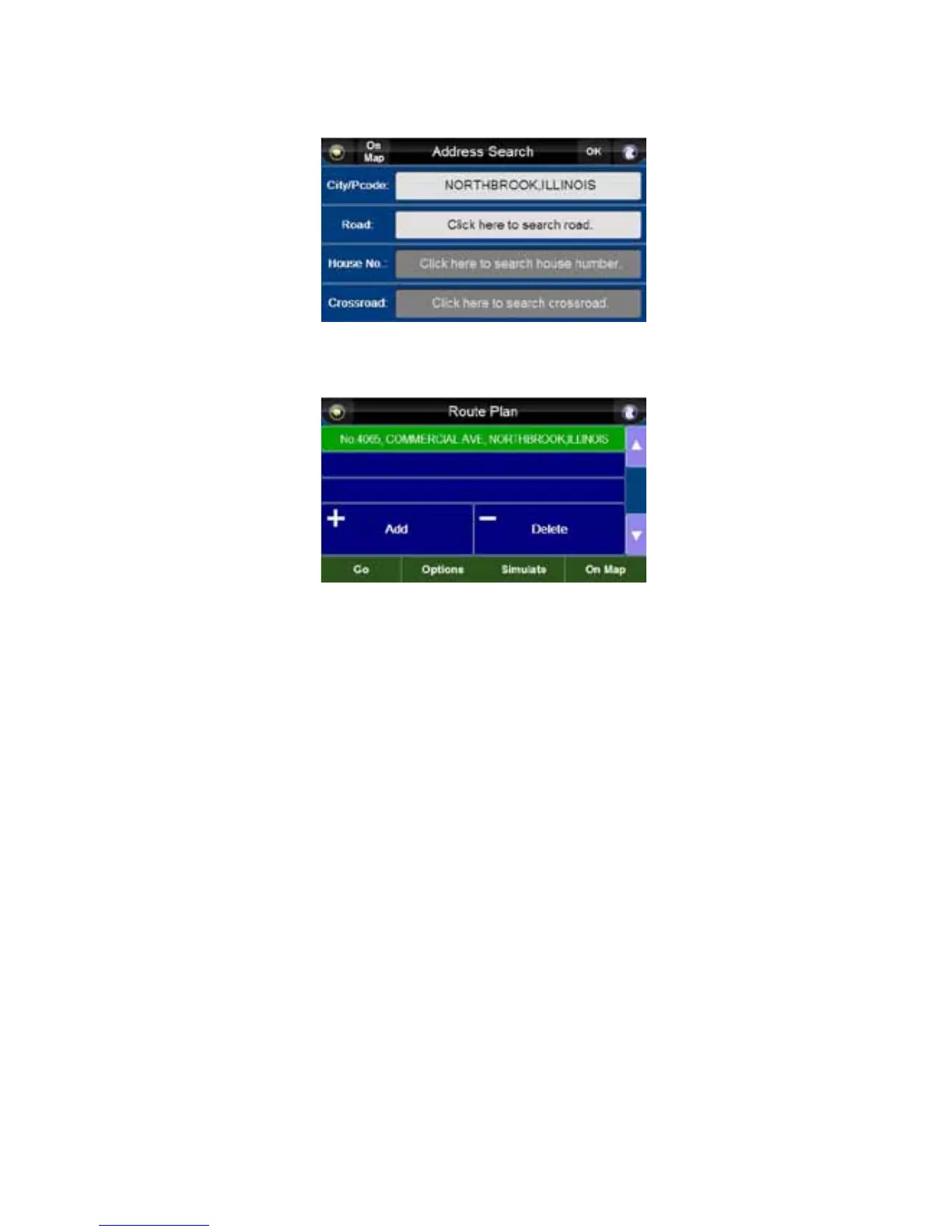
17. You can now enter in a road by pressing on the highlighted area. A keyboard will appear.
18. After entering a road, you can enter an address by pressing on the highlighted area and using
the keyboard. You can also enter a crossroad the same way. If you need to go back a screen,
press the back arrow.
City, State, USA
19. Once you have all the information entered, press the “OK” button.
20. Press the “Go” button. It will now begin searching for the GPS satellites.
NOTE: When using the first time, it may take a few moments to find the GPS satellites.



 To Next Page