PCAN-Router DR – User Manual
11
LED Status Meaning
Power Green on Power supply is present
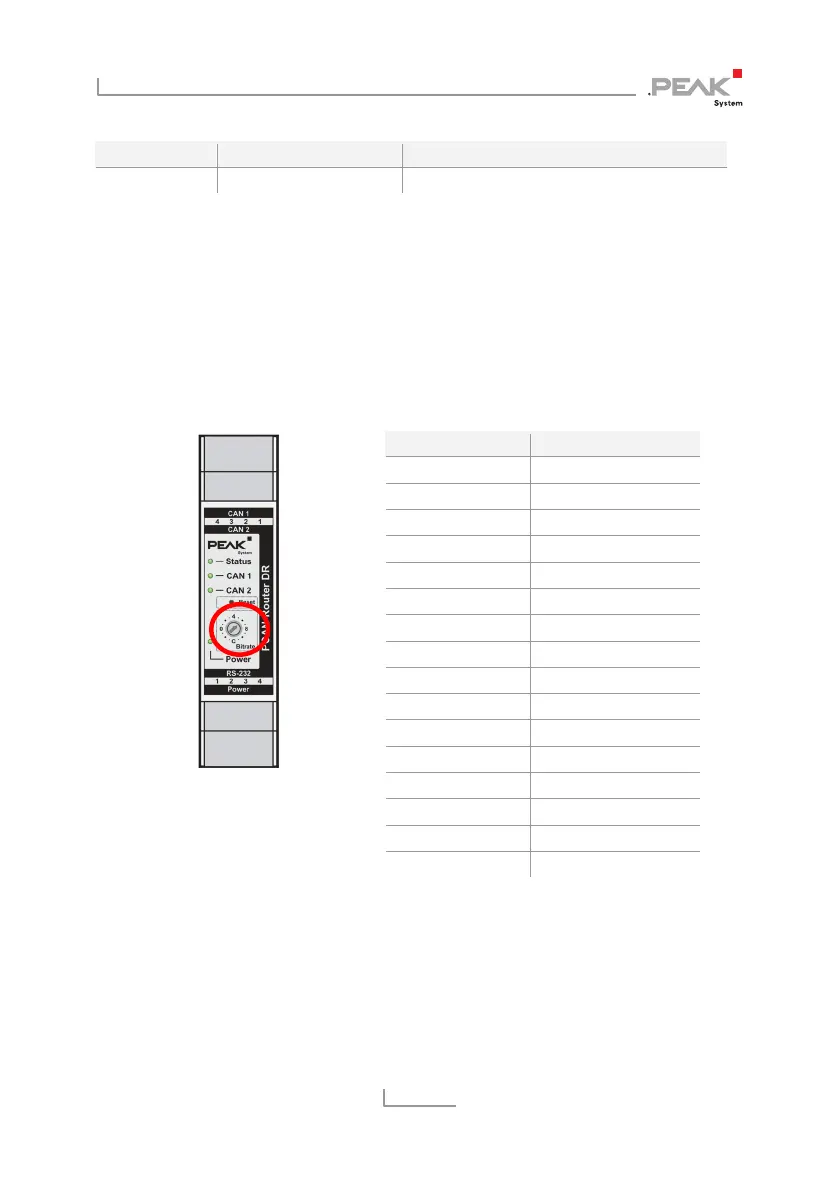
3.3 Rotary Switch Bit Rate
Using the rotary switch of the PCAN-Router DR, the CAN bit rate can
be adjusted. The selected bit rate applies to both CAN channels. At
delivery, the switch is set to C (500 kbit/s). A changed setting takes
effect after the reset of the device (see section 3.6 on page 14).
Rotary switch for the bit rate
Switch position Bit rate
0 (left) 5 kbit/s
1 10 kbit/s
2 20 kbit/s
3 33.3 kbit/s
4 (top) 47.6 kbit/s
5 50 kbit/s
6 83.3 kbit/s
7 95.2 kbit/s
8 (right) 100 kbit/s
9 125 kbit/s
A 200 kbit/s
B 250 kbit/s
C (bottom) 500 kbit/s
D 800 kbit/s
E 1 Mbit/s
F CAN bootloader
On switch position F, the CAN bootloader is activated after a reset.
In that way, you can upload a self-developed firmware via CAN to
the device (see chapter 5
Firmware Upload
on page 18).



 To Next Page