PCAN-Router DR – User Manual
14
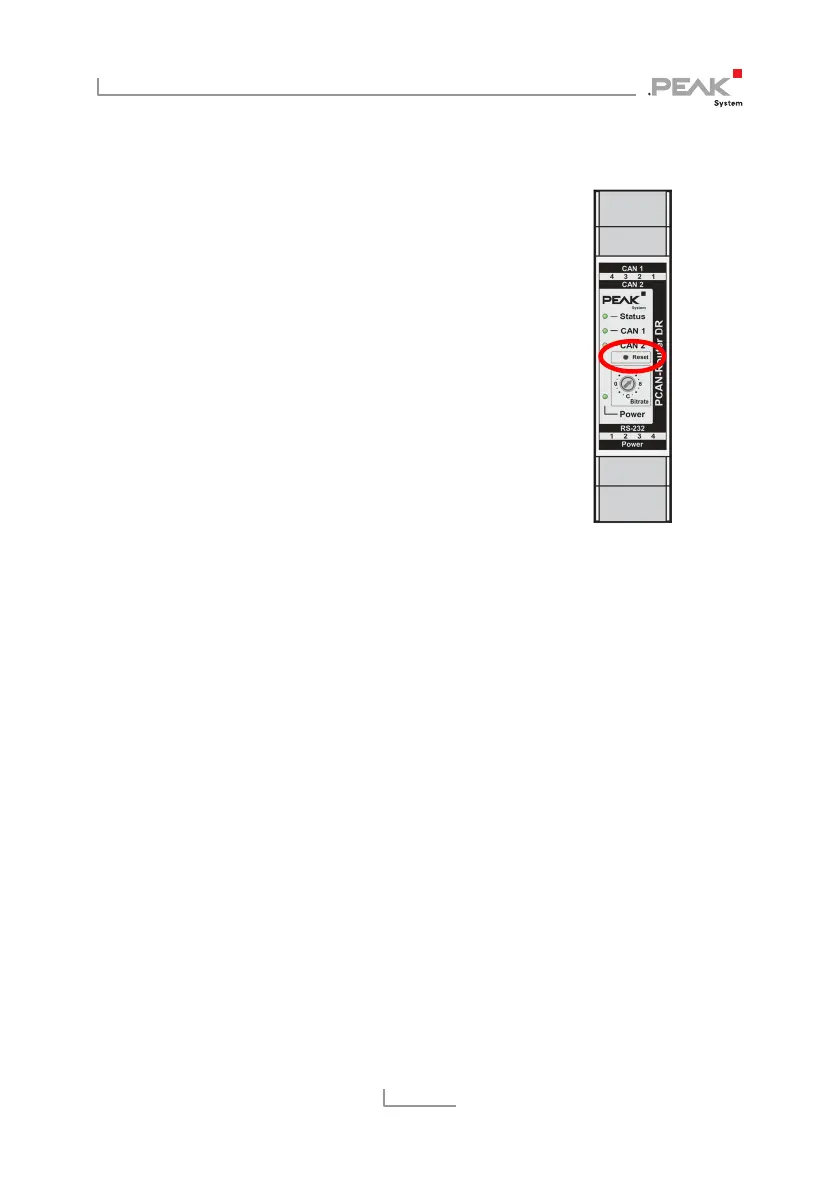
3.6 Reset Push Button
The reset button is located on the front of
the PCAN-Router DR. To perform a reset,
press into the small hole with the tip of small
screwdriver or a paper clip.
If the PCAN-Router DR, for example, should
be operated with a changed bit rate, it will
take effect only after a reset.
Reset button



 To Next Page