EN-34
Shutter Speed Priority Mode [ ]
If you set a fast shutter speed, you can capture images of moving subjects that look as if they are still. If
you set a slow shutter speed, you can capture images that give the impression that the subject is in motion.
1. Rotate the mode dial to
and turn your camera on by pressing
the
button. A guide appears for a few seconds.
2. Press the
button.
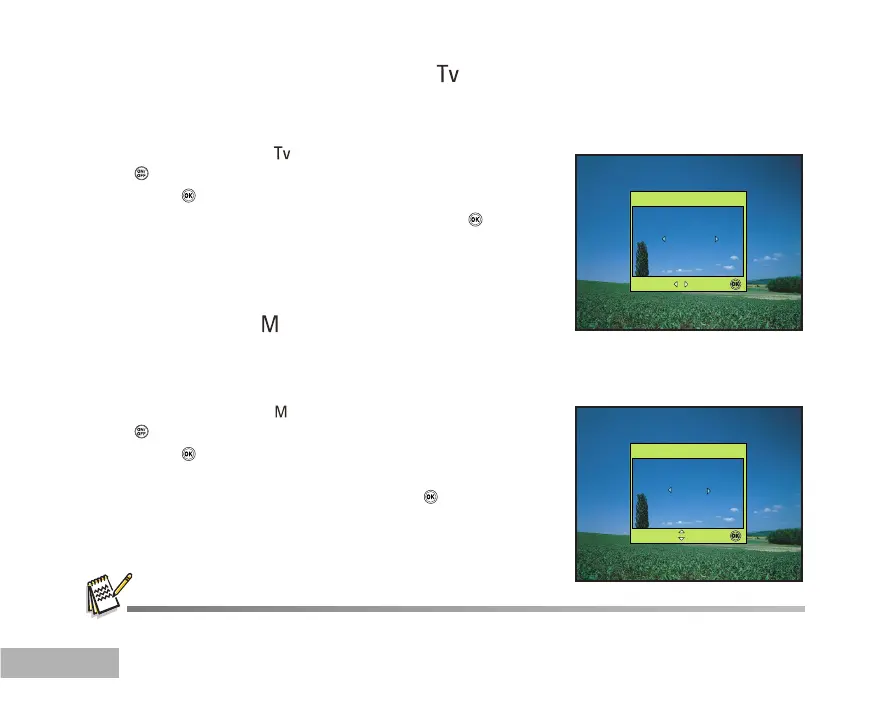
3. Set the aperture value with or , and press the button.
4. Compose your subject within the focus frame.
5. Press the shutter button to capture the image.
Manual Mode [ ]
In manual mode, the aperture value and the shutter speed can be varied individually. This can be useful
for compensating tricky lighting conditions, for getting creative results or for capturing night-time scenes.
1. Rotate the mode dial to
and turn your camera on by pressing
the
button. A guide appears for a few seconds.
2. Press the
button.
3. Use or to select aperture/shutter speed item.
4. Adjust the value with or , and press the
button.
5. Compose your subject within the focus frame.
6. Press the shutter button to capture the image.
OK :
Select:
OK :
Select:
Press the shuter button halfway to confirm if the exposure is set correctly on the LCD monitor.



 To Next Page