160
7
Settings
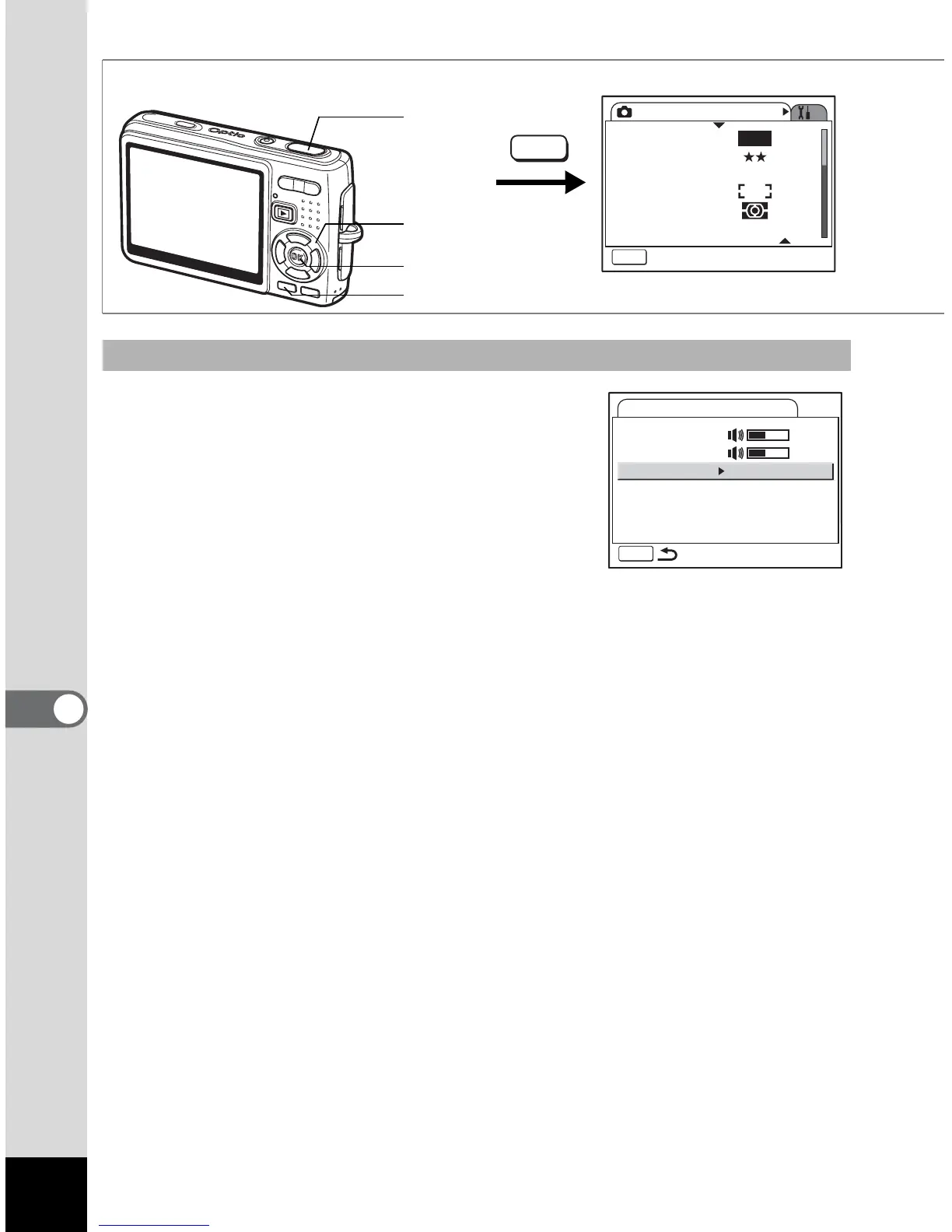
3 Use the four-way controller (23)
to select [Start-up Sound].
4 Press the four-way controller (5).
The pull-down menu appears.
5 Use the four-way controller (23)
to select [1], [2], [3] or [Off].
6 Press the OK button.
7 Change [Shutter Sound], [Operation Sound] and [Self-
timer Sound] in the same mannar.
8 Press the shutter release button halfway.
The camera is ready for taking pictures.
Changing the Sound
How to recall the [H Set-up] menu
Four-way
controller
MENU button
OK button
Rec. Mode
MENU
Exit
Recorded Pixels
Quality Level
White Balance
AF Setting
AE Metering
Sensitivity
AWB
10M
AUTO 800
MENU
Shutter
release
button
Sound
MENU
Operation Volume
Playback Volume
Start-up Sound
Shutter Sound
Operation Sound
Self-timer Sound
1
1
1
1











 To Next Page