39 Photo, Video & Audio Playback
Using the Playback Menu
English
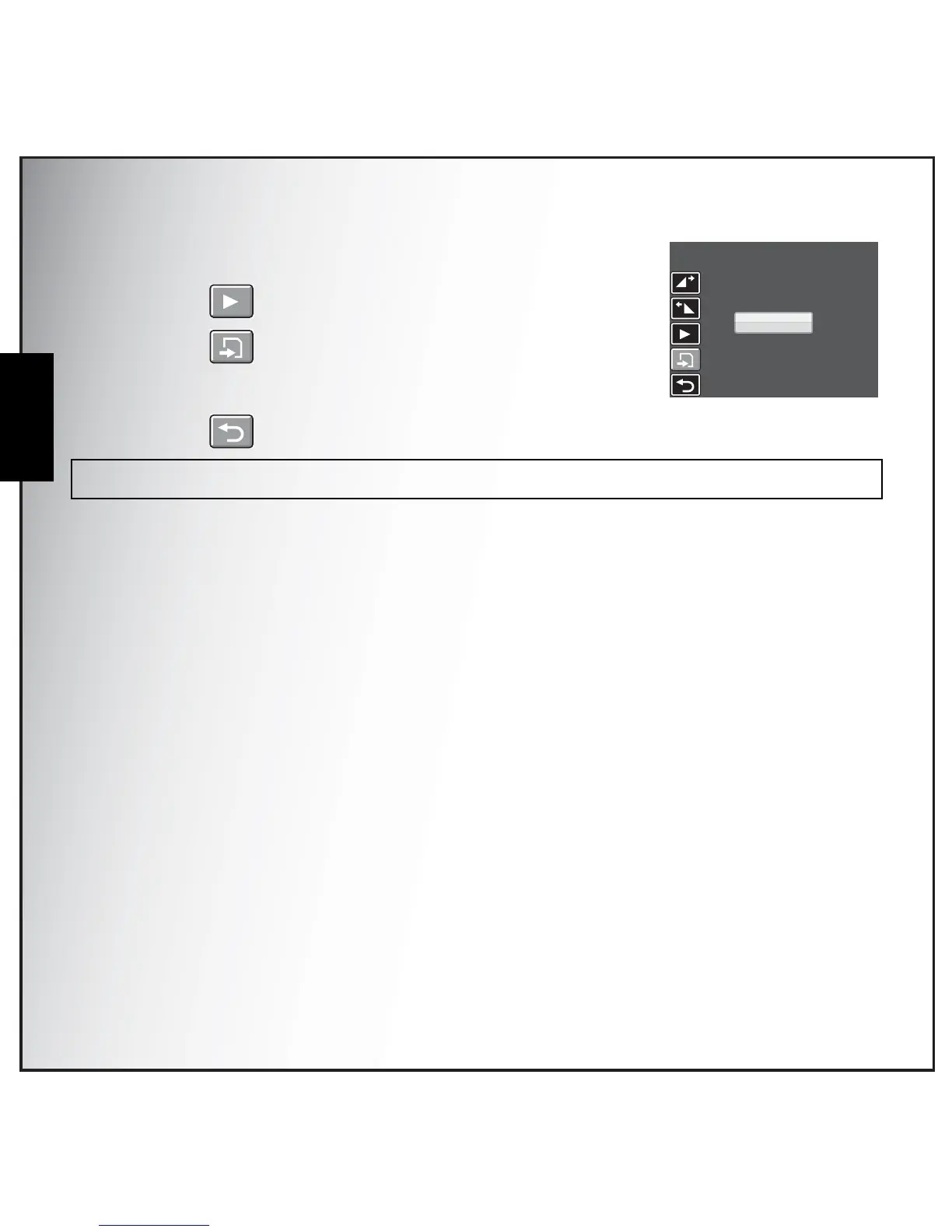
5. Press the Up/Down navigation buttons and the OK button to
select from the following options:
• Select to review the trimmed video clip.
• Select to save the trimmed video clip as a new file or
overwrite the original video. Select Exit to discard
the changes.
• Select to return to the main menu.
Note: The Divide function is only available when a video file is selected. Video clips shorter than one second cannot
be edited.
NEW FILE
OVERWRITE
EXIT



 To Next Page