Camera Settings 46
PictBridge Print (PTP)
English
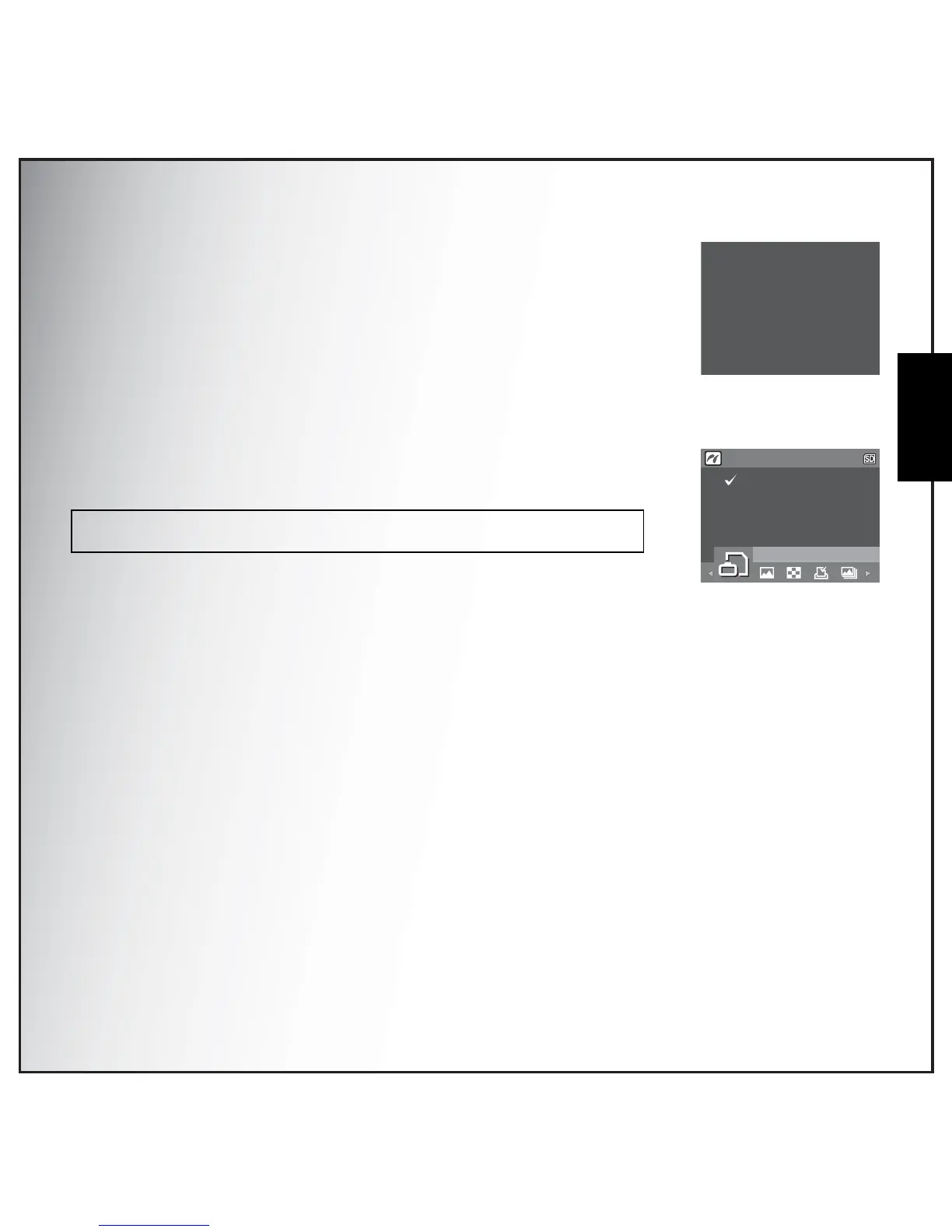
When a PTP compliant printer is connected to the camera, the Printer
Connecting screen displays on the LCD screen. The Print menu pops up
automatically.
Use the Left/Right navigation buttons to select an option and press the OK
button to enter.
Image Storage
See “Image Storage” on page 44 for detailed information.
Note:The DPOF settings have to be made to select [DPOF image].
See “DPOF Image” on page 48 for detailed information.
Printer Connecting...
IMAGE STORAGE
AUTO
INTERNAL MEMORY
1/140



 To Next Page