Photo, Video & Audio Playback 40
Transferring Photos/Videos to your PC
English
Transferring Photos/Videos to your PC
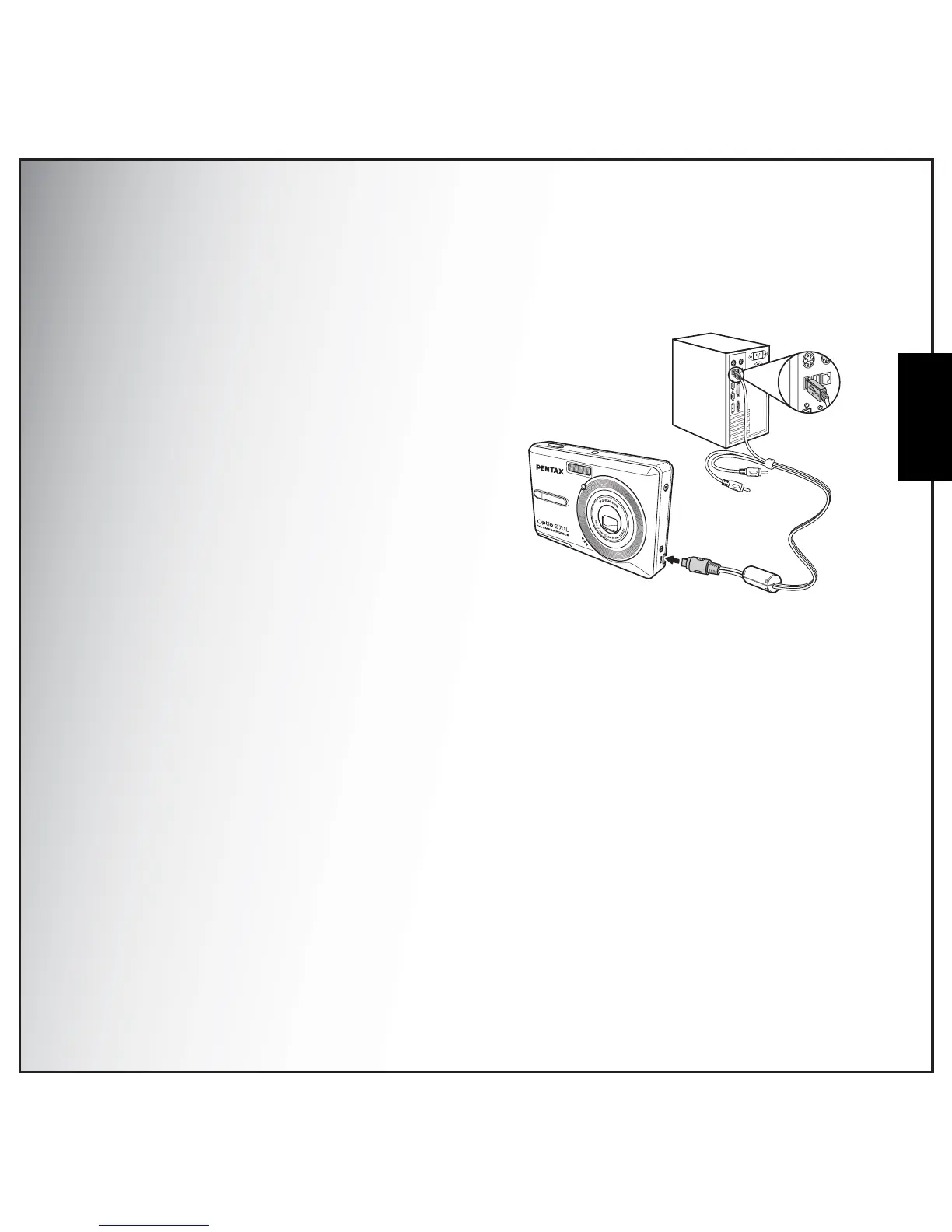
To transfer photos and videos to your PC, you need to set the USB mode as MSDC first. Follow the on-
screen instructions to complete the installation:
Connect the camera’s PC/AV port to a free USB port
on your PC using the USB cable.
The camera’s internal memory and/or SD/MMC card
appear as removable drives in the file manager. Copy
the files from the drives to the directory on your PC.
Use ArcSoft PhotoImpression and ArcSoft
VideoImpression (provided on the software CD) to
view or edit the photos and videos respectively.



 To Next Page