49 Camera Settings
PictBridge Print (PTP)
English
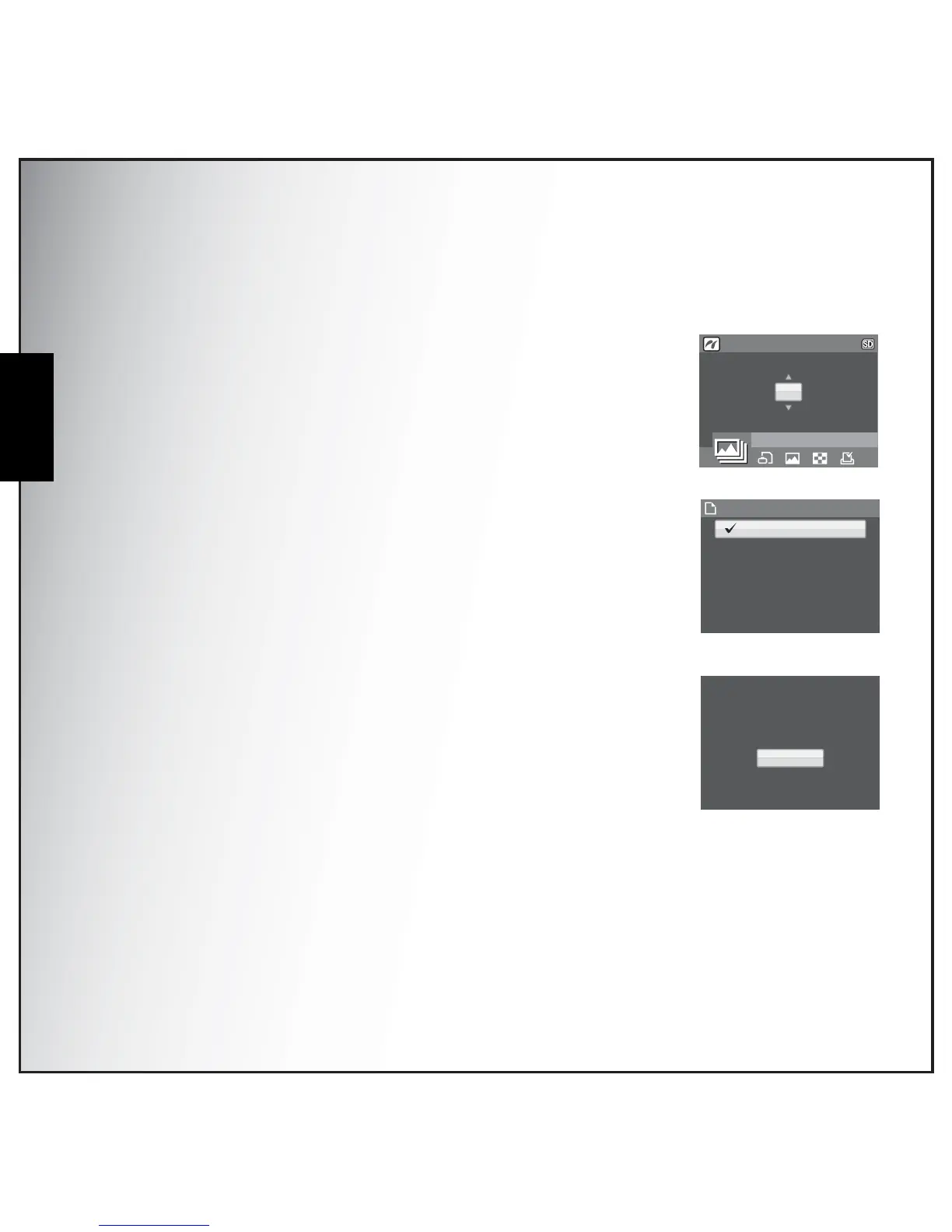
All Images
Print all images saved in memory.
1. Use the Left/Right navigation buttons to select ALL IMAGES from
the options and press the OK button to confirm. Press the Up/Down
navigation buttons to set the number of copies. Then press the OK
button to enter the Paper Size screen.
2. Press the Up/Down navigation buttons to set the Paper Size. Press
the OK button to enter the Printer Confirmation Screen.
•DEFAULT SIZE (default)
•4” x 6”
•LETTER
•A4
3. Press the Up/Down navigation buttons again to continue or cancel
this action.
1/140



 To Next Page