159
8
Settings
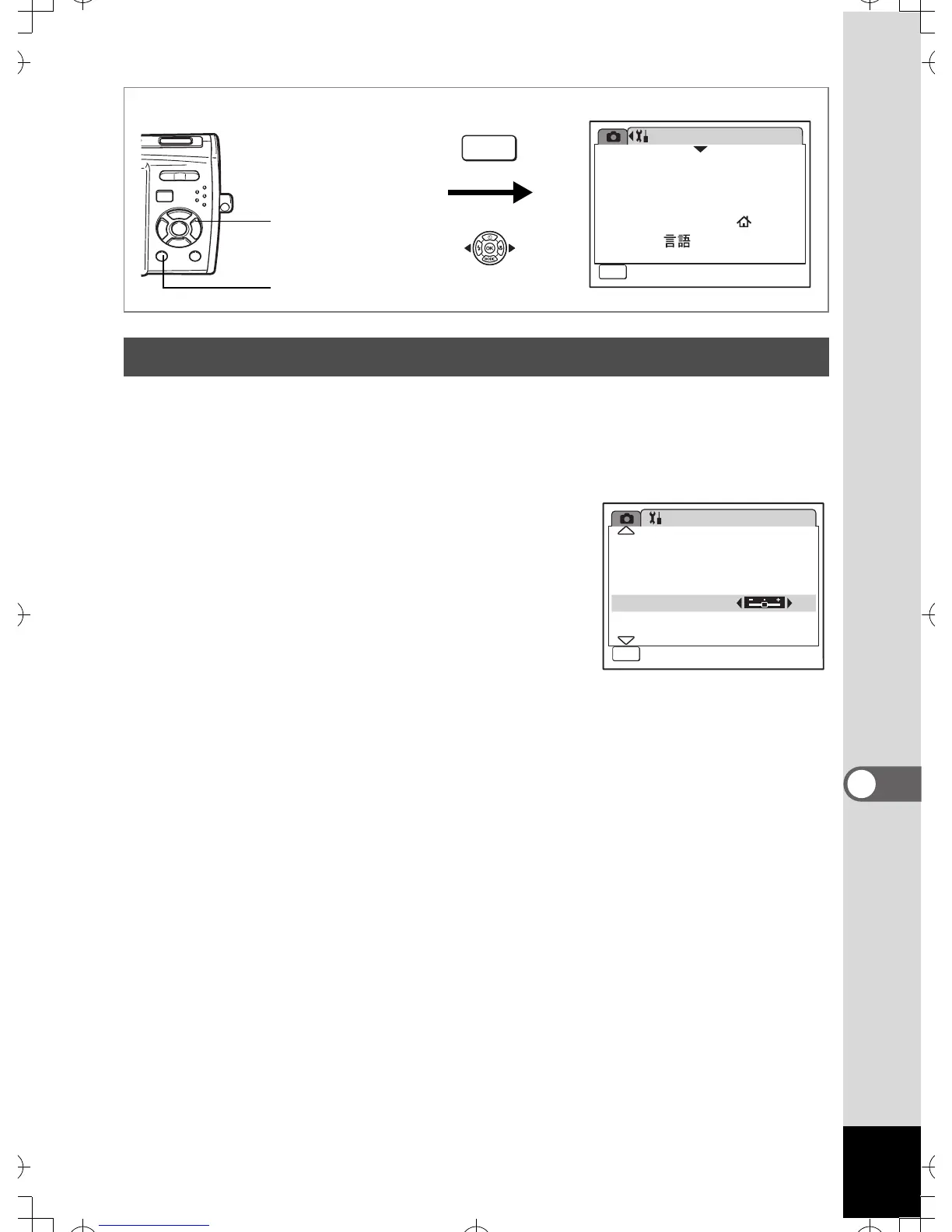
You can adjust the brightness of the LCD monitor.
1 Use the four-way controller (23) to select [Brightness
Level] on the [u Setting] menu.
2 Use the four-way controller (45)
to adjust the brightness.
The following setting is saved.
F (Dark)
G (Normal) (default setting)
H (Bright)
3 Press the 3 button.
The camera returns to Capture mode or Playback mode.
The LCD monitor is displayed with the set brightness. To change the
brightness setting, perform the above steps again.
Adjusting the Brightness of the LCD Monitor
Setting
08/01/2007
Language/
MENU
1/3
Format
Sound
English
Date Adjust
World Time
Exit
How to display the [u Setting] menu
MENU
3 button
Four-way controller
Setting
Date
Folder Name
PC
USB Connection
Video Out
NTSC
2/3
MENU
5sec
Brightness Level
Power Saving
Exit



 To Next Page