52
3
Common Operations
The Optio L40 has a variety of shooting modes that let you take pictures
or record movies and sound in different situations simply by choosing the
right mode for the particular situation from the Capture Mode Palette.
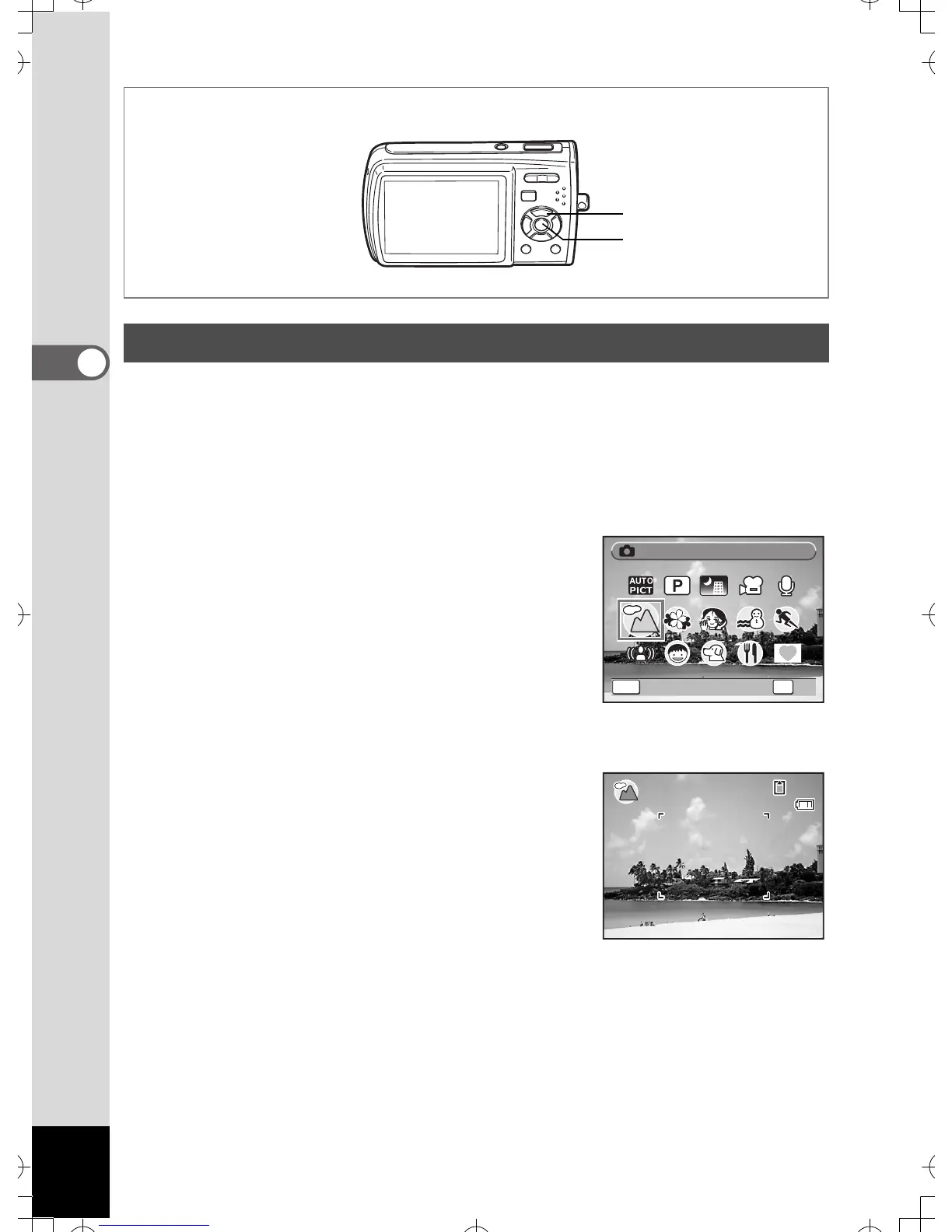
1 Press the four-way controller (3) in A mode.
The Capture Mode Palette appears.
2 Use the four-way controller
(2345) to choose a shooting
mode.
A guide of the selected shooting mode
appears after approximately two seconds
when a shooting mode is selected. (p.59)
You can also set to hide the guides. Refer to
“Setting the Guide Display” (p.162) for instructions.
3 Press the 4 button.
The shooting mode is selected and the
camera returns to capture status.
Setting the Shooting Mode
1, 2
3



 To Next Page