162
8
Settings
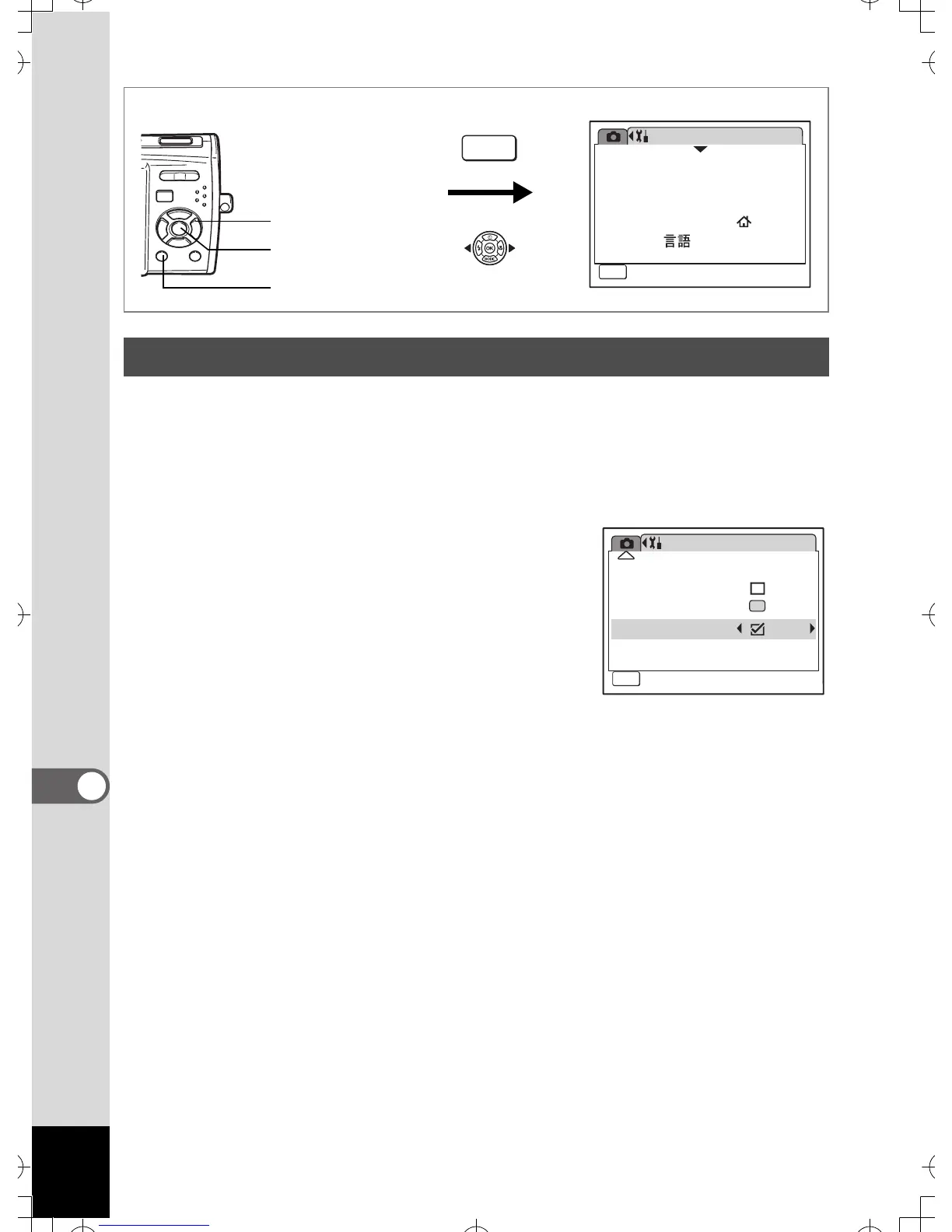
You can set to display or hide guides when the mode is selected in
Capture Mode Palette (p.52) and Playback Mode Palette (p.57).
1 Use the four-way controller (23) to select [Guide
Display] on the [u Setting] menu.
2 Use the four-way controller (45)
to select O (On) or P (Off).
The following setting is saved.
O (On) : Display
P (Off) (default setting) : Hide
3 Press the 3 button.
The camera returns to Capture mode or
Playback mode.
To change the setting, perform the above steps again.
Setting the Guide Display
Setting
08/01/2007
Language/
MENU
1/3
Format
Sound
English
Date Adjust
World Time
Exit
How to display the [u Setting] menu
MENU
3 button
4 button
Four-way controller
Setting
Quick Zoom
Green Button
Guide Display
MENU
3/3
Reset
Auto Power Off 3min
Exit



 To Next Page