64
4
Taking Pictures
z e
z (Natural Skin Tone mode) and e (Portrait mode) are suitable for
taking pictures of people. Face Recognition (p.54) operates for each
shooting mode, making taking pictures centered on the subject’s face
easier.
1 Press the four-way controller (3) in A mode.
The Capture Mode Palette appears.
2 Use the four-way controller (2345) to select d
(Natural Skin Tone) and press the 4 button.
When c (Portrait) is displayed in the location for d (Natural Skin
Tone), select c and press the 4 button.
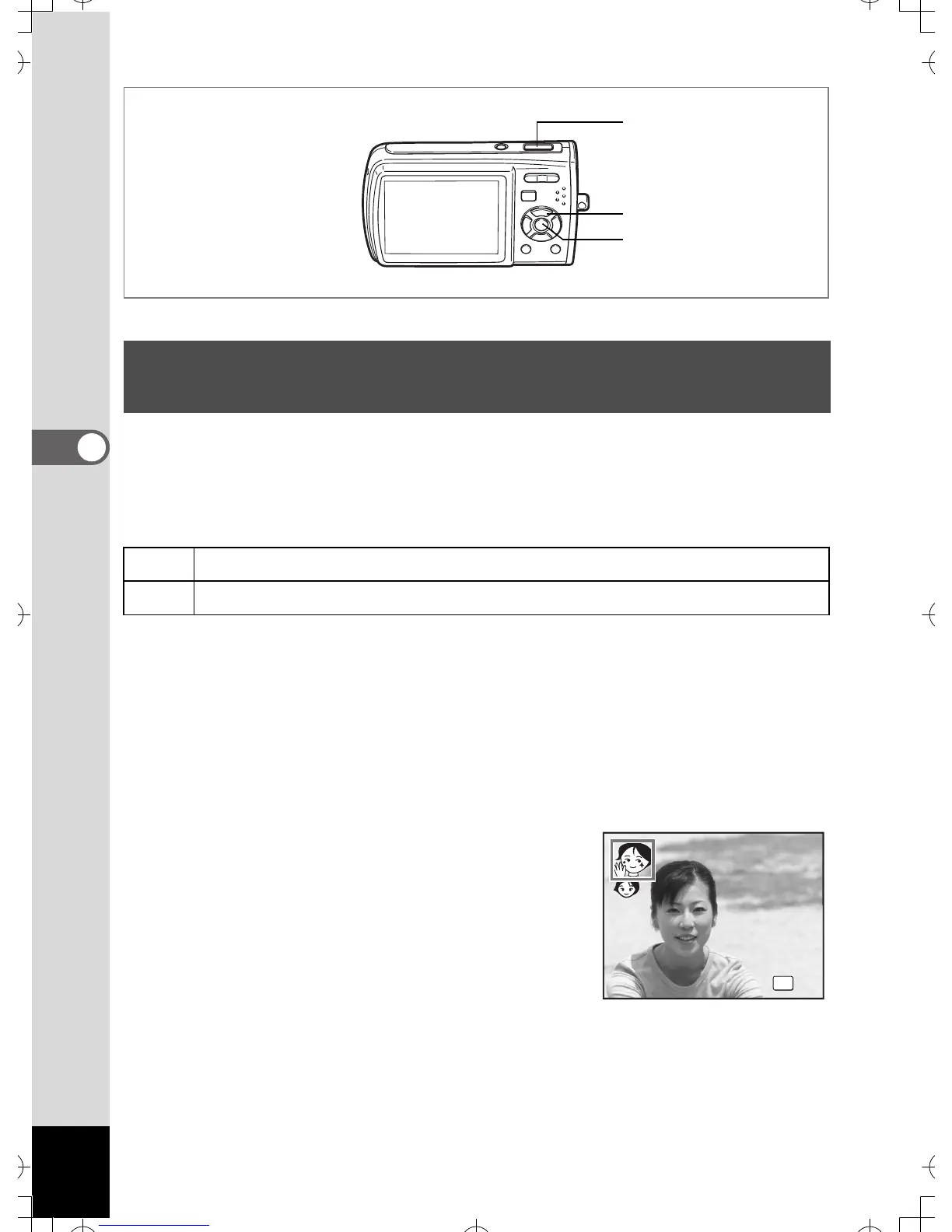
3 Use the four-way controller (23)
to switch to z or e.
Taking Pictures of People (Natural Skin Tone
Mode/Portrait Mode)
z
Use this mode to capture people. You can capture skin tone more beautifully.
e
Use this mode to capture people.
1, 2
3
4, 5



 To Next Page