65
4
Taking Pictures
4 Press the 4 button.
The shooting mode is selected and the
camera returns to capture status.
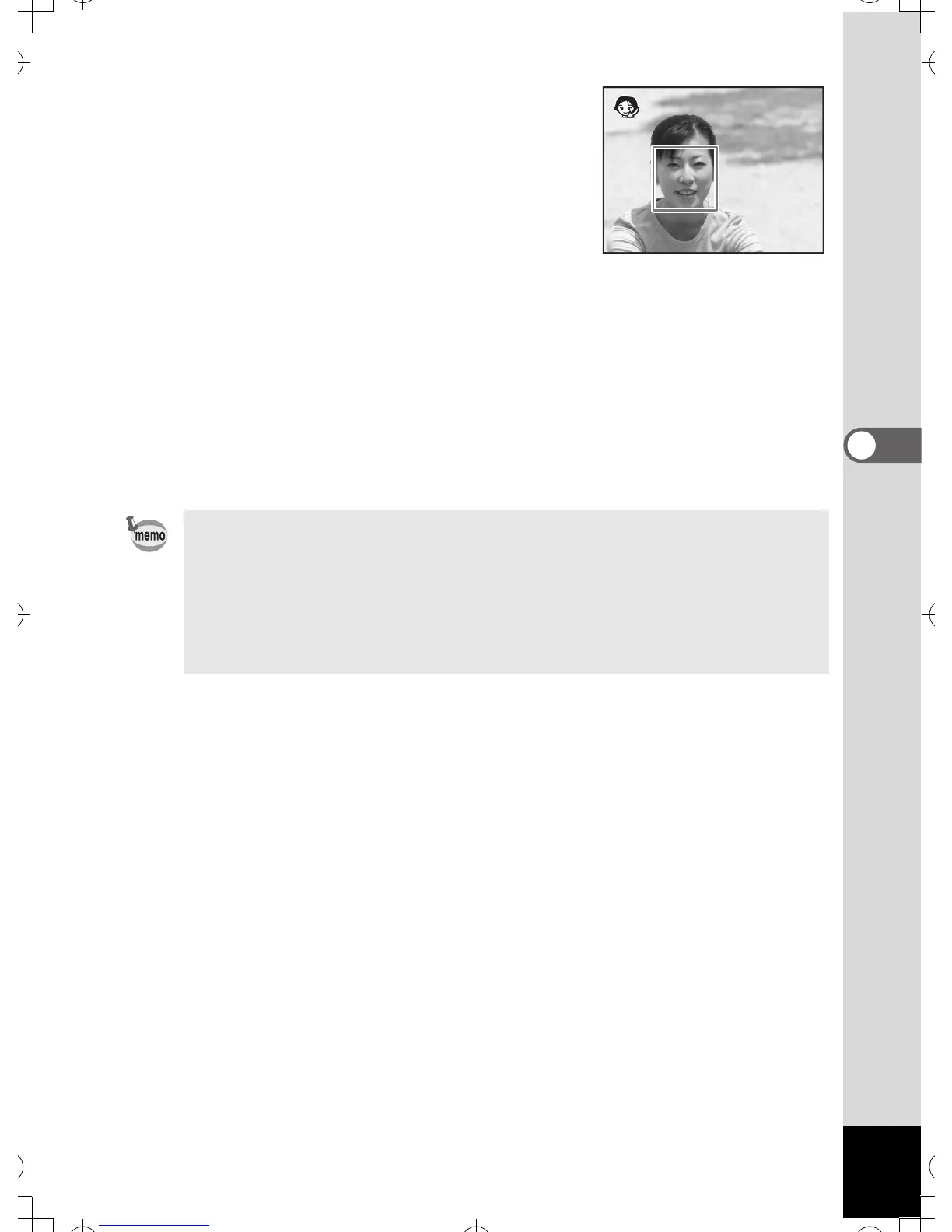
When the location of the subject’s face is
recognized, a yellow focus frame appears
on the LCD monitor at the location of the
face. As the subject moves, the size and
location of the focus frame changes to match the location of the
subject’s face.
5 Press the shutter release button halfway.
The focus frame on the LCD monitor turns green if the subject is in
focus.
6 Press the shutter release button fully.
The picture is taken.
•In z and e modes, Face Recognition can be activated. (p.54)
• The digital zoom function cannot be used in z and e modes.
• Continuous shooting cannot be used in z and e modes.
•Only z or e and focus frame are displayed on the LCD monitor
in z and e modes. No other shooting information is displayed. In
addition, you cannot change the information displayed on the LCD
monitor by pressing the 4/W button.



 To Next Page