260
8
Connecting to a Computer
9
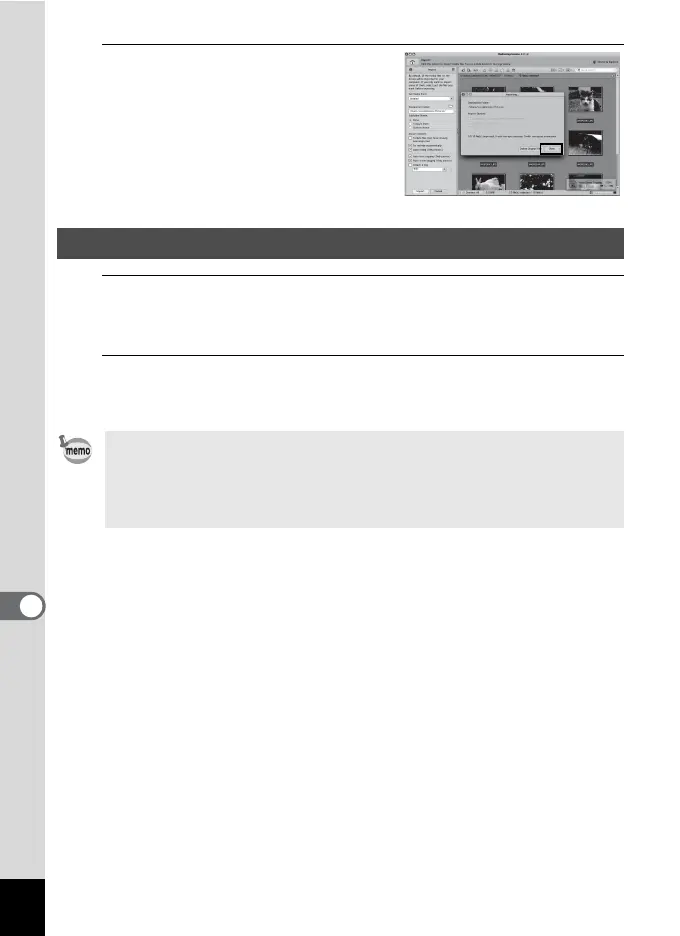
Click [Done].
1
Drag [NO_NAME] on the desktop to the trash.
If the SD Memory Card has a volume label, drag the icon of that name
to the trash.
2
Disconnect the USB cable from your Macintosh and the
camera.
Disconnecting the Camera from Your Macintosh
• If the camera (removable disk) is being used by an application such as
“MediaImpression 2.2 LE”, the camera cannot be disconnected until
the application is closed.
• The camera will automatically switch to the playback mode when the
USB cable is disconnected from your Macintosh or the camera.



 To Next Page
 Loading...







