240
7
Settings
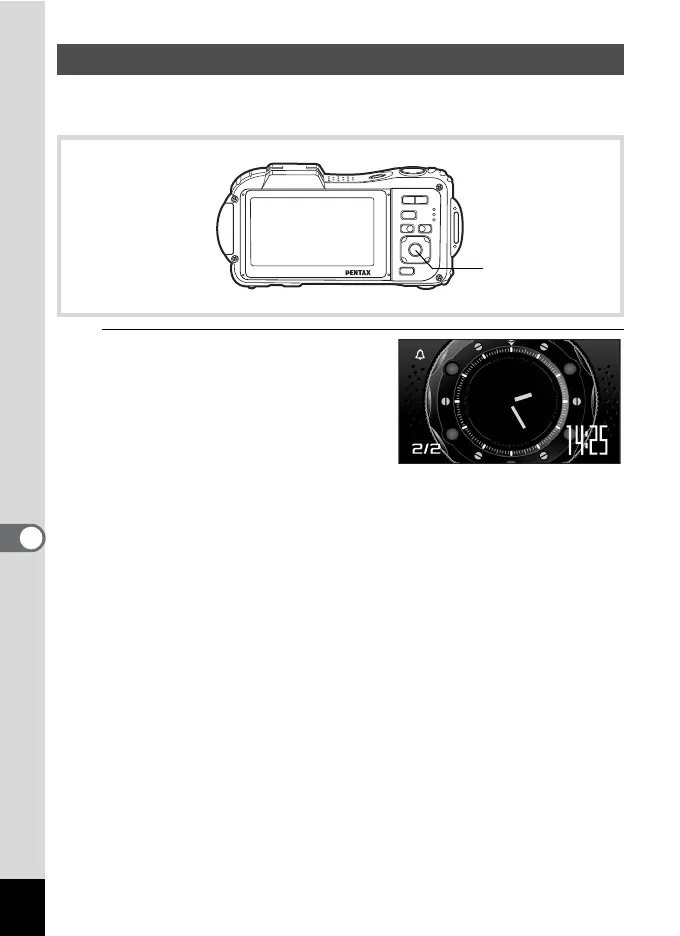
You can use the camera as a clock. With the camera turned off, press
and hold down the 4 button to display the clock on the display.
1
Press and hold down the 4
button.
The camera turns on and the clock
appears on the screen.
The camera turns off automatically
after approximately 10 seconds.
Pressing the power switch turns the
camera off immediately.
Displaying the Clock Mode
4 button
WED



 To Next Page
 Loading...







