18
Operating your radio – FM
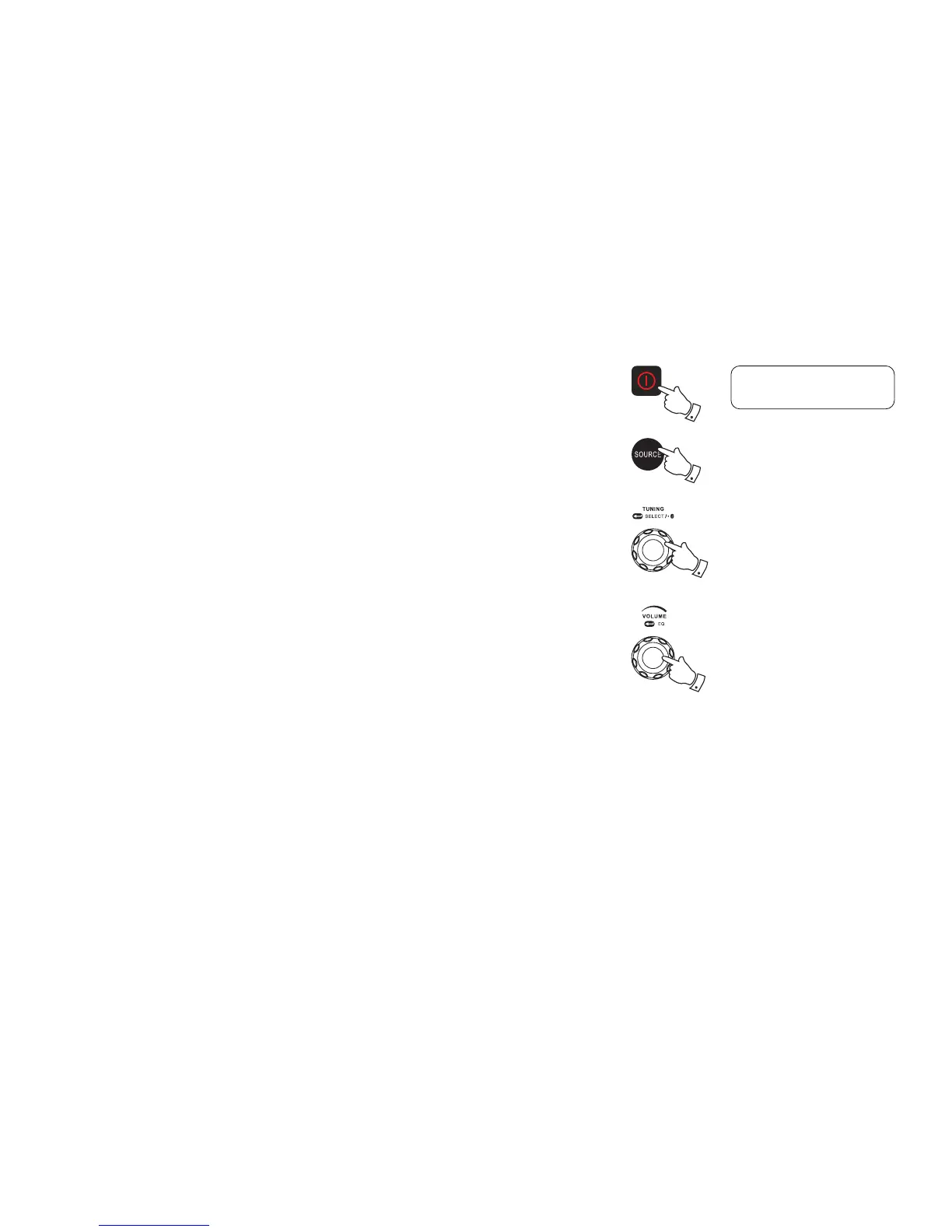
1. Straighten the antenna properly above the radio. Press the Power On/Off button to switch on
your radio.
2. Press the Source button to select FM waveband.
3. To scan up in frequency, rst rotate the Tuning control knob in a clockwise direction and then
press the Tuning control knob. Your radio will scan in an upwards direction (low frequency
to high frequency) and stop automatically when it finds a station of sufficient strength. To
scan down in frequency, rst rotate the Tuning control knob in a anti-clockwise direction and
then press the Tuning control knob. Your radio will scan in a downwards direction and stop
automatically when it nds a station of sufcient strength. After a few seconds the display will
update. The display will show the frequency of the signal found. If the signal is strong enough
and there is RDS data present then the radio will display the station name.
4. When the waveband end is reached, your radio will recommence tuning from the opposite
waveband end.
5. Adjust the Volume control to the required setting.
6. To switch off your radio, press the Power On/Off button.
3
1,6
2
5
BBC Radio 2
News



 To Next Page