Language selection
By default your radio will display all menus and messages in English. You can choose your
preferred language.
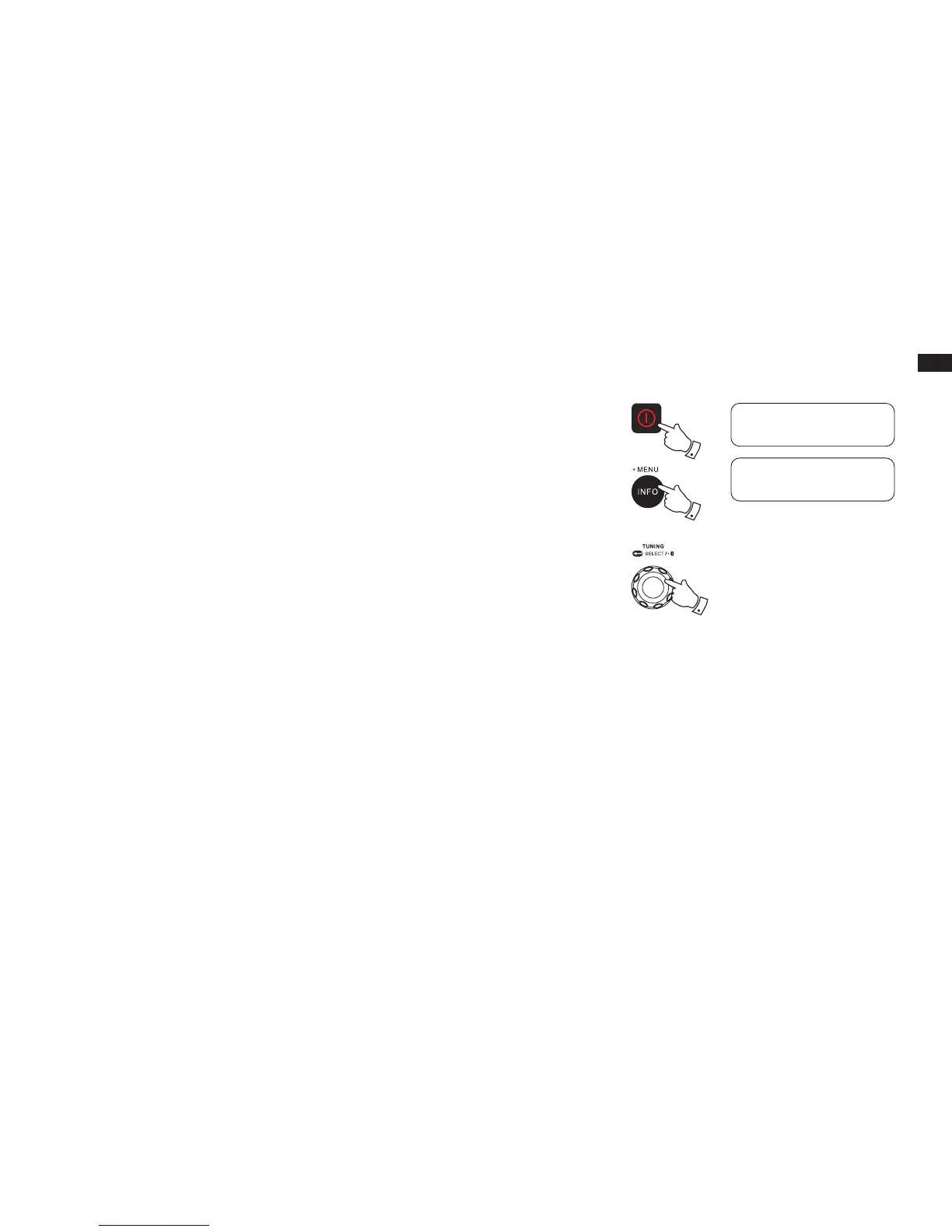
1. Press the Power On/Off button to switch on your radio.
2. Press and hold the Info/Menu button to access the menu for the current mode.
3. Rotate the Tuning control knob to select “System” and press the Tuning control knob to enter
the system settings menu.
4. Rotate the Tuning control knob to select “Language” and press the Tuning control knob to
enter the language adjustment menu.
5. Rotate the Tuning control knob until your desired language appears on the display. Press the
Tuning control knob to conrm your choice. The display will change to the chosen language.
The chosen language will be marked with an asterisk..
3-5
1
2
<System
>
FM
<Language
>
System



 To Next Page