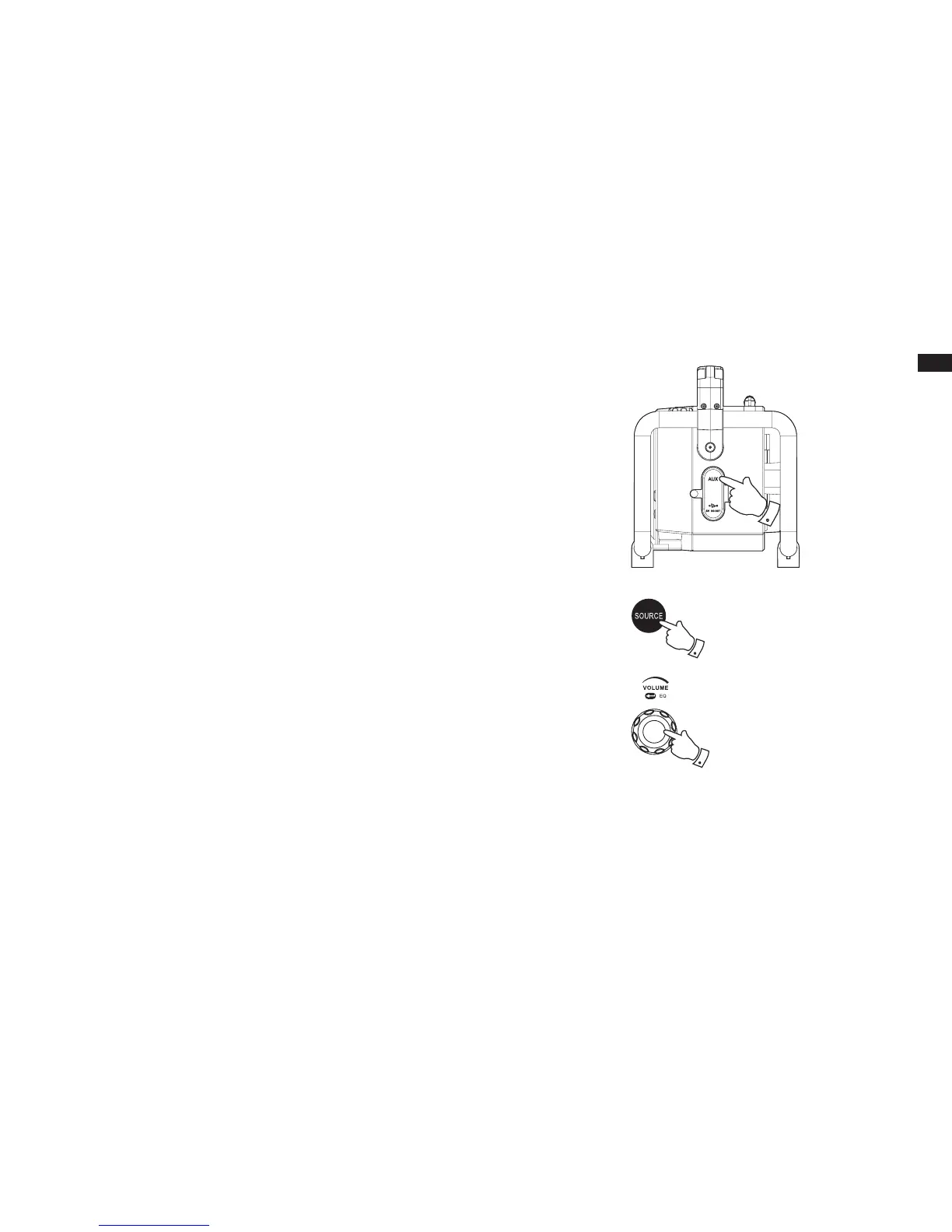
Auxiliary input socket
The 3.5mm Aux In socket is to connect audio source like MP3 player or CD walkman and listen
the audio program via radio speaker.
1. Connect a stereo or mono audio source (like CD walkman or MP3 player) to the Aux In socket,
which is located on the side, behind the rubber cover.
2. Press the Source button to select Auxiliary Input mode. The display will show Auxiliary Input.
3. Play the le in the CD walkman or MP3 player.
4. Adjust the volume control to the required level.
Note:
Make sure the rubber cover of the Aux In socket is closed well after use to prevent moist and dirt
from entering the radio.
Never use the Aux In socket in rainy or moist conditions to prevent moist from entering the radio.
Keep the rubber cover always closed under these conditions.
2
4



 To Next Page