26
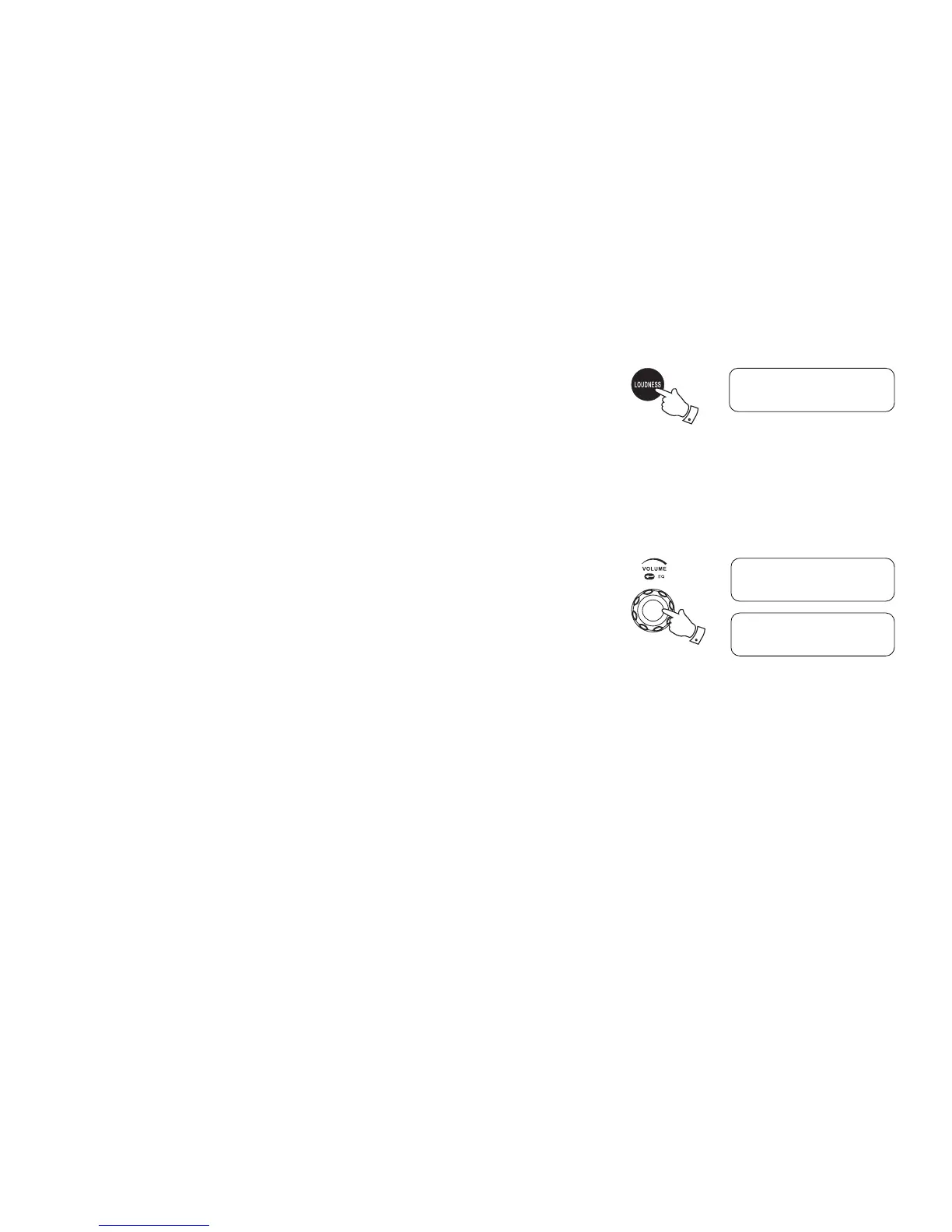
Loudness On/Off
When the radio is switched on, press the Loudness On/Off button to get compensation on lower
and higher frequency. The effect will be more audible when the radio is in lower volume level.
Display will show Loudness On when Loudness function is applied.
Tone control - Treble and Bass
You can set up a custom treble and bass setting to your liking.
1. Make sure your radio is turned on. Press the Volume control knob to enter the Treble
adjustment mode.
2. Rotate the Volume control knob until the desired level (between -5 and +5) is displayed.
The sound will change as you adjust the level. Press the Volume control knob to conrm the
setting. You will enter the Bass adjustment mode.
3. Rotate the Volume control knob until the desired level (between -5 and +5) is displayed. Press
the Volume control knob to conrm the Bass setting.
SAFETY AND COURTESY NOTE:
To prevent possible hearing damage, do not listen at high volume levels for long periods or put
your ears too close to the speaker.
Please use the volume level responsibly with respectable consideration of the situation and other
people or animals in the vicinity.
Loudness On
1-3
Treble
0
Bass
0



 To Next Page