Clock time setting
Setting the time format
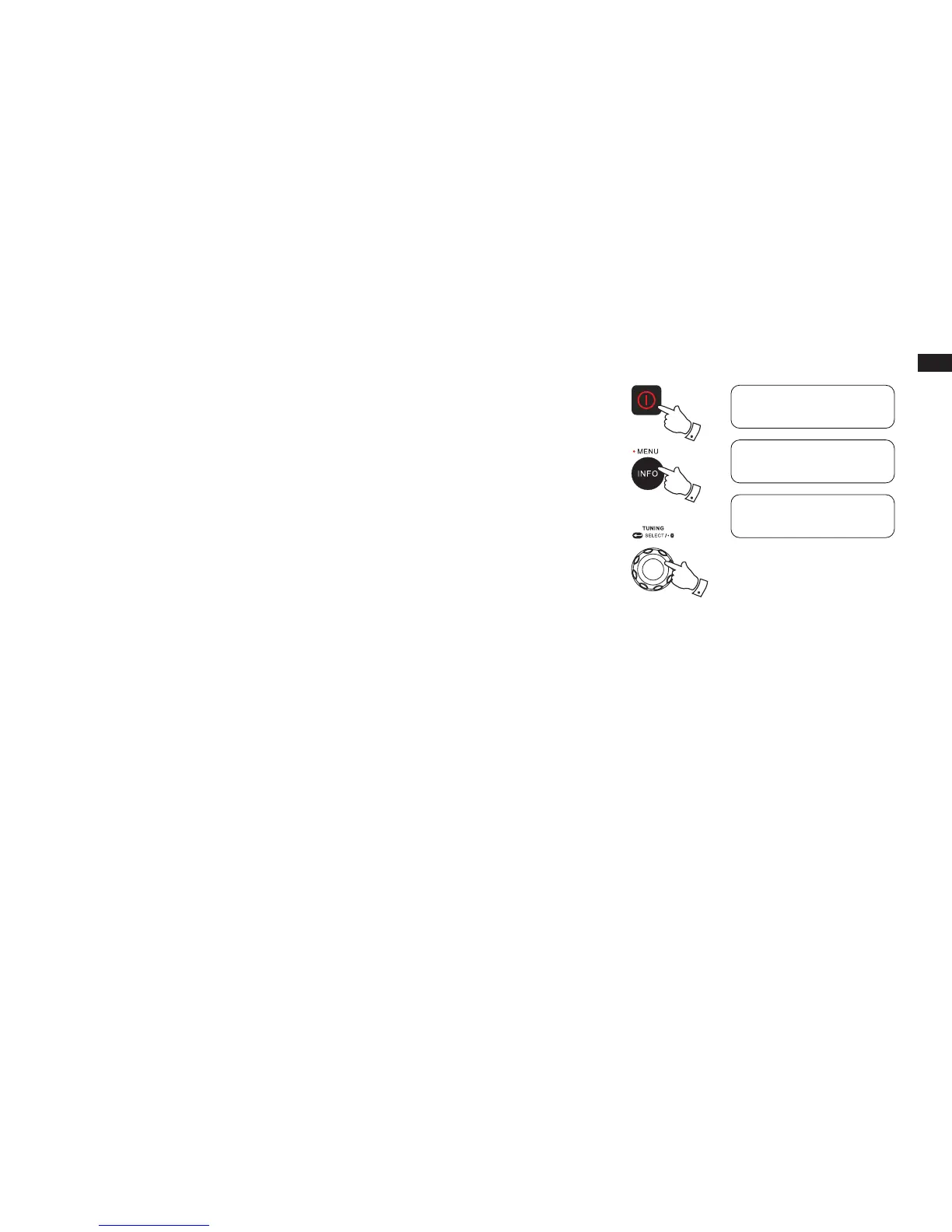
1. Press the Power On/Off button to turn on the radio.
2. Press and hold the Info/Menu button to access the menu for the current mode. Rotate the
Tuning control knob to select “System” and press the Tuning control knob to enter the system
settings menu.
3. Rotate the Tuning control knob to select “Time” and press the Tuning control knob to enter the
“Set 12/24 hour” setting. Press the Tuning control knob and rotate the Tuning control knob to
select 12 or 24 hour format. The selected format is used in standby mode and on the playing
mode screen.
2-3
1
2
<System
>
FM
<Time
>
System
<Set 12/24 hour >
Time



 To Next Page