(Table 116, contd)
Troubleshooting Test Steps Values Results
A. Visually inspect each terminal in the connector. Verify that the
terminals are not damaged. Verify that the terminals are correctly
aligned in the connector and verify that the terminals are correctly
located in the connector.
Use the electronic service tool in order to clear all logged di-
agnostic codes and then verify that the repair eliminates the
fault.
Result: The terminals are OK.
Proceed to Test Step 4.
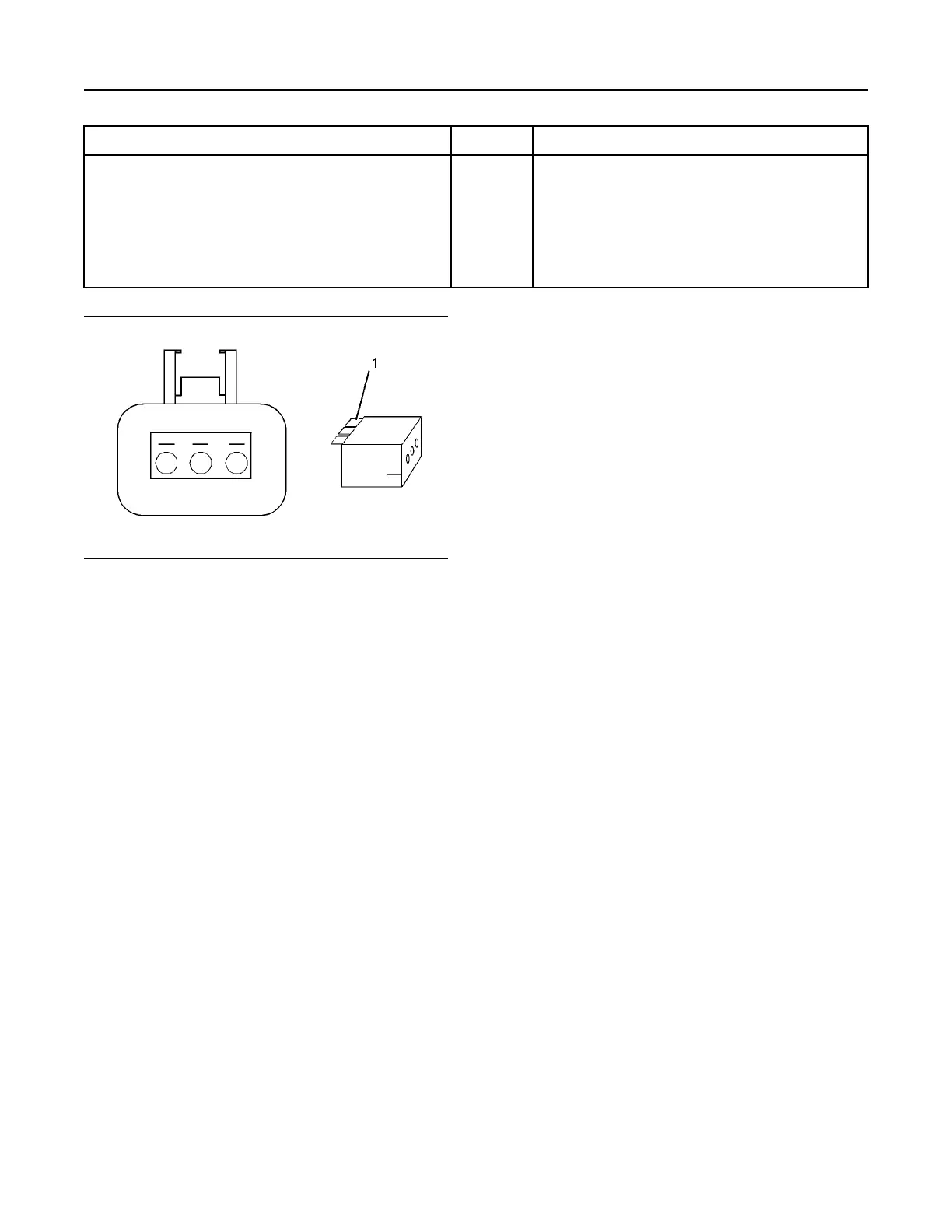
Illustration 81 g01802454
A typical example of the lock wedge.
(1) Lock wedge
UENR0612 245
Service
This document has been printed from SPI2. NOT FOR RESALE



 To Next Page