Smart 32 Remote Control Panel User Guide
Publication 81-9059-0727-0, Rev. A
April 2014
Proprietary Information of
PESA
4-16
4.14 A
DJUSTING
P
USHBUTTON
K
EY
B
ACKLIGHT
I
NTENSITY
The Smart 32 panel provides panel keys on the Panel Info page that allow you to select the intensity of
the pushbutton key backlight and the status display intensity and contrast as follows:
Panel Key Backlight Intensity
• Press any panel key that has been assigned to the Panel Info page.
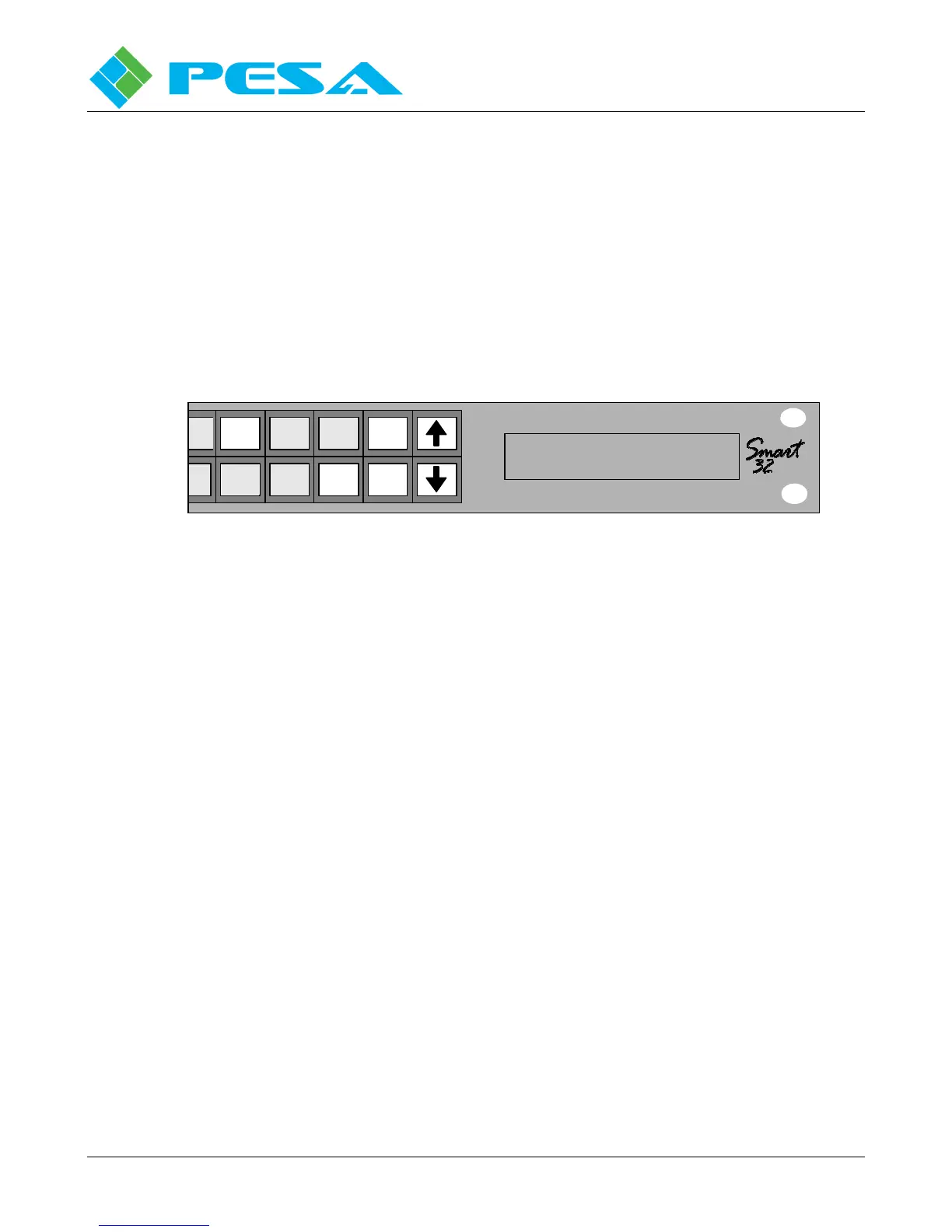
• Press the Back Light button, as shown below.
• Press the up and down arrow keys for the desired backlight intensity as shown below. A numerical
readout of the relative backlight intensity value is shown in the status display.
• Press the “EXIT” button to return to the previous display screen.
Destination
Source
Level
2
SWITCH B ACK LIGH T
EXIT
Backlight
Contrast Intensity
Status Display Intensity and Contrast
• Press any panel key that has been assigned to the Panel Info page.
• Depending on which variable you wish to adjust, press the Intensity or Contrast button.
• Press the up and down arrow keys for the desired backlight intensity as shown below. A numerical
readout of the relative parameter value is shown in the status display.
• Press the “EXIT” button to return to the previous display screen.


 To Next Page