Smart 32 Remote Control Panel User Guide
Publication 81-9059-0727-0, Rev. A
April 2014
Proprietary Information of
PESA 2-2
2.2 D
YNAMICALLY
R
EPROGRAMMABLE
LCD
B
UTTONS
Smart 32 provides 32 pushbutton switches, referred to as keys, on the front panel, each of which
contains an independent, multi-color LCD display device that is capable of both text and graphics
display. Displayed information is referred to as the button’s label, and is programmed for each router
resource or function through the Button Images page of PESA’s Cattrax software control application.
The Smart 32 panel allows up to 16 panel key pages, each of which can be entirely unique or can share
key assignments with other pages.
For maximum versatility, each key on each page can be assigned to select a source, destination, salvo,
or switching level; as well as any available router control or panel pagination function. Pages may
contain any mixture of any button assignment types, and all labels are dynamically updated as different
pages are selected, or as the system configuration is changed.
Pushbutton background colors are assigned using a system-wide default color scheme to instantly
identify each key by function type on any Smart 32 or Touch 72 panel on the network. The factory
default color scheme may be modified on a system wide basis through the Cattrax software control
application. Backlight intensity is assigned a system default value, but can be altered locally on each
individual panel to address varying lighting environments. Pushbutton switches work in conjunction
with the status display screen to provide a powerful, intuitive user interface. Page selection keys can be
assigned to allow the user to jump directly from the displayed page to a new page in a single keystroke.
Page names are user programmable and can be configured for maximum flexibility and versatility.
2.3 S
TATUS
D
ISPLAY
S
CREEN AND
C
ONTROLS
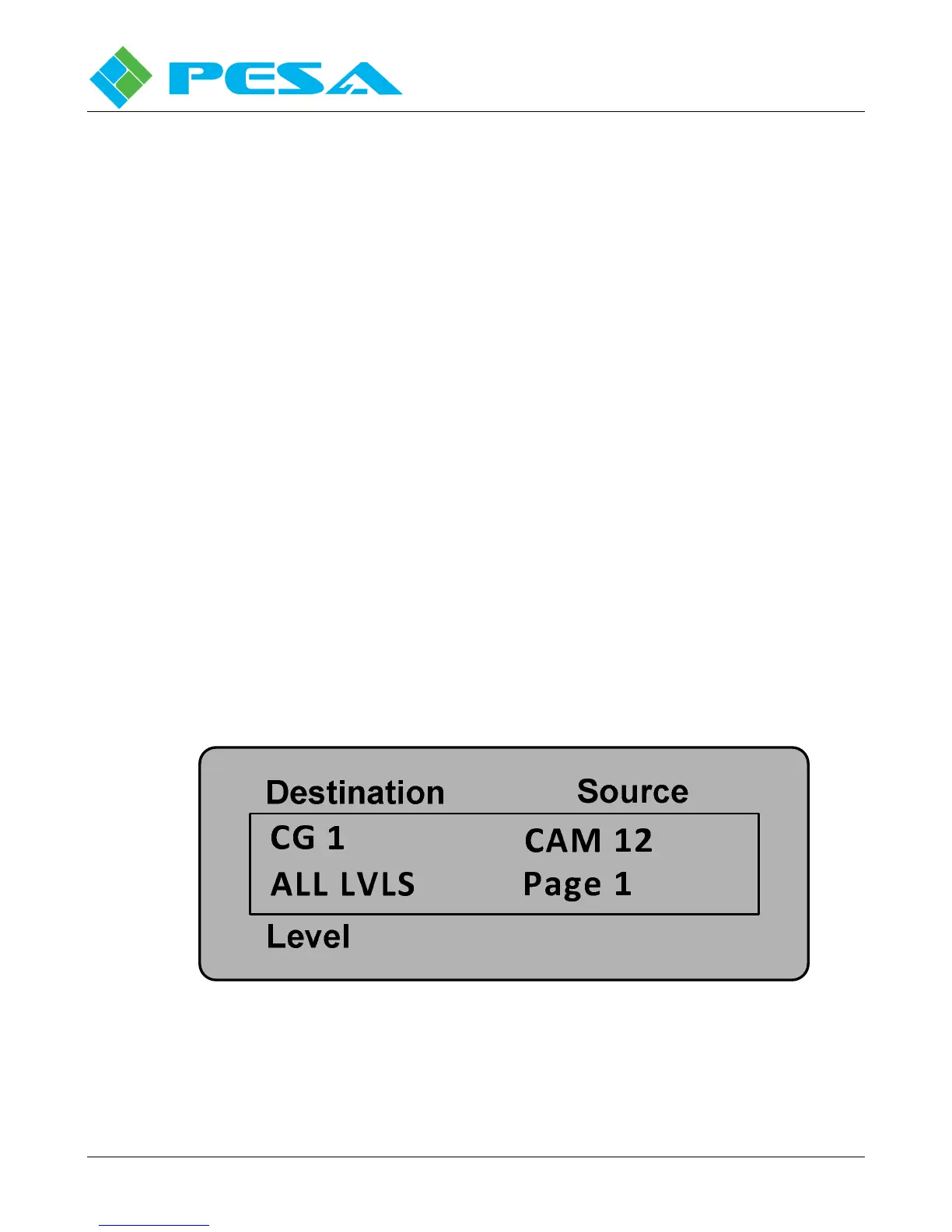
PESA’s Smart 32 panel includes a backlit monitor screen that, during normal panel operation, provides
continuous, real-time status display of destination, source, level and pagination information, as shown
by Figure 2-2. When the Panel Info function is selected, this device displays current operating
parameters for the Smart 32 panel and provides controls that allow adjustment of pushbutton backlight
intensity and display brightness and contrast.
Figure 2-2 Smart 32 Status Display Screen


 To Next Page