30
Taking BP in OR Mode
OR mode is the mode used when multiple BP readings are desired to be automatically measured at a
specific user selected frequency of BP measurement. The BP cycle time is set by touching the BPcycle
button repeatedly until you arrive at the desired time interval. The interval settings available are STAT
(rapid readings for 3 minutes and then it will automatically switch to the 2 min cycle time), 1Min, 2Min,
3Min, 4Min, 5Min, 10Min, 15Min, 20Min, 25Min and 30Min. Returning to OFF can be accomplished by
either cycling through all of the settings or by pressing and holding the BPcycle button until OFF appears.
Once the BP cycle time is set, the BP Go/Stop button initiates the readings and must be pressed to start
the automatic cycling of BP readings. To discontinue the cycle, set the BP cycle to OFF.
The STAT mode is used when rapidly repeating BP readings are desired. The STAT mode will re-inflate
the cuff almost immediately after the previous reading has completed and this sequence will continue
for 3 minutes at which time it automatically switches to the 2Min cycle time. After each new BP
determination completes, a short beep will audibly sound to alert the user that a new BP value is
available.
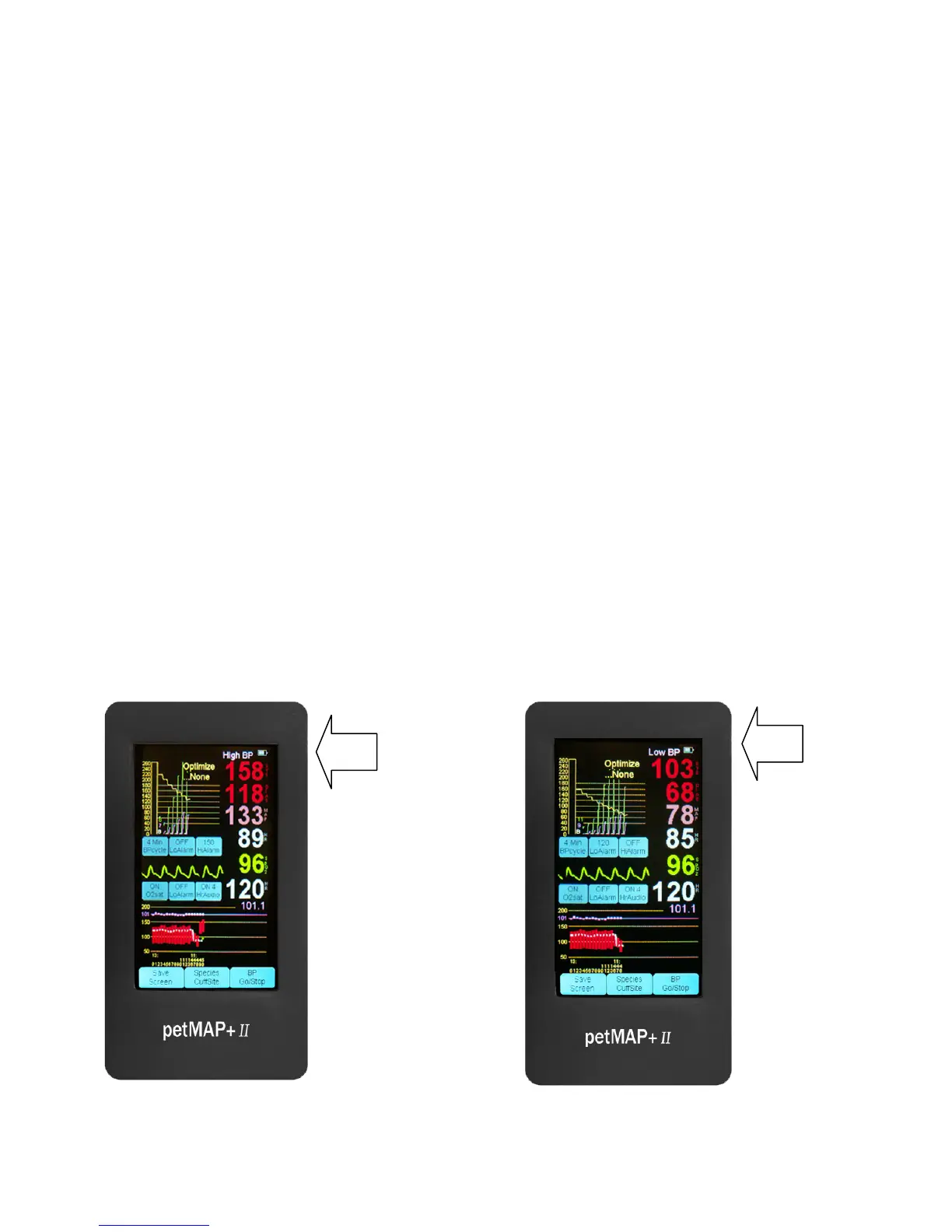
High and low alarms can be set for systolic pressure. To set alarms, repeatedly touch the BP Hi Alarm
and/or Lo Alarm buttons until the desired alarm limit is set. If the measured value exceeds (higher or
lower) the alarm limit set, the unit will both alarm and display a message at the top of the display.
Silencing alarms is done by touching the display anyplace, but take care not to touch a button
unintentionally.
High BP Alarm Low BP Alarm



 To Next Page