28
User’s Guide
Using the machine without being connected to the
computer
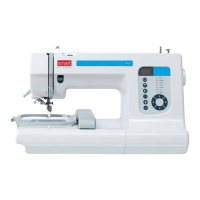
Once you have saved embroideries into the machine you can
use the machine without being connected to the computer.
1. To embroider a design, use the directional buttons to move
to the design that you want to embroider.
2. Touch the Select Design button to choose your design.
3. Thread your machine as describe on pages 15-17.
4. Touch the Start/Sop button to begin your embroidery.


 To Next Page