685408006D 46
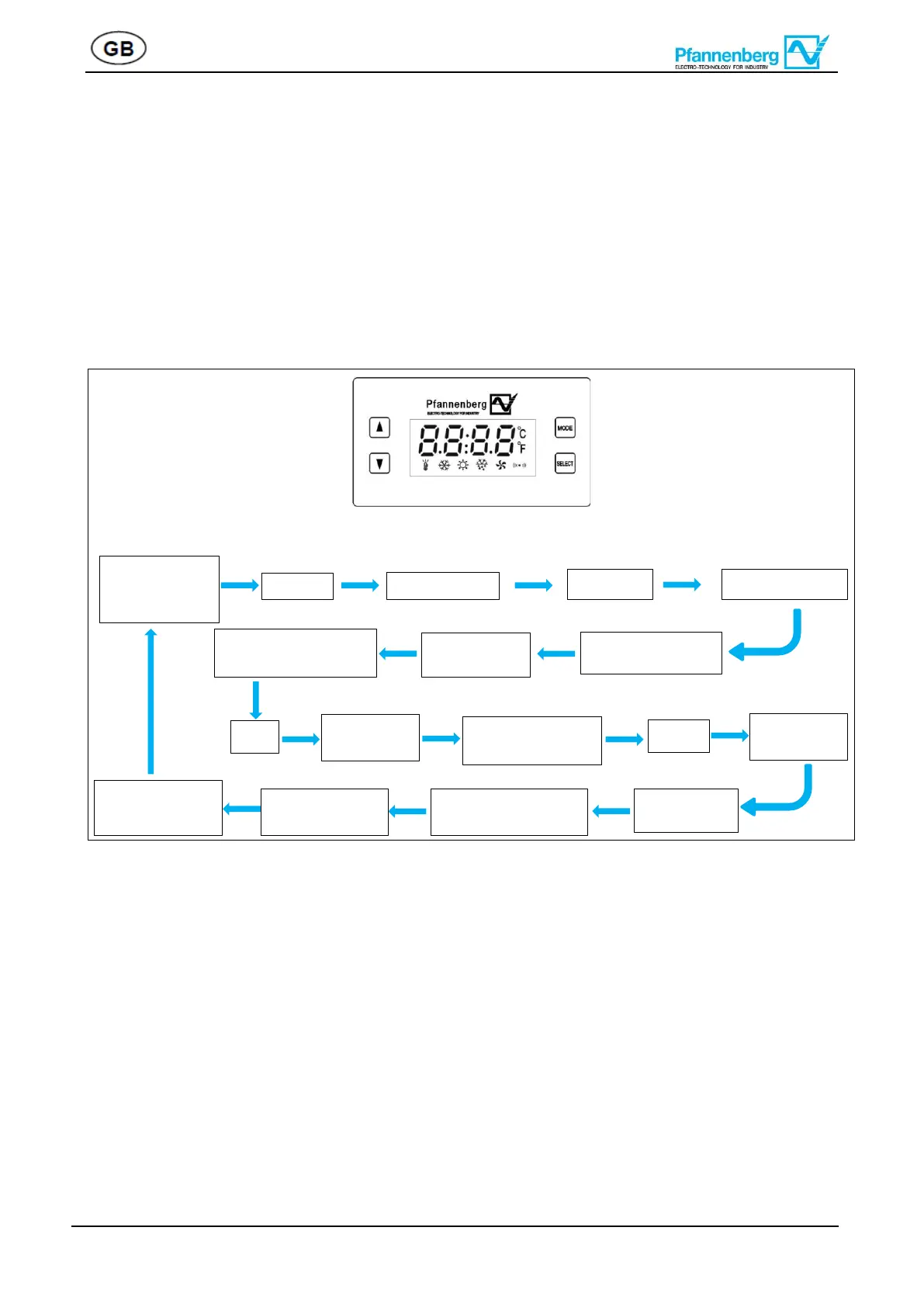
• Using ”” or “”, user can select the following parameters on second level munu: Temperature setting “-
tP-”, MODBUS setting “-Co-”, alarm “-AL-”, power setting”-Po-”, time setting”-tt-”, digital value “-dg-”, analog
value “-Ag-”, Parameter “-Pa-”, history warning “-hS-”. Select a parameter and press “Select” to enter sub-
level menu, user can select each parameter cyclely by using”” or “”.
• After selecting parameter (refer to appendix I for parameter description), press “Select”, press”” or “”
to get the desired value, then press “Select” again to confirm the change. Press “Mode” to go back to previous
menu, or wait 5min to go back to home page. If no need to change, just press “Mode” to back to previous
menu.
Operation sample: Change“t1” Setting
12.3 Reset factory default setting
On first level, press “Select” for 3s, operation display shows SEE ,By pressing or select “dEFu”,
press “Select” then by pressing orkey in “491”, then press”Select”, controller is resetted, switch
off the unit and re-power again, the defult setting process is finished.Factory default setting (See appendix Ӏ).
At any parameter interface, press “Mode” to go back to previous menu until home page.
At any interface, system returns back to home page without pressing any button for 300s.
12.4 Remote settings
The cooling unit has two RS485 serial communication connection ports, and supports standard Modbus


 To Next Page