EasyManua.ls Logo

Pfeiffer Vacuum OmniStar GSD 350 - User Manual

Pfeiffer Vacuum OmniStar GSD 350
120 pages
Print Icon
To Next Page IconTo Next Page
Loading...
OPERATING INSTRUCTIONS
EN
Translation of the Original
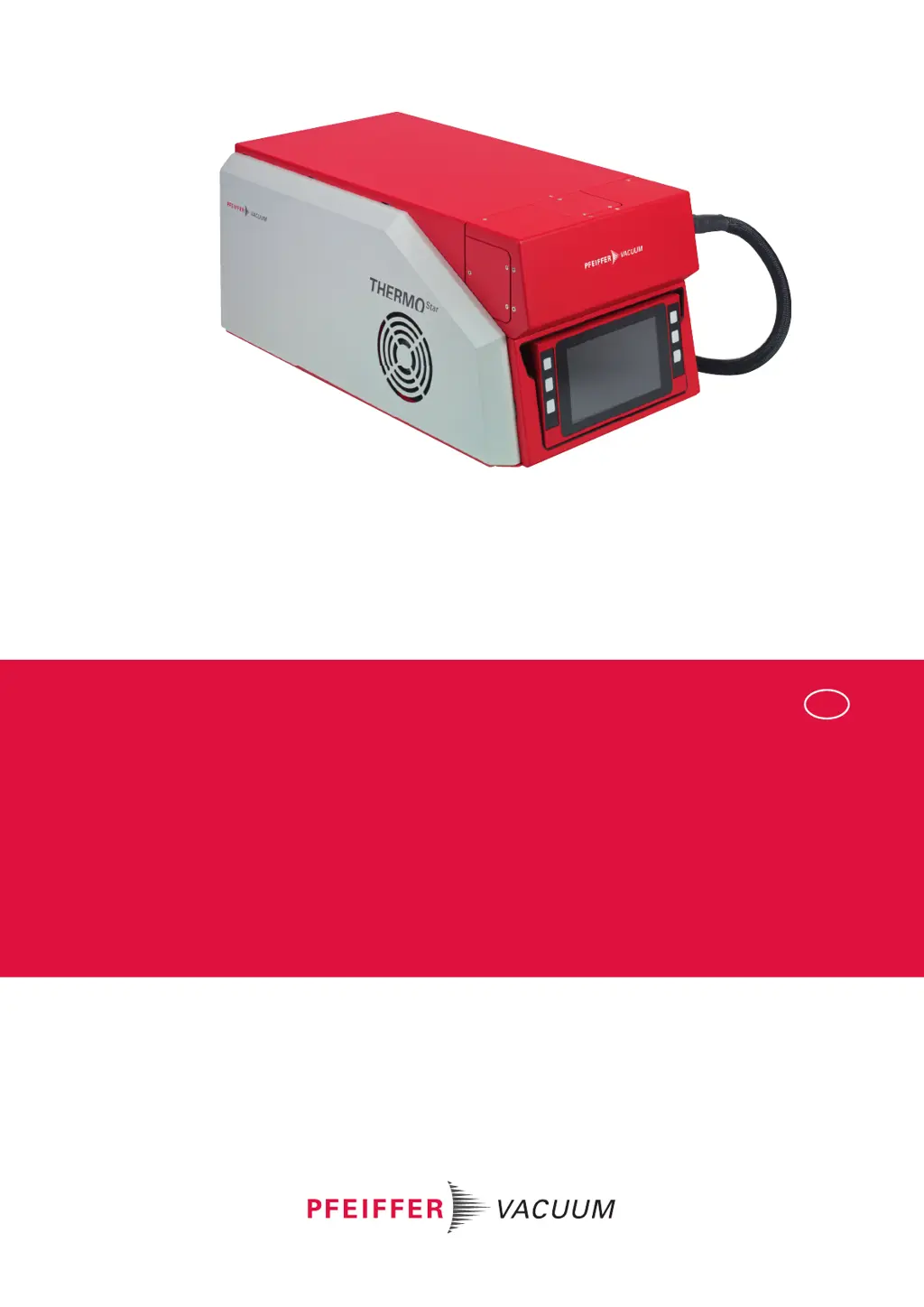
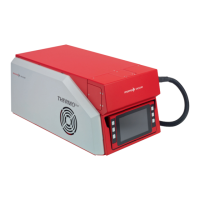
GSD 350 OMNISTAR THERMOSTAR
Gas analysis system

Table of Contents

Questions and Answers

  • A
    amandahardinAug 19, 2025
    How to fix a dark display on Pfeiffer Vacuum Measuring Instruments?
    • C
      Christopher GonzalesSep 12, 2025
      If the display remains dark after switching on your Pfeiffer Vacuum Measuring Instruments, there might be several reasons: * There is no supply voltage at the unit. Check the mains connection and mains cable. * The mains fuses (2×10 AT) are defective. Replace the mains fuses. * The display cable is loose. Check the plug-and-socket connection on the display and on the PoE in the GSD 350. * The power supply cable between PoE and supervisor board is loose. Check the plug-and-socket connection of the power supply cable between PoE and supervisor board.
  • J
    joshua68Aug 21, 2025
    Why does the turbopump switch off in Pfeiffer Vacuum OmniStar GSD 350?
    • R
      royjonathanAug 21, 2025
      The turbopump in your Pfeiffer Vacuum Measuring Instruments might be switching off due to several reasons: * Overtemperature: Check the fans and service the turbopump. * Inlet pressure too high: Reduce the pressure on the inlet side of the capillary to < 1200 hPa. * Leakage: Check the capillary seal in the gas inlet area. * Fore-vacuum pressure too high: Check the vacuum connection diaphragm pump/turbopump for leakages. * Condensate in the diaphragm pump: Dismantle and clean the diaphragm pump and wipe the diaphragm pump parts dry. * Diaphragm pump defective: Service the diaphragm pump or replace it.
  • M
    Michele TateAug 23, 2025
    Why is the turbopump failing to reach nominal rotation speed in Pfeiffer Vacuum Measuring Instruments?
    • S
      smithjeffreyAug 23, 2025
      If, after the "Pump down" control command, the turbopump fails to reach the nominal rotation speed (icon remains dark green) on your Pfeiffer Vacuum Measuring Instruments, consider the following: * The run-up time of the turbopump may not be completed. Wait for the run-up time of < 8 minutes to complete. * The inlet pressure may be too high (only for ThermoStar). Reduce the pressure on the inlet side of the capillary to < 1200 hPa. * There may be a leakage. Check the capillary seal in the gas inlet area. * The fore-vacuum pressure may be too high. Check the vacuum connection diaphragm pump/turbopump for leakages.
  • M
    Mary GarzaAug 26, 2025
    What to do if the Dashboard start screen doesn't appear on Pfeiffer Vacuum OmniStar GSD 350 Measuring Instruments?
    • J
      Jeremy FordAug 26, 2025
      If the "Dashboard" start screen does not appear after switching on your Pfeiffer Vacuum Measuring Instruments, it could be due to these reasons: * The run-up time has not completed. Wait for the run-up time of approximately 60 seconds to complete. * The unit was switched off and back on again too quickly. Turn off the unit, wait for 15 seconds, and then switch it back on again. * The Ethernet cable between PoE and supervisor board is loose. Check the plug-and-socket connection of the Ethernet cable between PoE and supervisor board.
  • S
    sandrajarvisAug 27, 2025
    Why does the diaphragm pump switch off in Pfeiffer Vacuum OmniStar GSD 350?
    • A
      Ashley DavisAug 27, 2025
      The diaphragm pump in your Pfeiffer Vacuum Measuring Instruments might switch off due to: * Overtemperature. Check the fans and service the diaphragm pump. * A loose cable connection. Check the plug-and-socket connections on the diaphragm pump and the supervisor board. * A defective diaphragm pump. Service or replace the diaphragm pump.
  • R
    Ricardo RamirezAug 29, 2025
    What to do if the turbopump fails to start after the pump down command in Pfeiffer Vacuum OmniStar GSD 350?
    • Q
      qrussoAug 29, 2025
      If the turbopump fails to start up (icon remains light gray) after the "Pump down" control command in your Pfeiffer Vacuum Measuring Instruments, consider the following: * The switch-on vacuum of 10 hPa may not have been reached yet. Wait for the pump down action for the fore-vacuum to complete (target < 60 s). * There may be condensate in the diaphragm pump. Dismantle and clean the diaphragm pump and wipe the diaphragm pump parts dry. * The diaphragm pump may be defective. Service or replace the diaphragm pump. * There may be a loose cable connection. Check the plug-and-socket connections of the electronic drive unit and the supervisor board. * The turbopump may be defective. Replace the turbopump.
  • R
    richardsonmeganSep 1, 2025
    Why do both vacuum pumps switch off and the system shuts down in Pfeiffer Vacuum Measuring Instruments?
    • S
      sandersgarrettSep 1, 2025
      If both vacuum pumps switch off and the system automatically shuts down in your Pfeiffer Vacuum Measuring Instruments, it could be due to: * Overtemperature. Check the fans, clean the protection screens on the fans, and keep to the permissible ambient temperature. * Sealing gas pressure too low (for corrosive gas version). Check the sealing gas supply.
  • E
    Ellen BryantSep 3, 2025
    What to do if diaphragm pumps fail to start after the pump down command in Pfeiffer Vacuum Measuring Instruments?
    • J
      Jaime WolfSep 3, 2025
      If the diaphragm pumps fail to start up (icon remains light gray) after the "Pump down" control command in your Pfeiffer Vacuum Measuring Instruments, check the following: * A loose cable connection. Check the plug-and-socket connections on the diaphragm pump and the supervisor board. * A defective diaphragm pump. Service or replace the diaphragm pump. * Sealing gas pressure too low (for corrosive gas version). Check the sealing gas supply.
  • L
    lsparksSep 5, 2025
    What to do if the pressure is too low in the vacuum chamber of Pfeiffer Vacuum OmniStar GSD 350 Measuring Instruments?
    • A
      Alexandria MorrisSep 5, 2025
      If the pressure in the vacuum chamber is too low (< 1 × 10⁻⁶ hPa) for ThermoStar and/or OmniStar Pfeiffer Vacuum Measuring Instruments with open metering valve: * Increase the pressure on the inlet side of the capillary if the inlet pressure is too low. * Trim or replace the capillary if it is blocked. * Replace the orifice if it is blocked.
  • C
    casey21Sep 7, 2025
    What to do if the pressure is too high in the vacuum chamber of Pfeiffer Vacuum Measuring Instruments?
    • M
      margaretjacksonSep 7, 2025
      If the pressure in the vacuum chamber with the metering valve shut off is > 1 × 10⁻⁷ hPa (only for OmniStar) in your Pfeiffer Vacuum Measuring Instruments, consider the following: * Continue pumping down if the system has not been running for long. * Bake out the vacuum chamber if the moisture content in the vacuum system is too high. * Replace the valve block if the inlet valve is not tight. * Check the vacuum connection diaphragm pump/turbopump for leakages if the fore-vacuum pressure is too high. * Dismantle and clean the diaphragm pump and wipe the diaphragm pump parts dry if there is condensate in the diaphragm pump. * Service or replace the diaphragm pump if it is defective.

Summary

About this manual

Document Overview and Conventions

Covers manual validity, target audience, conventions, and trademarks.

Safety

General Safety Information and Precautions

Outlines risk levels, general safety, precautions, limits of use, and proper/foreseeable misuse.

Personnel Qualification and Training

Details required professional qualifications and training for product handling.

Product Description

Functional Overview and Components

Explains the GSD 350's function, analysis process, and main components like inlet, vacuum systems, and heating.

Controls, Indicators, and Electronics

Details the display, indicators, layout, and electronic components of the GSD 350.

Product Identification and Delivery Scope

Guides on identifying the product and lists items included in the scope of delivery.

Installation and Connection

Installation Procedures

Covers unit setup, ventilation, transport protection removal, and Ethernet connection.

System Connections

Details connecting exhaust duct, sealing gas line, capillary, functional earth, and mains.

Network and Software Setup

Guides on establishing network connection, IP addresses, and installing PV MassSpec software.

Interfaces and Operation

Interface Connections

Describes mains connection, ground terminal, User I/O, AUX IO, and Ethernet interfaces.

Commissioning the Unit

Provides steps for switching on the unit and starting the vacuum pumping system.

Operating via Display and Menus

Explains navigation, dashboard, menus (Info, Settings, Control, Measurement), and operation modes.

Maintenance and Troubleshooting

Maintenance Procedures

Covers general maintenance, basic unit upkeep, vacuum systems, gas inlet, heating, and electronic components.

Troubleshooting Common Issues

Lists common problems, possible causes, and suggested remedies for unit malfunctions.

Logistics and Support

Shipping, Disposal, and Service

Details procedures for shipping, recycling, disposal, and available service solutions.

Parts and Tools

Lists spare parts, special tools, and accessories required for maintenance and operation.

Technical Data and Dimensions

Provides detailed technical specifications, conversion tables, and physical dimensions of the product.

Compliance

Certification and Declaration of Conformity

Lists product certifications and declares compliance with relevant standards and directives.

Pfeiffer Vacuum OmniStar GSD 350 Specifications

General IconGeneral
TypeQuadrupole Mass Spectrometer
Power Supply100-240 V AC, 50/60 Hz
Mounting FlangeDN 40 CF
InterfaceRS-232, Ethernet
Detection Limit1x10^-14 mbar
Measurement ModesPartial pressure measurement, Total pressure measurement
ApplicationsVacuum process monitoring, Leak detection, Residual gas analysis
ResolutionUnit mass resolution
Ion SourceElectron Impact (EI)
DetectorFaraday cup / Secondary electron multiplier
Detectable GasesAll gases and vapors

Related product manuals