EN
3. Operations
3.6. Operating Mode Description
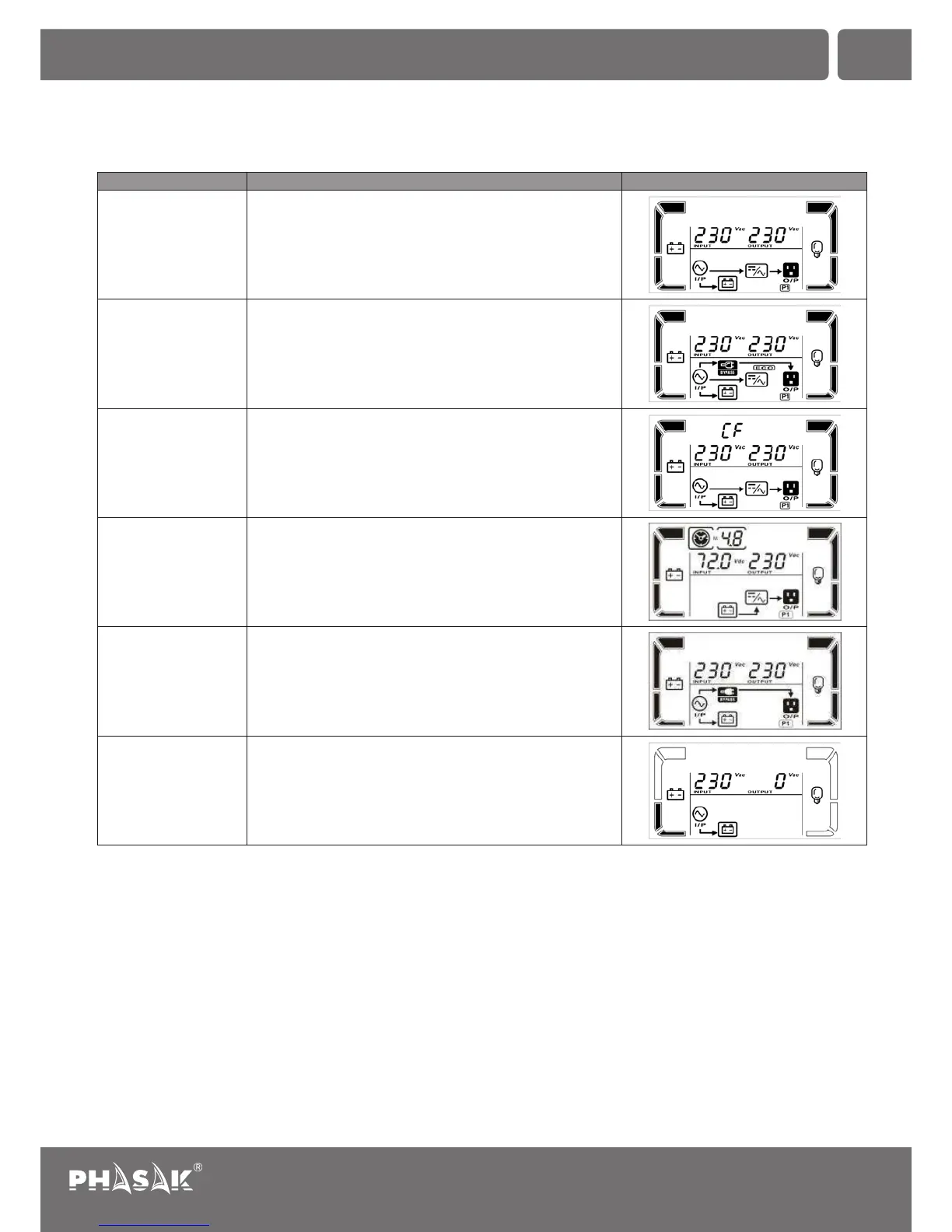
Operating mode
When the input voltage is within acceptable range, UPS will
provide pure and stable AC power to output. The UPS will
also charge the battery at online mode.
LCD display Description
Online mode
Energy saving mode:
When the input voltage is within voltage regulation range,
UPS will bypass voltage to output for energy saving.
ECO mode
When input frequency is within 40 Hz to 70 Hz, the UPS can
be set at a constant output frequency, 50 Hz or 60 Hz. The
UPS will still charge battery under this mode.
Frequency Converter
mode
When the input voltage is beyond the acceptable range or
power failure and alarm is sounding every 4 second, UPS
will backup power from battery.
Battery mode
When input voltage is within acceptable range but UPS is
overload, UPS will enter bypass mode or bypass mode can
be set by front panel. Alarm is sounding every 10 second.
Bypass mode
UPS is powered off and no output supply power, but still can
charge batteries.
Standby mode
Segurança e harmonia
ININTERRUPTA
43
Uninterruptible Power Supply
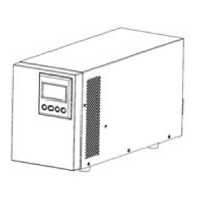
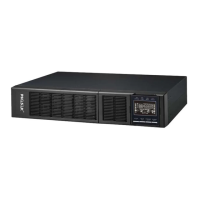
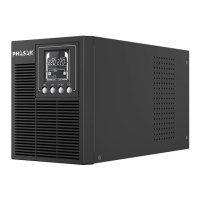
PH 9210 | PH 9220 | PH 9230 | PH 9260


 To Next Page