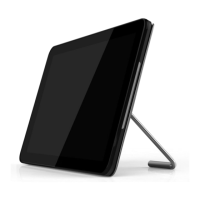
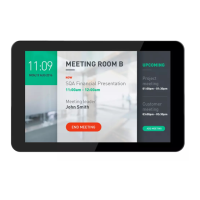
10BDL3051T
28
3.3.10.3 Screen Zoom
Zoom in/out the HDMI screen
3.3.11 Storage
Show the space information in all storage devices.
SD CARD and USB STORAGE:
It will show “Total Space” and “ Available space”
only the SD card and USB drive are plugged.
3.3.12 Apps
Show some information about apps.
3.3.13 Language
To select OSD languages.
3.3.14 Date & Time
PS: Add NTP Server to show Server IP.



 To Next Page
 Loading...