3.6 Power input connection
Power cord length : 1.8 M
Power cord type : 3 leads power cord with protective earth plug.
3.7 Power management
The monitor must comply with the Microsoft On Now specification, and meet EPA requirements.
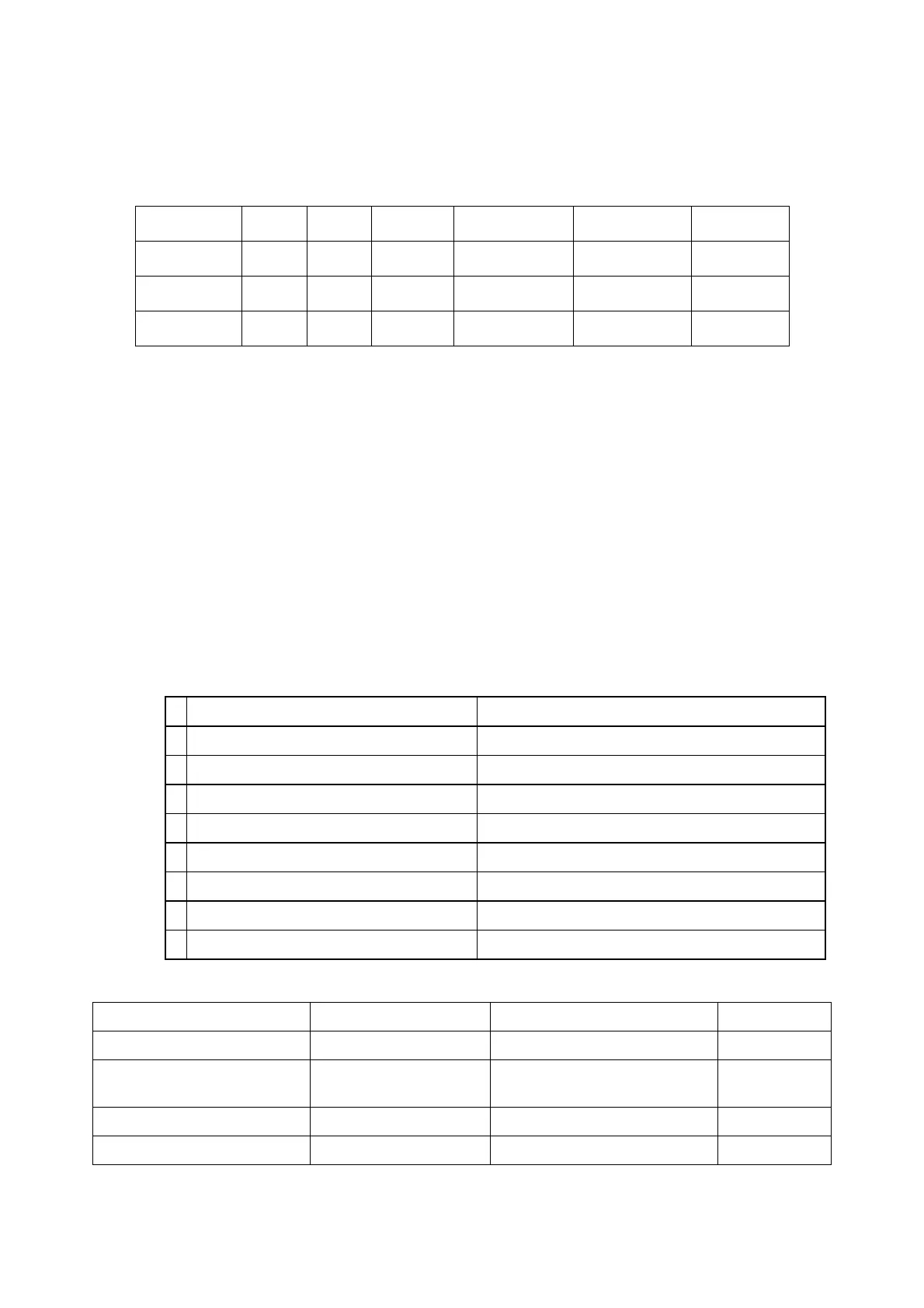
Mode HSYNC VSYNC Video Power-cons. Indication Rec. time
Power-On On On active 36W typical Green LED --
Off Off Off blanked < 1 W Amber LED < 3 s
DC Power Off N/A < 1 W LED Off
3.8 Analog Display identification
In accordance with VESA Display Channel Standard Ver.1.0 and DDC 2B capability
3.9 DVI- D Display identification
In accordance with DVI requirement (DDWG digital Visual Interface revision 1.0)
use DDC-2B, DDC/CI, and EDID V1.3
3.10 USB Plug support
Connect the upstream port of the monitor to host PC’s USB port via USB cable, then attach external device to the
downstream port of the monitor. Check if the device can work properly.
3.11 DDC/ CI Support
In accordance with VESA DDC/CI and MCCS ver.2.0, the monitor should be workable with Protrait Display Tune at
least.
3.12 EDID
Data for EDID & .inf file
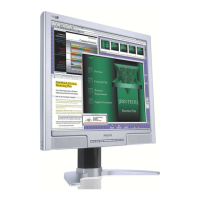
1 User visible strings on .inf file Philips 190B (19inch LCD MONITOR 190B8)
2 Manufacturer ID ( EDID data) PHL
3 Product ID, "xxxx" 4 codes MSB(byte 12): 08
LSB (byte 11): 5A
4 maximum resolution 1280x1024
5 Horizontal Frequency Range 30~83 KHz
6 Vertical Frequency Range 56~76Hz
7 Monitor Name (13 characteries max.) Philips 190B
3.13 Hot-key definition
Key Key Press Time OSD Timeout
Monitor Controls Lock OK(Menu) 6 sec (lock/unlock) 3 sec
Factory Mode AUTO+ OK+ Power On Keep pressing when power on
Demo mode for smart image Smart Image Key 3 sec (Enter/Quit)
DDC/CI On/OFF for VISTA MENU+DOWN 6 sec (lock/unlock) 3 sec
3.14 Smart Bright --Dynamic Brightness Control (DBC) (Not required for this product)
DCR controlled by Scaler
http://www.wjel.net


 To Next Page