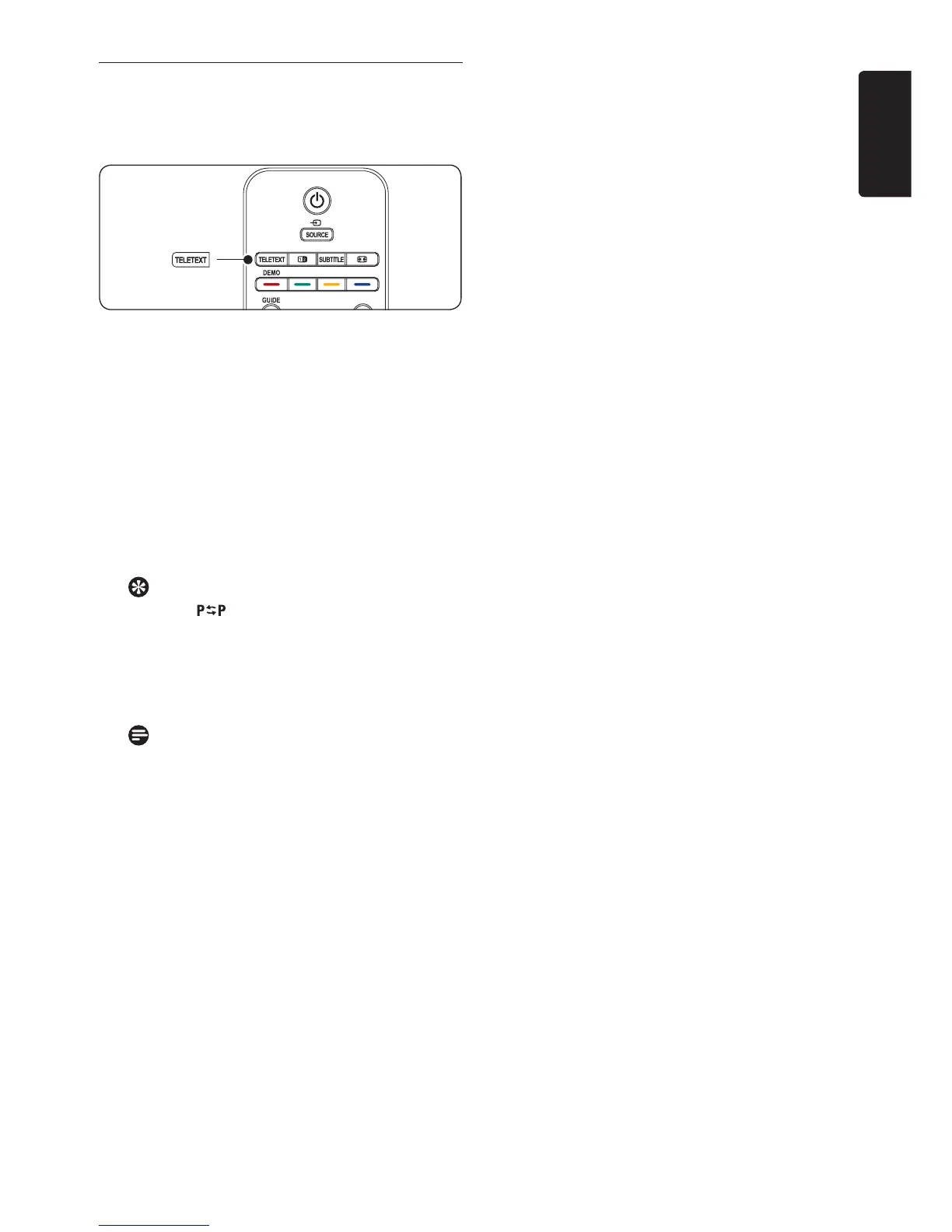
4�4 Use teletext
Most TV channels broadcast information via
teletext.
Press 1. TELETEXT on the remote control.
The main index page appears.
To select a page with the remote control: 2.
• Enterthepagenumberwiththenumber
keys.
• PressP +/- or Î/ï to view the
next or the previous page.
• Pressacolourkeytoselectoneofthe
colour coded items at the bottom of the
screen.
Tip
Press to return to the previously
viewed page.
Press 3. TELETEXT again to switch off
teletext.
Note (for UK users only)
Some digital TV channels offer dedicated
digital text services (for example,
BBC1).
For advanced information on teletext, see
Section 5.5 Use advanced teletext features.













 To Next Page