5 Use more of your TV
This section helps you perform advanced TV
operations, including how to:
Use the TV menus (• Section 5.2)
Adjust picture and sound settings (• Section
5.3)
Change to Shop or Home mode (• Section
5.4)
Use advanced teletext features (• Section 5.5)
Create favourite lists (• Section 5.6)
Use the Electronic Programme Guide •
(Section 5.7)
Use timers and Child lock (• Section 5.8)
Use subtitles (• Section 5.9)
View photos and listen to music (• Section
5.10)
Listen to digital radio channels (• Section
5.11)
Update your TV software (• Section 5.12)
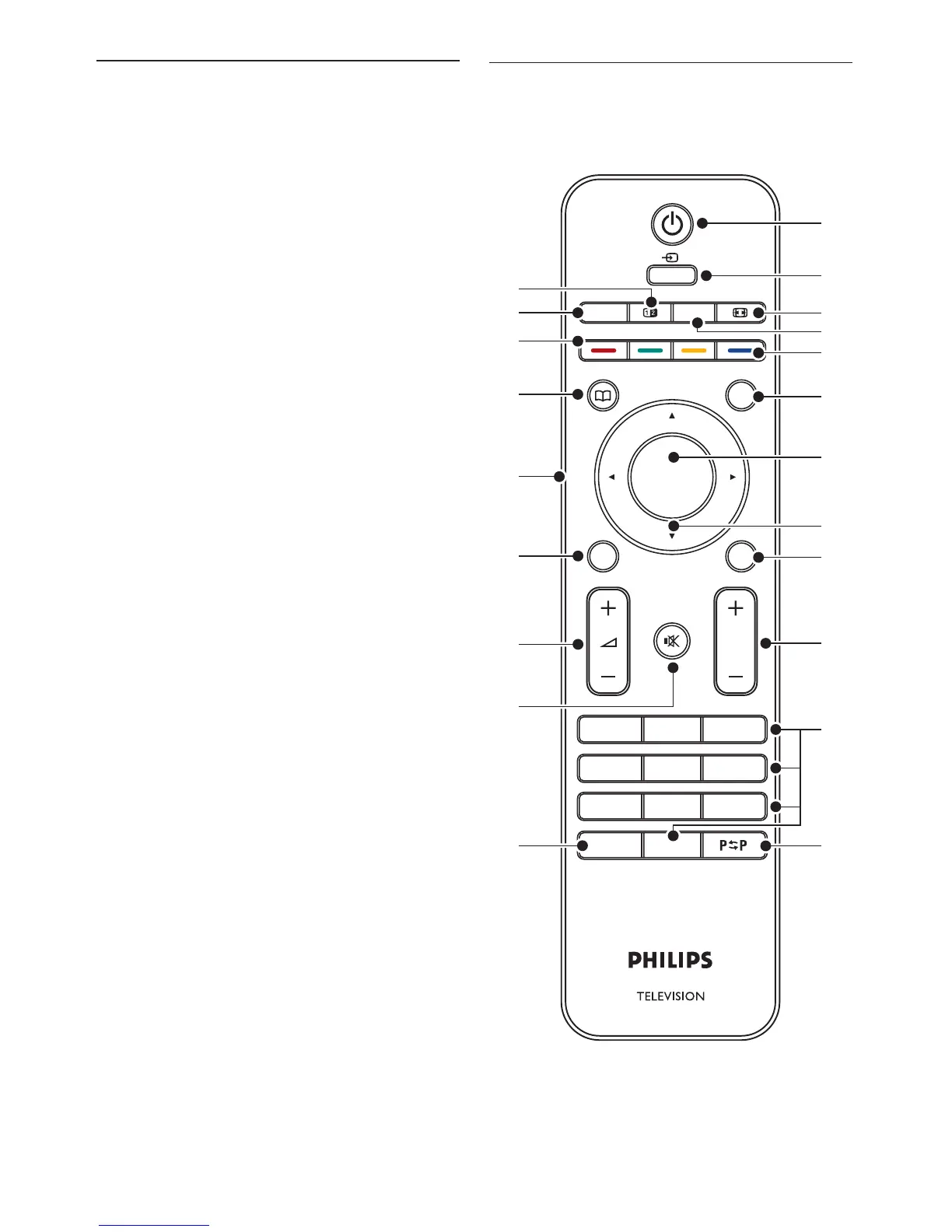
5�1 Remote control overview
This section provides a detailed overview of
remote control features.












 To Next Page