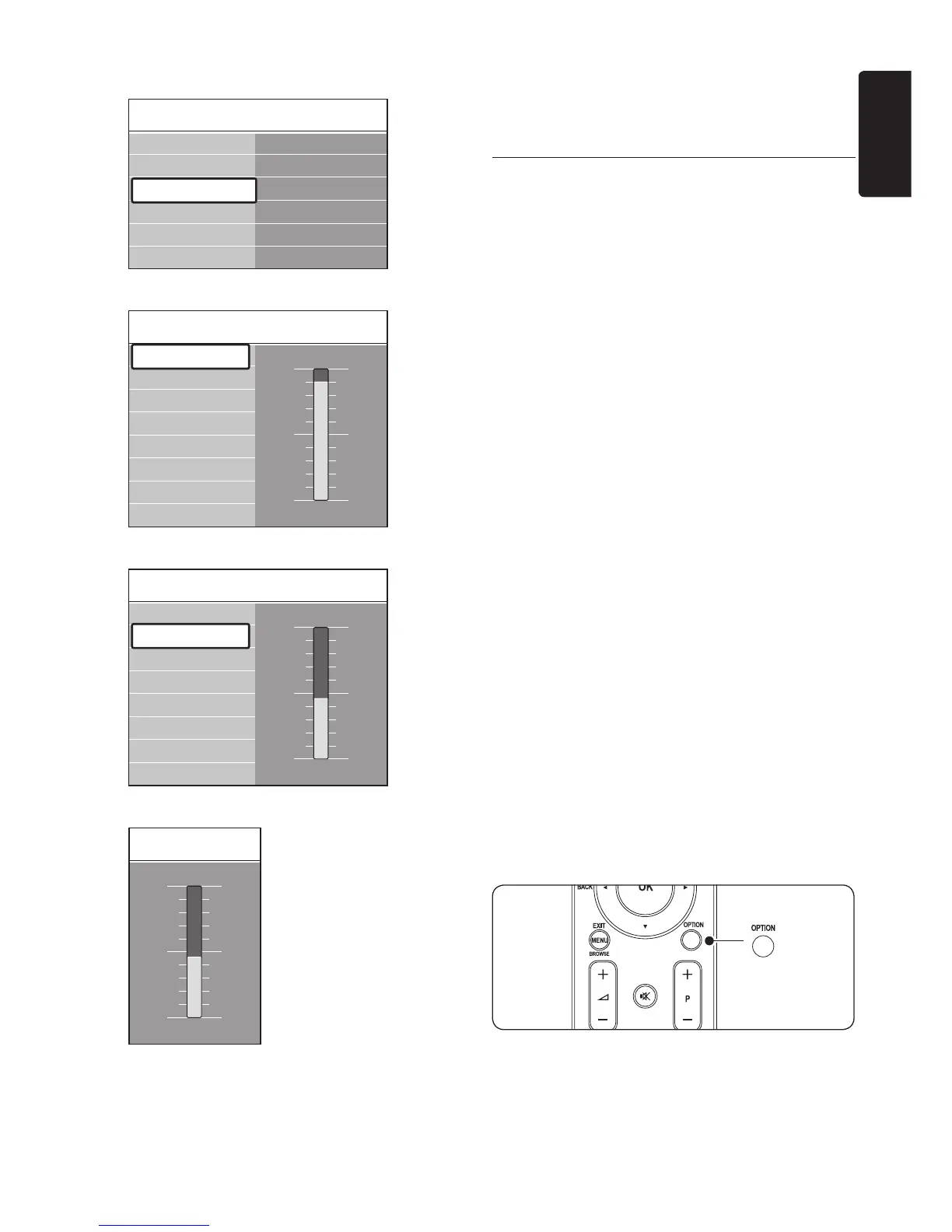
Press 8. Î or ï to adjust the setting.
Press 9. Í to return to the Picture settings
or press MENU to exit.
Note D
More choices are available when digital
channels are installed and broadcast.
5�2�3 Use the Quick access menu
The Quick access menu gives direct access to
some often-needed menu items.
Note D
When digital channels are installed and
broadcasted, the relevant digital options are
displayed in the Quick access menu.
Press
1. OPTION on the remote control.
Press
2. Î or ï to select an option:
• Audio language
(digital)
See Section 5.3.5 Adjust sound settings.
• Subtitle language
(digital)
See Section 5.9.3 Select a subtitle
language on digital TV channels.
• Subtitle
See Section 5.9 Use subtitles.
• Picture format
See Section 5.3.4 Change picture format.
• Equalizer
See Section 5.3.5 Adjust sound
settings.
• Clock
Press
3. OK to display the selected option
menu.
Press
4. Î, ï, Í, Æ to adjust the settings in
the menu.
Press
5. OPTION to exit the menu.
To display or hide the clock
In the
1. Quick access menu, select
Clock
and press OK to display the clock
permanently.













 To Next Page