5�2 Use TV menus
On-screen menus help you install your TV,
adjust picture and sound settings and access
other features. This section describes how to
navigate the menus.
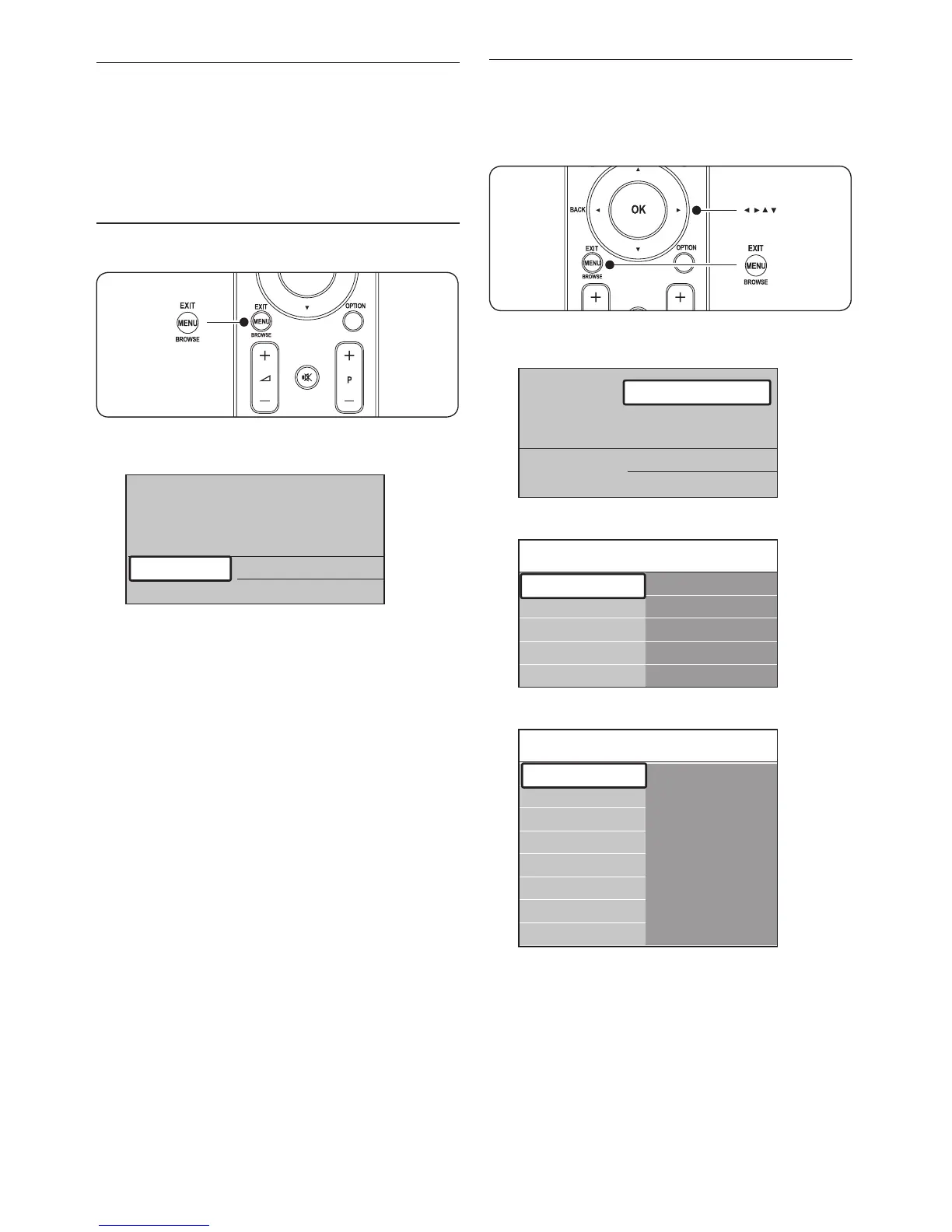
5�2�1 Access the main menu
Press 1. MENU on the remote control to
display the main menu.
Press 2. MENU to exit.
The main menu offers the following items:
TV menu•
Select this menu for installation, picture,
sound settings and other feature settings.
Channel list•
Select this item to display the Channel list.
Create your Favourite channel lists here.
Programme guide•
Available when digital channels are installed,
this item displays information about the
digital programmes. See Section 5.7 Use the
Electronic Programme Guide.
Multimedia•
Select this item to view photos or play
music stored on a USB device.
See Section 5.10 View photos and listen to
music.
5�2�2 Use the main menu
The following example describes how to use
the main menu.
Press 1. MENU on the remote control to
display the main menu.












 To Next Page