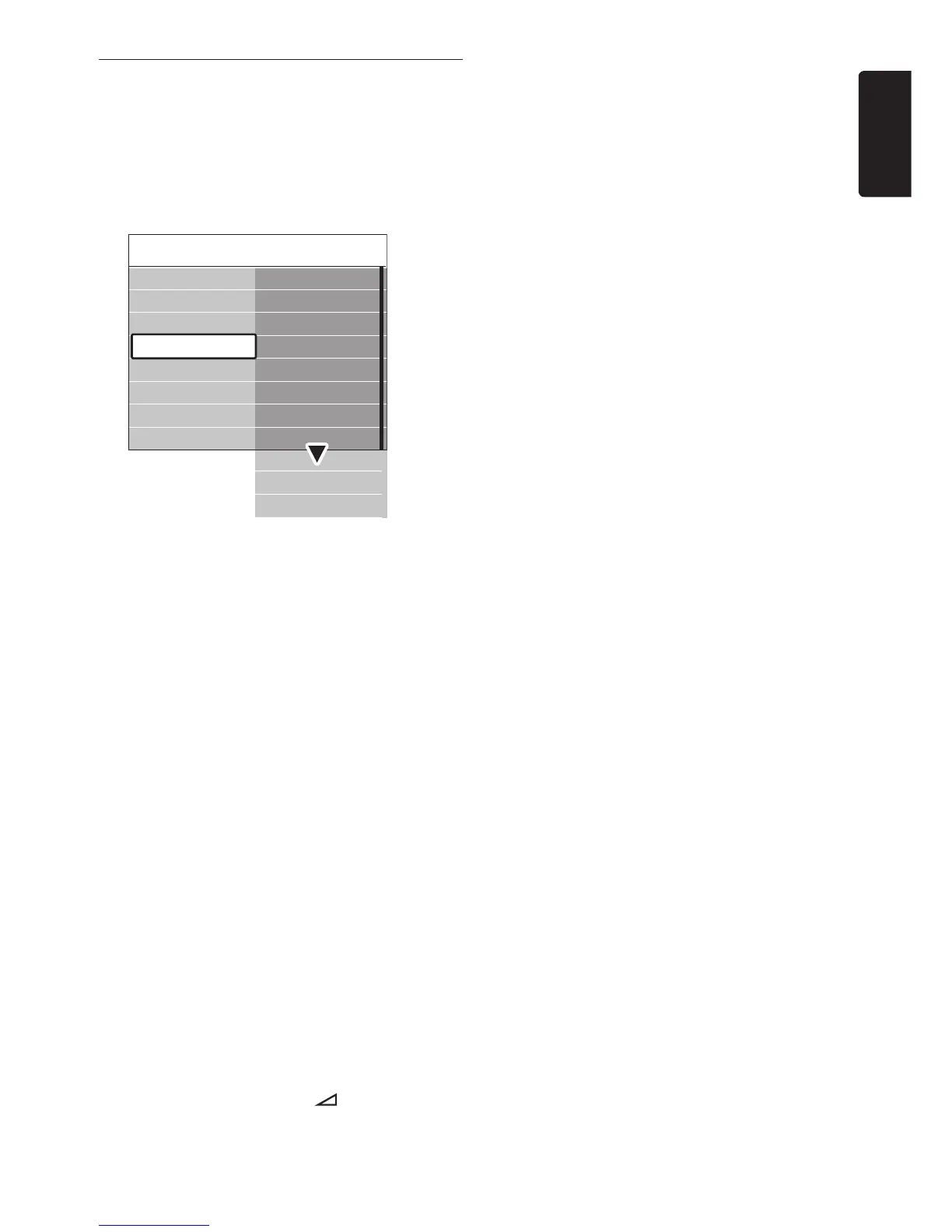
Press 3. Î or ï to select one of the following
settings:
• Equalizer
Changes the bass and treble of the sound.
Select each bar to change a setting.
Alternatively, press the colour keys to
select a pre-defined equalizer setting:
Standard•
Equalizer set to neutral.
Speech•
Equalizer settings maximized for speech-
based audio.
Multimedia•
Settings maximized for different audio
types.
Music•
Settings maximized for music.
• Volume
Changes the volume.
Tip
E
To enable or disable the volume bar that
appears when you change the volume, press
MENU on the remote control and select
TV menu > Installation > Preferences.
Press Æ to enter the list and select Volume
bar on or Volume bar off.
• Balance
Sets the balance of the left and right
speakers to best fit your listening position.
• Audio language
Lists audio languages available for a digital
channel (unavailable on analogue channels).
• Dual I/II
If available, choose between two different
languages.
• Mono/Stereo
If stereo broadcasting is available, choose
between mono or stereo.
• Surround mode
If surround sound is available, enable it for
more spatial sound.
• Headphone volume
Changes the volume of your headphones.
Note D
When headphones are connected, press the
MUTE button on the remote control to
mute audio from the TV speakers. Pressing
VOLUME +/- buttons un-mutes the TV
speakers.
• Automatic volume leveling
Reduces sudden volume changes, for
example, during commercials or when
switching from one channel to another.
Select On or Off.
• Delta volume
Levels out volume differences between
channels or connected devices. You must
switch to the connected device before
changing the Delta volume.
• Auto surround
Automatically switches the TV to the best
surround sound mode available from a
broadcast. Select On or Off.













 To Next Page