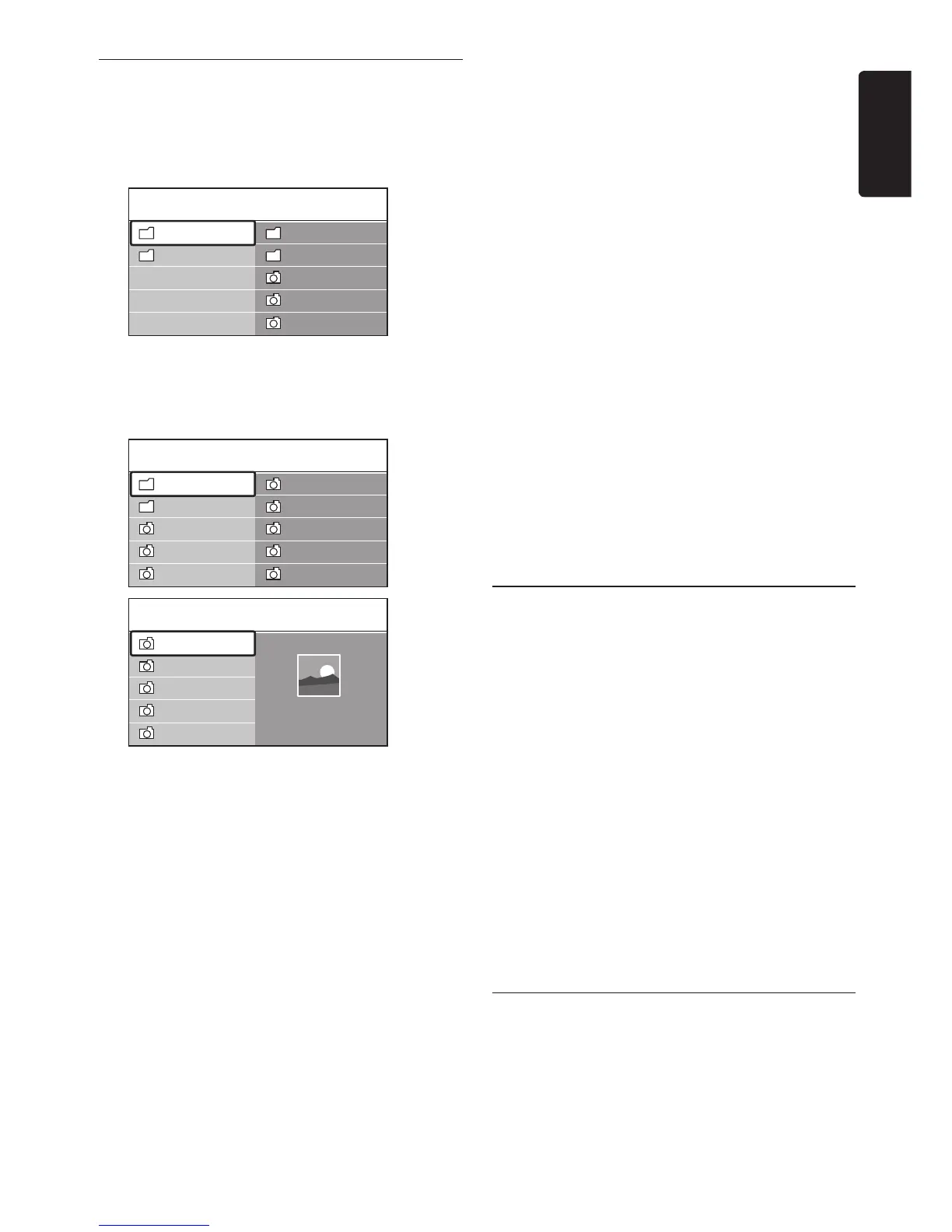
Press 4. OK to view the picture or to start a
slide show of the pictures in the album.
Press • OK to pause the slide show. Press
OK again to restart.
Press one of the colour keys on •
the remote control to perform the
corresponding function shown at the
bottom of the screen.
Press the blue key to stop the show and •
to see more functions. If the function
bar at the bottom disappears, press any
colour key to make it reappear.
Press 5. Í and select another picture or
another album.
Slide show settings
No details / More details•
Displays the picture name, date, size and
next picture in the slide show.
Transitions•
Displays the list of available transition styles
of the pictures. Press Î or ï to select and
press OK to activate.
Slide time•
Sets the time lag for picture transitions:
Short, Medium or Long.
Rotate•
Rotates a picture.
Zoom•
Displays a list of available zoom
magnifications.
Start show/Stop show•
Starts or stops a slide show.
5�10�4 View pictures as thumbnails
Thumbnails allow you to view picture albums in
an overview format.
Select a picture album.1.
Press 2. Æ to enter the picture list.
Press the green key.3.
Press 4. Î or ï, Í or Æ to highlight a picture.
Press 5. OK to view the picture.
Press 6. Í to return to the thumbnail
overview.
Press the green key again to go back to the 7.
picture list.
5�10�5 Listen to music
After connecting your USB storage 1.
device to the TV, press Æ to enter the
Multimedia menu.
Select
2. Music then press Æ to enter the













 To Next Page