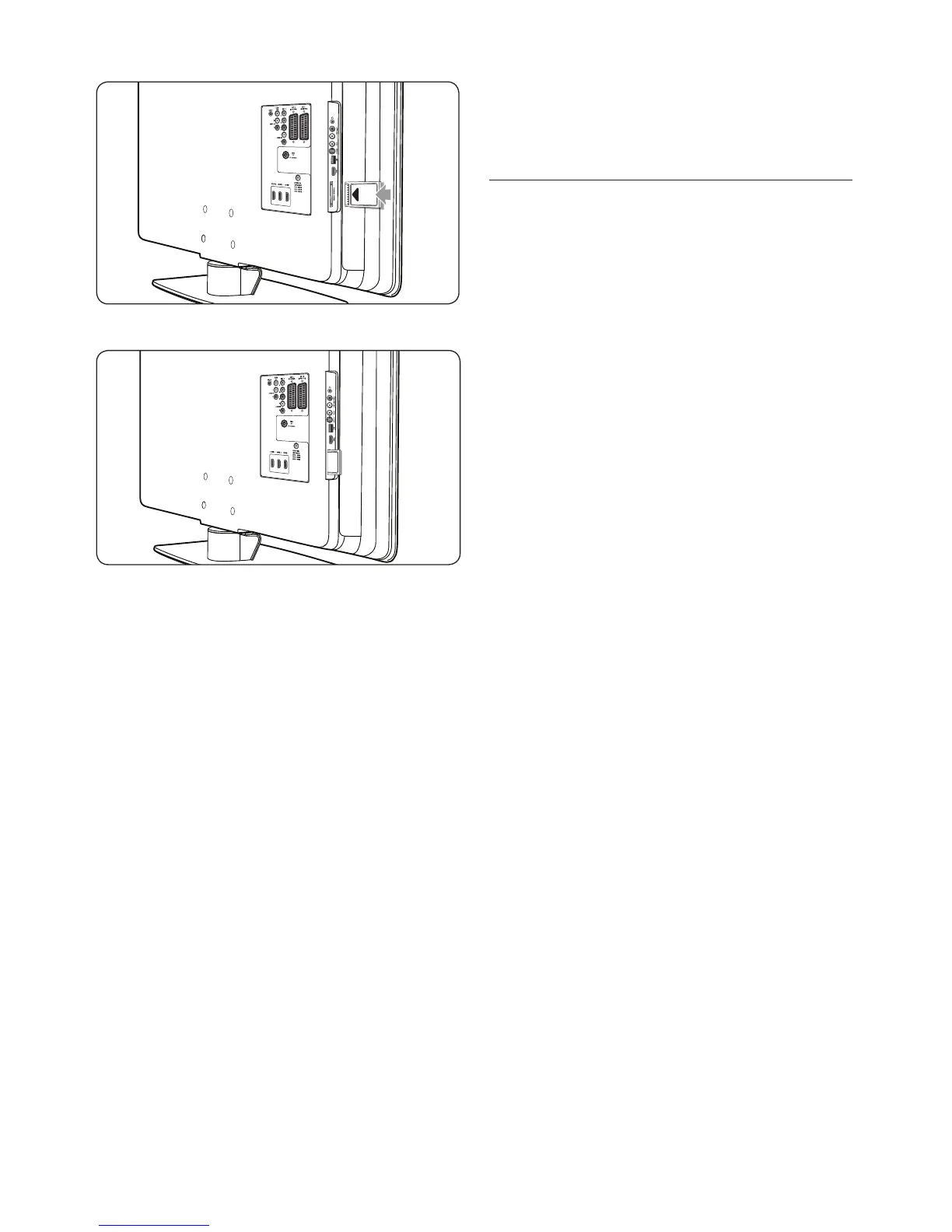
Push the CAM in as far as it will go.2.
Turn on the TV and wait for the CAM to 3.
be activated. This may take several minutes.
Note D
Do not remove the CAM from the slot.
Removing the CAM will deactivate the
digital services.
7�6�2 Access CAM services
After inserting and activating the CAM, •
press MENU on the remote control and
select TV menu > Features > Common
interface.
This menu option is only available if the CAM
is correctly inserted and activated. On-screen
applications and content are provided by your
digital TV service operator.













 To Next Page