24
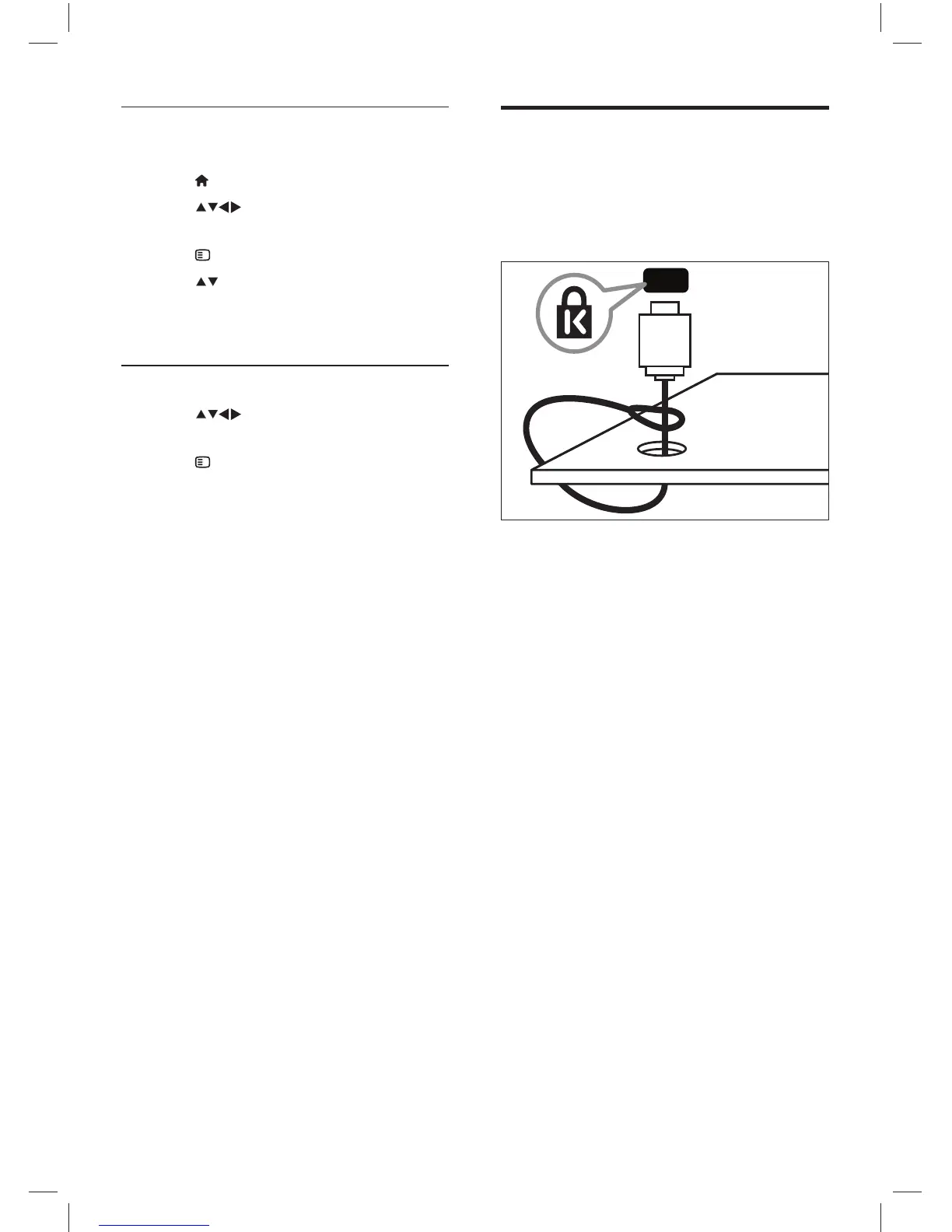
Use a Kensington lock
There is a Kensington security slot at the back
of the TV. Prevent theft by looping a Kensington
lock between the slot and a permanent object,
such as a heavy table.
Enable or disable remote control key
forwarding
1 Press ( Home ).
2 Press to select a device with
HDMI connector.
3 Press OPTIONS .
4 Press to select [Enable RC pass-
through] or [Disable RC pass-through] .
5 Press OK to confi rm.
Access RC pass-through menu
1 Press to select a RC pass-through
enabled device and press OK to enter.
2 Press OPTIONS to access one of the
following menus for TV or the active
device connected to the TV:
• [TV setup] : Access the TV setup
menu.
• [TV speakers] : Turns TV speakers
on or off. Setting TV speakers
to automatic mode turns off the
speakers when content from an
EasyLink-compliant home theater
system is detected.
• [Clock] : Displays the clock on the
TV screen.
• [Dev. root menu] : Accesses the root
menu of the CD/DVD/game disc.
• [Device setup menu] : Accesses the
main menu of the connected device
such as DVD player, HDD recorder,
or game console.
• [Dev. content menu] : Accesses the
content menu of the CD/DVD/game
disc.
3 Press OK to confi rm.
EN
Dali_78_EN.indd 24Dali_78_EN.indd 24 1/14/2010 10:13:15 AM1/14/2010 10:13:15 AM











 To Next Page