55BDL4050D
38
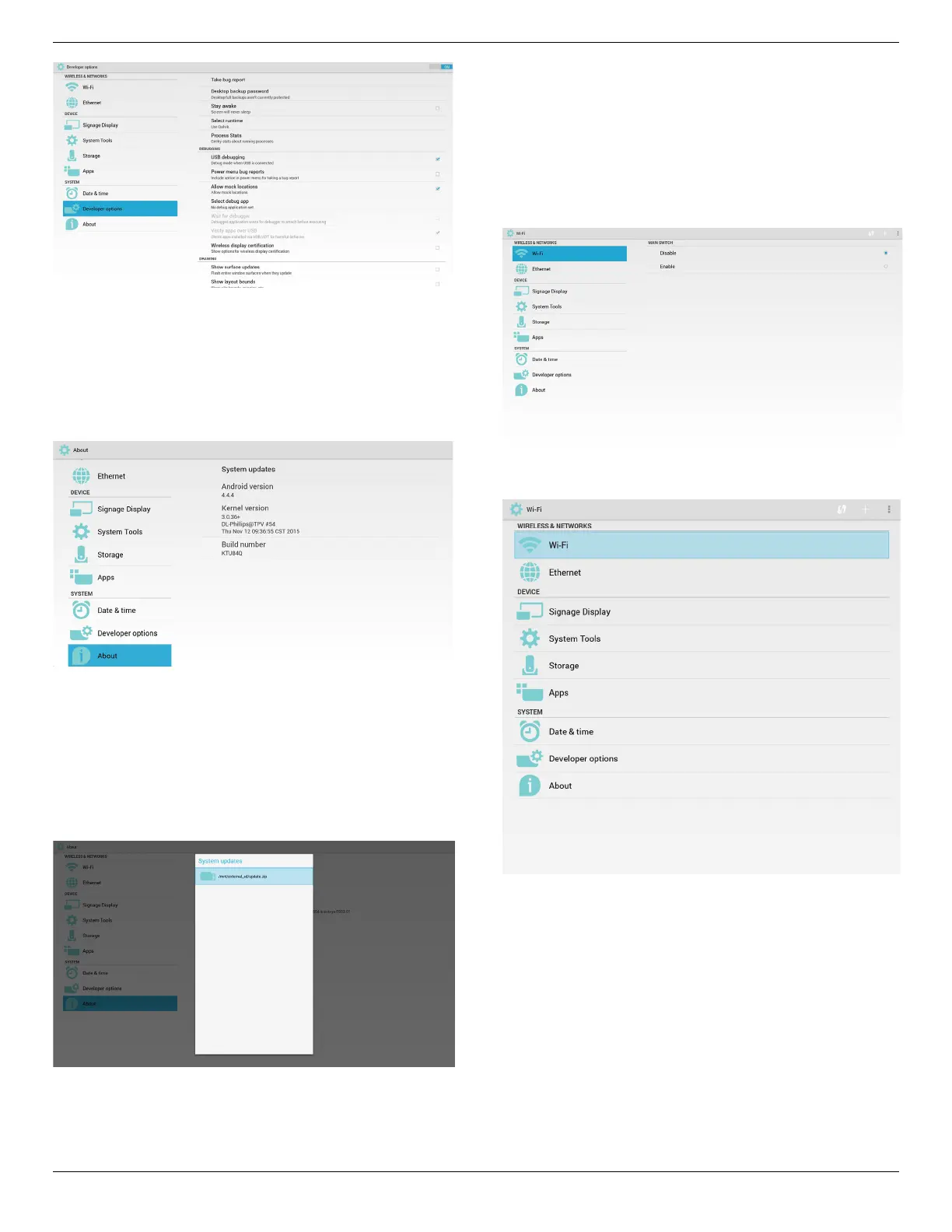
5.10. About
MaininfoinAbout:
(1)Systemupdates
(2)Androidversion
(3)Kernelversion
(4)Buildnumber
5.10.1. System updates
Willautomaticallysearchupdate.zipinUSBorSDcard.
Willbeshowninlistforuserselectioniffound
Note:
(1)OnlysupportAndroidFullimage.
(2)lenameshouldbeupdate.zip.
(3)theleshouldbelocatedinrootofstorage.
Afterselectupdate.ziple,PDwillrestartandstarttoupdate.
5.11. Supplementary
5.11.1. Rotation
ViaScalarOSDmenutooperateRotation:
Home->Conguration2->Rotation->OSDrotation
1. Landscape
AftersetupLandscapemode,thesettingscreenwilldivideinto2part.
SelectLeftitem,rightsidewilldisplaythesubmenu.
2. Portrait
AftersetupPortraitmode,thesettingscreenonlydisplayonelayer.













 To Next Page