35EN
GAS
With an advanced gas sensor, a
display ranging from L1 to L4 shows
the level change of potential harmful
gases (incl. VOC, odor, etc.) detected.
L1 indicates best air quality.
Gas level Air quality light color
L1 Blue
L2 Blue-purple
L3 Purple-red
L4 Red
Turning on and o
Note
• Always place the air purier on
a stable, horizontal, and level
surface with the front of the
unit facing away from walls or
furniture.
• For optimum purication
performance, close doors and
windows.
• Keep curtains away from the air
inlet or air outlet.
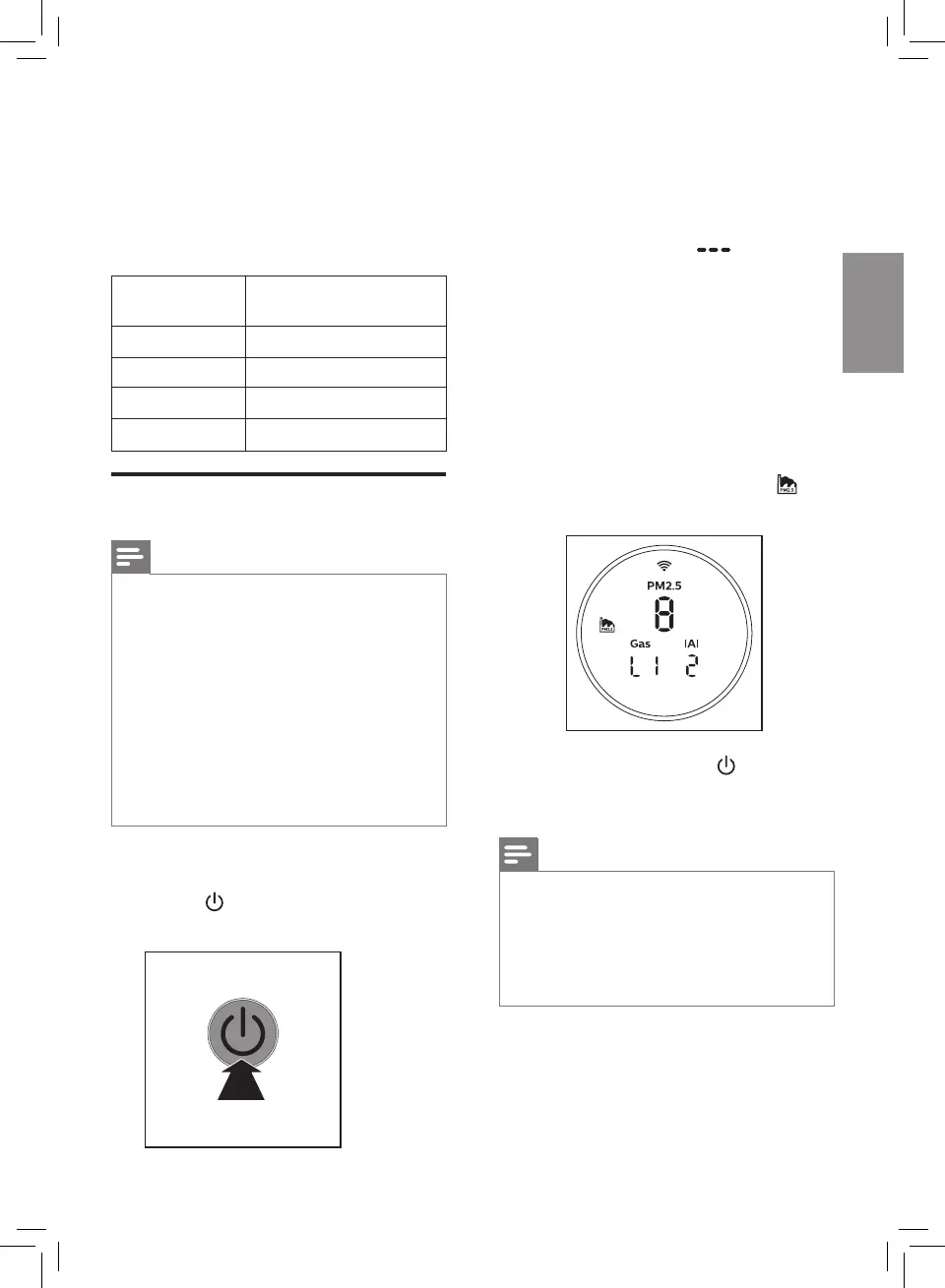
1 Put the plug of the air purier in
the power socket.
2 Touch to switch on the air
purier.
» The air purier beeps.
» The air purier operates
under the Pollution mode
by default.
» When the air purier is
warming up, " " displays
on the screen. After
measuring the particulate
matter only in the air, the air
purier shows the PM2.5/
IAI/Gas level, the air quality
sensor automatically selects
the appropriate air quality
light color.
» The air purier operates
in the auto mode with
displayed on the screen
3 Touch and hold the button for
3 seconds to switch o the air
purier.
Note
• If the air purier stays connected
to the electrical outlet after
turning OFF, the air purier will
operate under the previous
settings when turned ON again.


 To Next Page