46 EN
7 Storage
1 Turn o the air purier and
unplug from the power socket.
2 Clean the air purier, air quality
sensor and pre-lter (see
chapter ‘Cleaning’).
3 Let all parts air dry thoroughly
before storing.
4 Wrap the lters and pre-lter
separately in air tight plastic
bags.
5 Store the air purier, lters and
pre-lters in a cool, dry location.
6 Always thoroughly wash hands
after handling lters.
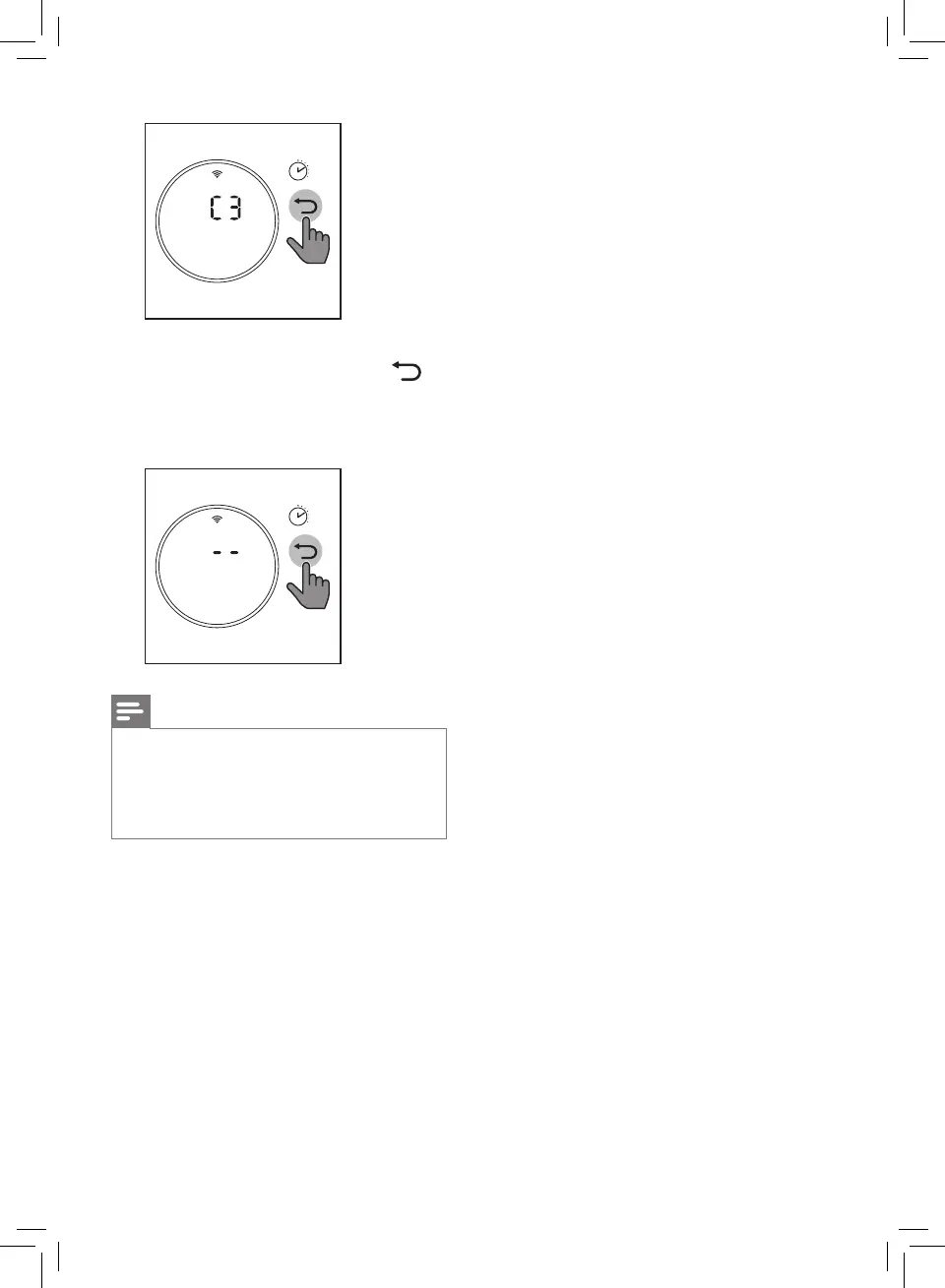
3’
» if you don't have the second
lter, just tap and hold
for 3 seconds to conrm the
lter code and exist the lter
type change mode.
3’
Note
• Refer to the separate leaet that
comes with the lter for more
information on dierent lter
combinations for your choice.


 To Next Page