User Manual BDL4771V
RETURN TO THE CONTENTS
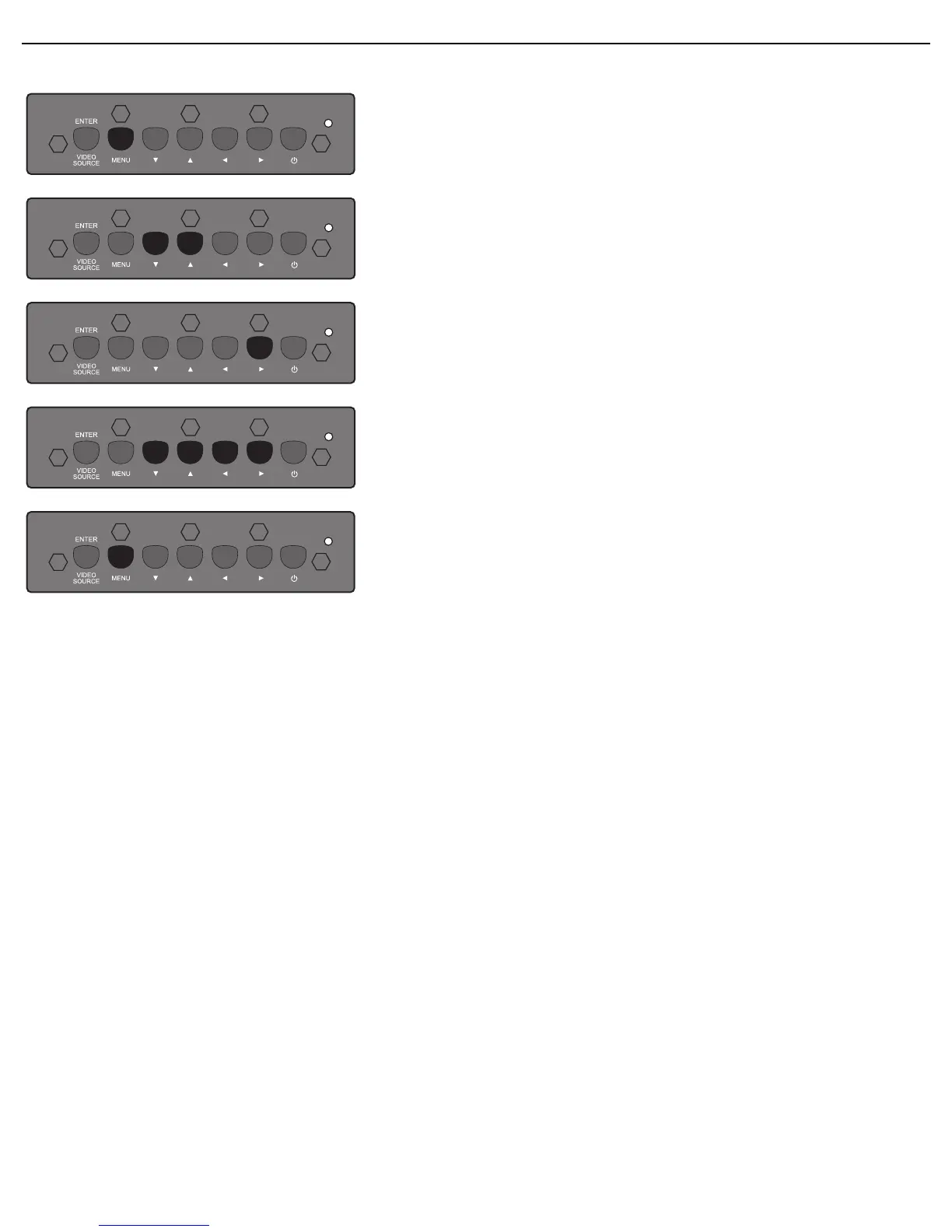
4.1.2. NAVIGATING THE OSD MENU USING THE DISPLAY’S CONTROL BUTTONS
1. Press the MENU button to display the OSD menu.
2. Press the /button to move the cursor to the item you
want to adjust.
3. Press the button to enter the submenu.
4. In the submenu, press the / button to toggle between
items, or press / button to adjust settings. If there is a
submenu, press the button to enter it.
5. Press the MENU button on the remote control to return to
the previous menu, or press the MENU button repeatedly
to exit the OSD menu.












 To Next Page