User Manual BDL4771V
RETURN TO THE CONTENTS
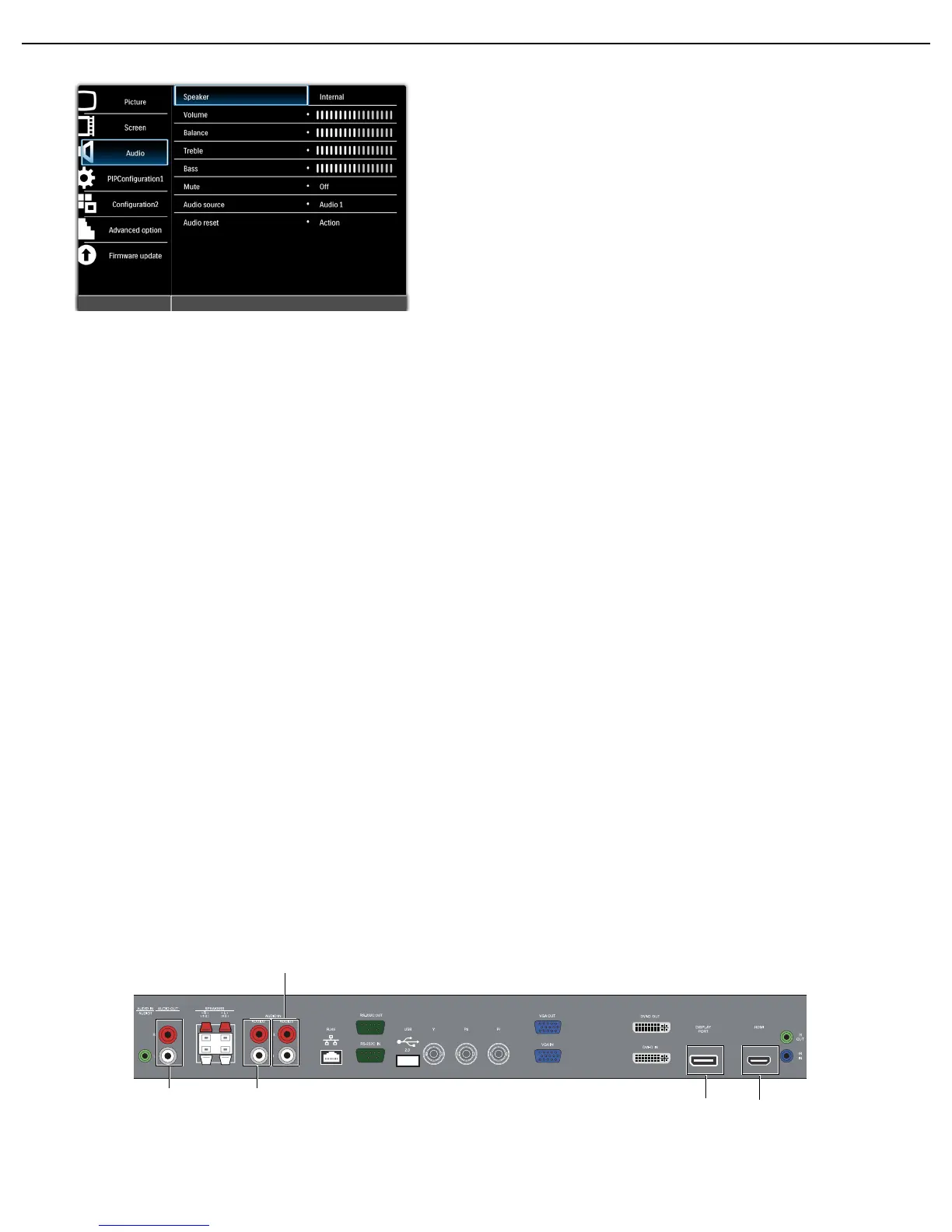
4.2.3. Audio MENU
Speaker
Set the display to play audio using the built-in (internal) speaker, external speakers or external audio devices
(if connected).
Use the UP/DOWN button to toggle between
Volume
Adjust to increase or decrease the audio output level.
Use the PLUS/MINUS button to adjust.
Balance
Adjust to increase or decrease the audio balance level.
Use the PLUS/MINUS button to adjust.
Tre b le
Adjust to increase or decrease the treble.
Use the PLUS/MINUS button to adjust.
Bass
Adjust to increase or decrease the bass.
Use the PLUS/MINUS button to adjust.
Mute
Turns the mute function on/off.
Use the UP/DOWN button to make selection.
Audio source
Select the audio input source – toggle between audio input, DISPLAYPORT, and HDMI.
Use the UP/DOWN button to toggle between
• Internal • External
• Line-out
• Audio 1 • Audio 2 • DisplayPort
Audio 1 Audio 2
Audio 3
DisplayPort
HDMI












 To Next Page