User Manual BDL4771V
RETURN TO THE CONTENTS
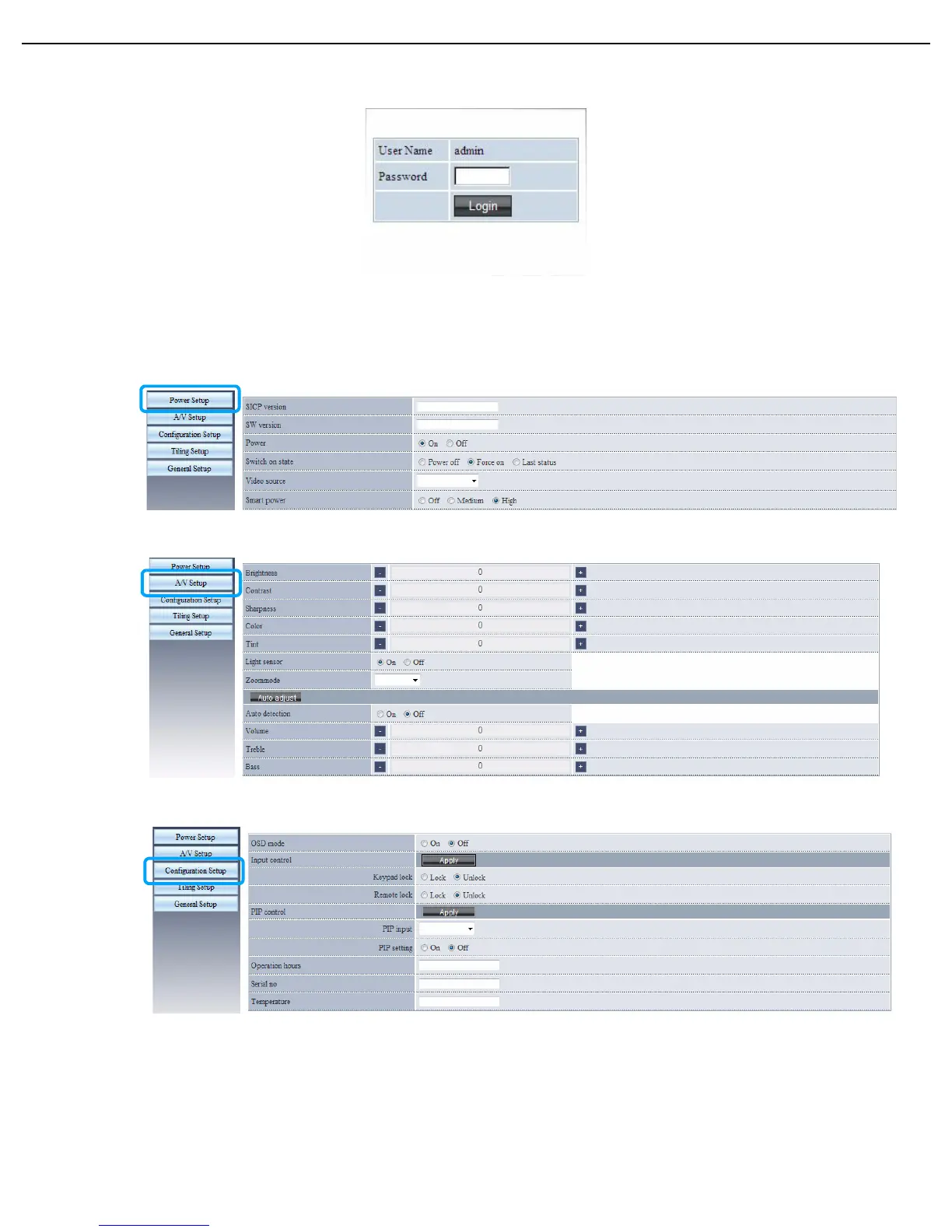
2. Enter the same password you have set in the Network settings > Login password menu and press
Login. If the password has not been set, enter the default “000000”.
3. The setting page appears.
• Power Setup: Allows you to manage the power status.
Note: Make sure the LAN control port in the Configuration 1 > Network settings menu is set to Enable to turn on the
display using the browser.
• A/V Setup: Provides various options for video and audio control.
• Configuration Setup: Most frequently used settings are provided on this page for you to control the display.












 To Next Page