21EN
EN
BASIC PLAYBACK
Playing Back a BD or a DVD
1
Insert a disc (refer to page 20 on
how to insert a disc).
2
Playback may start automatically.
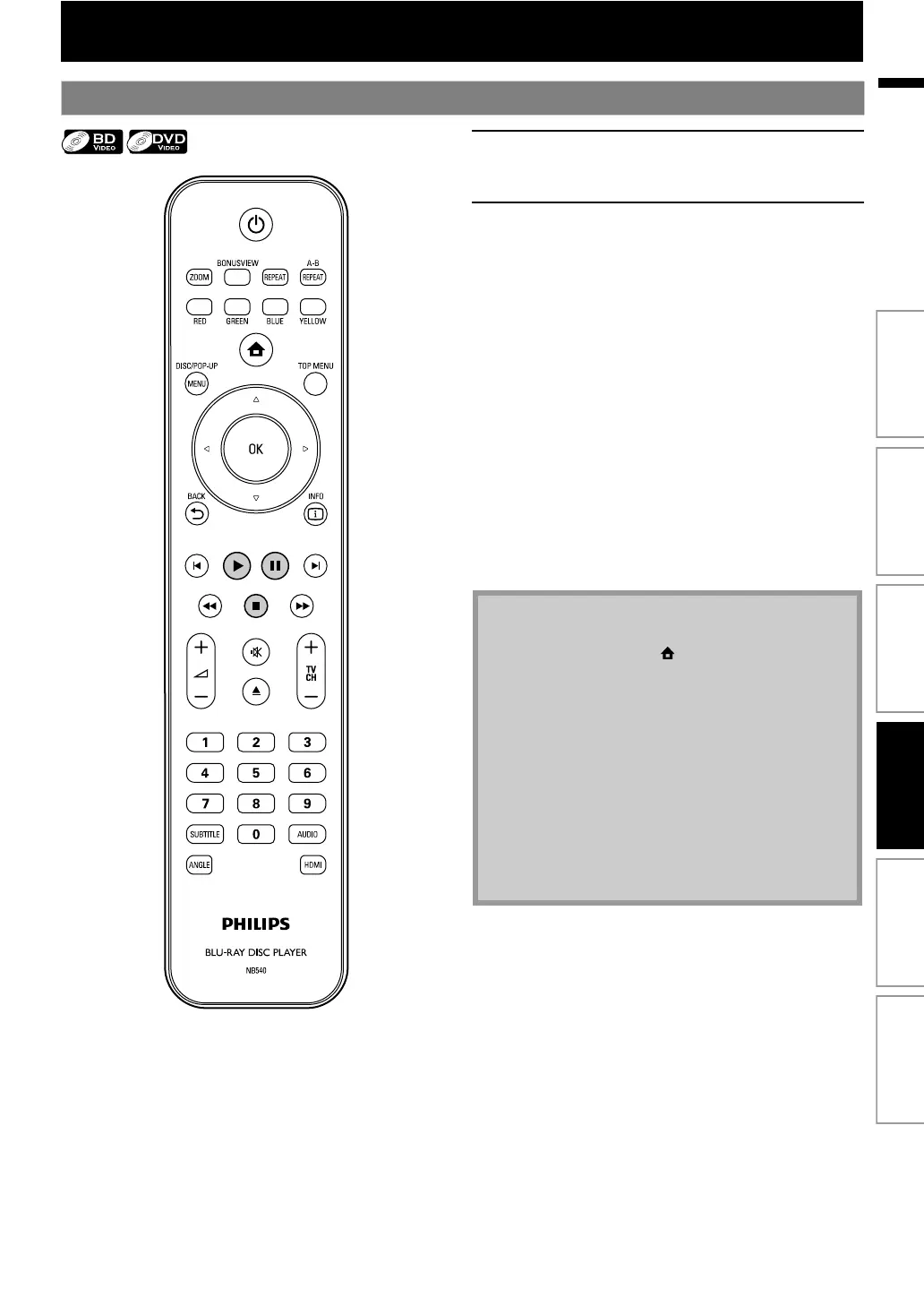
If not, press [B (play)].
Some discs may show a title or a disc menu. In
this case, refer to “Using the Title / Disc Menu”
on page 26.
To pause playback:
Press [F (pause)].
To return to the normal playback:
Press [B (play)].
To stop playback:
Press [C (stop)].
Playback will be in Resume-On-Stop mode,
and the home menu will appear.
<Resume-On-Stop mode>
When you press [B (play)] next time, the
playback will start from the point where it has
been stopped.
Note
• Playback will also stop and the home menu will
appear when you press [(home)].
• For BD-Java application, the Resume-On-Stop may
not be available.
• If you press [OK] instead of [B (play)], playback can
be started from the beginning of the disc even if it
was in the Resume-On-Stop mode.
• You can also start from the beginning of the disc if
you press [S (previous)] while the resume message
is displayed.
• The resume message can be removed by pressing
[BACK U].
• Resume-On-Stop mode remains in effect even after
power is turned off, but will be cancelled once the
disc is ejected.
Introduction Connections Basic Setup Playback OthersFunction Setup



 To Next Page