26
BASIC PLAYBACK
EN
Subtitles created by the user can be displayed during
DivX® playback.
1) Follow steps 1 to 3 in “Playing Back an Audio CD or a
Disc with DivX® / MP3 / JPEG Files” on pages 22-23.
2) Select a file you want to play back, then press
[GREEN].
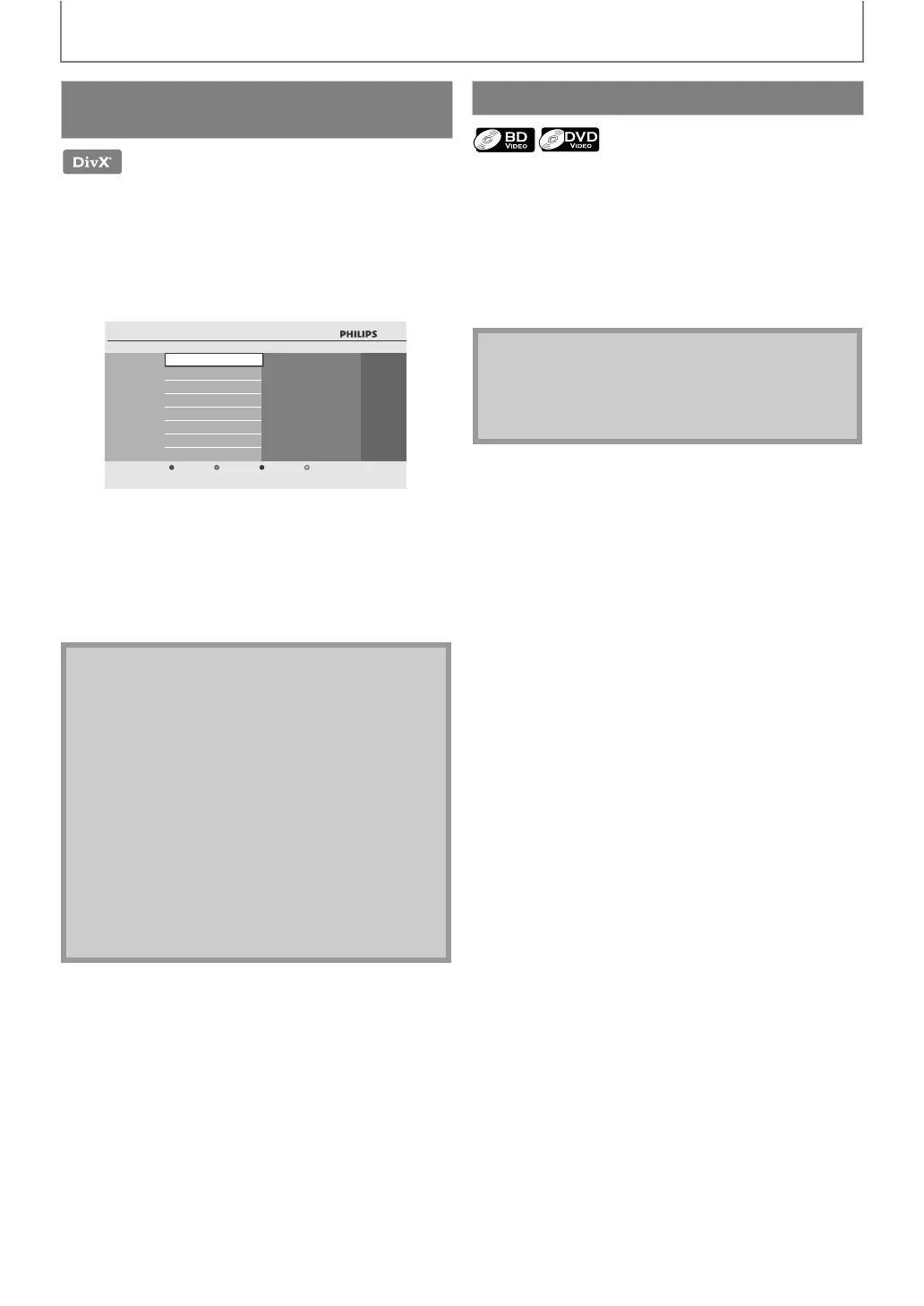
Subtitle list will appear.
• “DivX Subtitle” appears next to “Green” icon only when
DivX® subtitle is available for the selected file.
•If you press [B (play)] or [OK] instead of [GREEN],
playback without subtitle will start.
3) Select the desired subtitle file, then press
[B (play)] or [OK].
Playback of the DivX® file with DivX® subtitle will start.
Some BD-video or DVD-video may contain a title menu
which describes the contents of the disc, or a disc menu
which guides you through the available functions in the
disc.
With such discs, a title menu or a disc menu may appear
automatically when you insert the disc. Otherwise, press
[TOP MENU] or [DISC MENU / POP-UP MENU] to call up
the menu. Refer to the disc’s manual on how to navigate
through the menu.
Playing Back a DivX® with DivX®
External Subtitle
Note
• To utilize this function, the following conditions
must meet.
-Playback file and the subtitle file must have the same
name.
-Playback file and the subtitle file must locate in the
same folder.
-Only the subtitle files with the following extensions
are supported; .smi (.SMI), .srt (.SRT), .sub (.SUB), .ass
(.ASS), .ssa (.SSA), .txt (.TXT). (.sub (.SUB) and .txt
(.TXT) may not be recognized.)
-The subtitles that exceeds the playback time of the
DivX® file will not be displayed.
• If the DivX® subtitle file contains more than one
subtitle language, you can toggle those by pressing
[SUBTITLE] repeatedly.
3dolby.avi
SRT
SUB
SMI
Subtitle List
Off
Cancel
Using the Title / Disc Menu
Note
• Menus vary among discs. Refer to the information
accompanying the disc for details.
• [TOP MENU] or [DISC MENU / POP-UP MENU] may
not work with some discs.



 To Next Page