EN 22
C DVD-VR Title List
DVD Title List (Original)
Disc Name
Page 1/2
1.
2.
3.
4.
5.
6.
7.
8.
9.
10.
11.
Title_1
Title_2
Title_3
Title_4
Title_5
Title_6
Title_7
Title_8
Title_9
Title_10
Title_11
10/10
10/10
10/10
10/10
10/10
10/10
10/10
10/10
10/10
10/10
10/10
Time : 2:22:22
Date : 10/10/201X (Tue)
Start : 12:50 AM
1
2
5
6
3
4
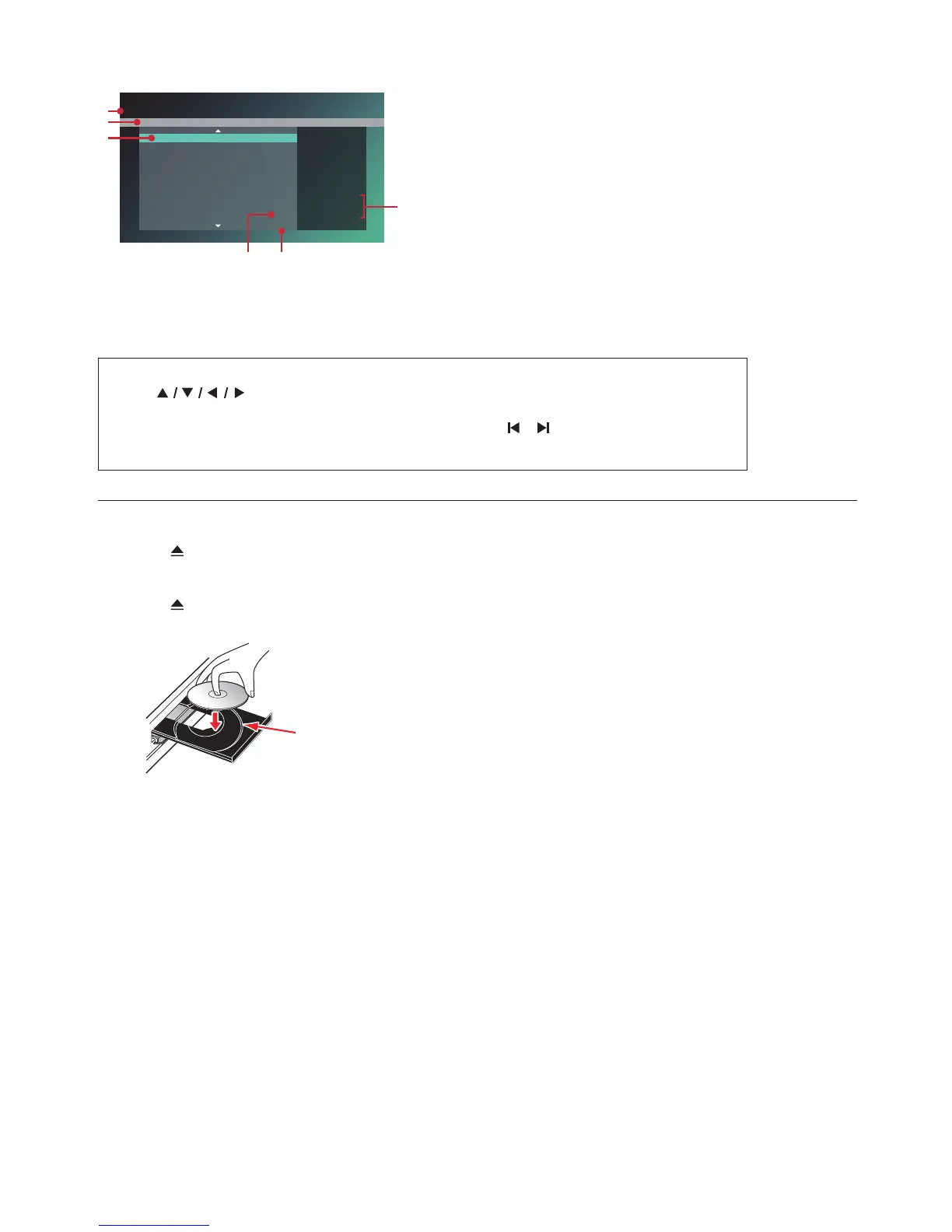
1. DVD Title (Original or Playlist)
2. Disc name
3. Title
4. Recording date
5. Page
6. Recording length of the selected Title /
Recording Date / Recording start time
C How to Navigate through the File List
• Use [ ] to move the Highlighted item. Press [BACK] to move back to the previous
directory.
• If the List has multiple pages, you can switch pages using [ / (SKIP)].
• To access Files in a Folder, select the desired folder, then press [OK].
• Press [Q (HOME)] to Exit.
6.3. How to Insert a Disc
1. Press [ (OPEN/CLOSE)] to Open the disc tray.
2. Place the Disc on the disc tray with its label side facing up.
3. Press [ (OPEN/CLOSE)] to Close the disc tray.
• It may take a while to load the disc.
Align the Disc to the disc tray guide.



 To Next Page