EN 35
8.14. Switching Audio Soundtrack
When playing back video material recorded with two or more soundtracks (these are often in different audio
languages or audio formats), you can switch between them during playback.
[UHDBD]
UHD
BD
UHD
BD
[BD Video]
BD
VIDEO
BD
VIDEO
[DVD Video]
DVD
VIDEO
DVD
VIDEO
[DVD VR]
DVD
VR
DVD
VR
[AVCHD]
AVCH DAVCH D
C Using [AUDIO]
1. During playback, press [AUDIO].
• Pressing [AUDIO] repeatedly switches the Audio.
(e.g.) Blu-ray Disc™
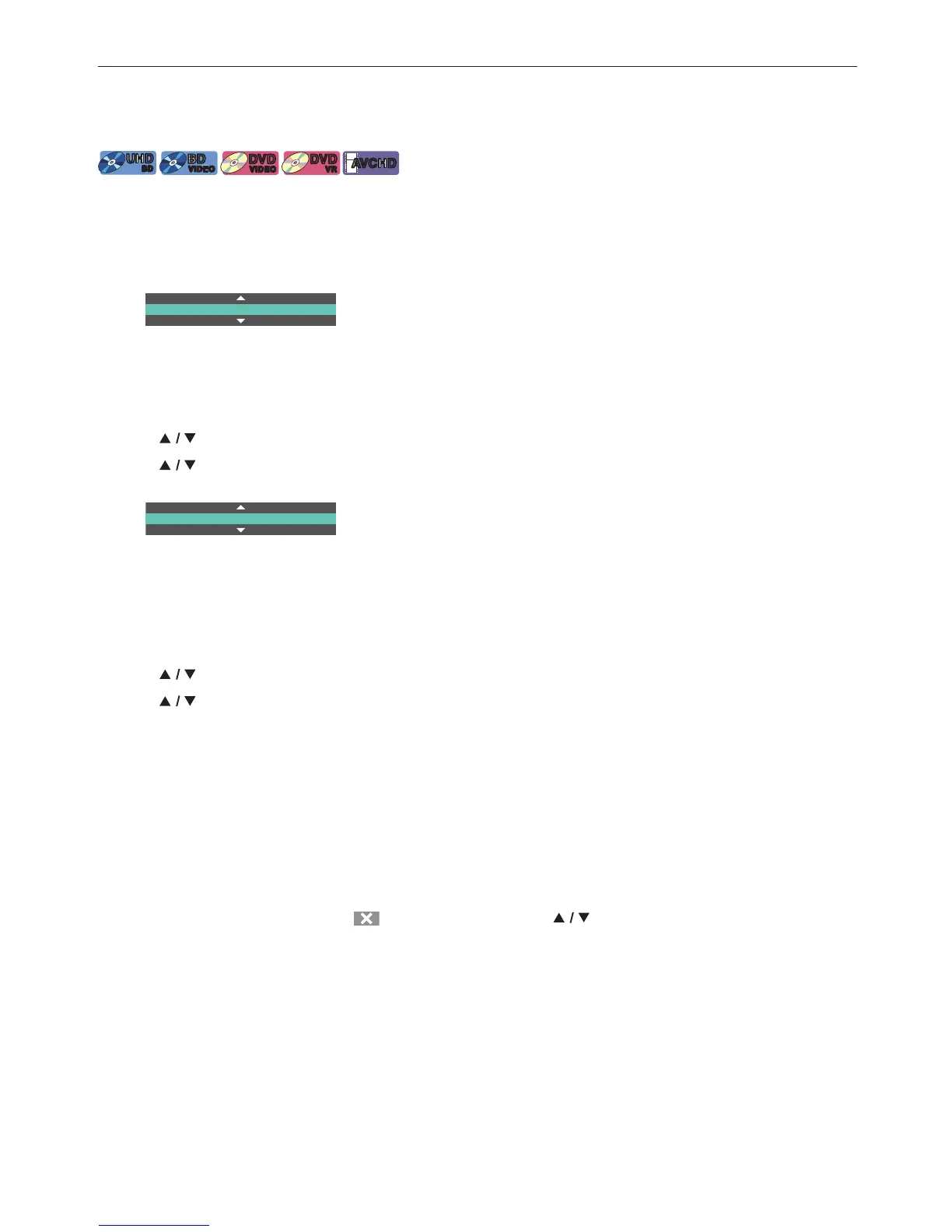
1 / 7 English Dolby Audio-Dolby TrueHD Multi
• For Blu-ray™ discs, [AUDIO] is only available in Primary Audio.
C Using [OPTIONS]
1. During playback, press [OPTIONS] to display the Play Menu.
2. Use [
] to select “Audio”, then press [OK].
3. Use [
] to select your desired Audio, then press [OK].
(e.g.) Blu-ray Disc™
1 / 7 English Dolby Audio-Dolby TrueHD Multi
4. Press [OPTIONS] to Exit.
C Secondary Audio
For Blu-ray™ discs, the Audio in PiP can be switched. (Refer to “PiP (BONUSVIEW™) Setting” on page 31.)
1. During playback, press [OPTIONS] to display the Play Menu.
2. Use [
] to select “Secondary Audio”, then press [OK].
3. Use [
] to select your desired Audio, then press [OK].
4. Press [OPTIONS] to Exit.
NoteD
• Secondary Audio will not be output when Secondary Video is not displayed or when the HDMI setting for Audio
output is set to “Bitstream”. (For some Blu-ray™ discs, Secondary Audio will be output even when Secondary
Video is Off.)
• Sound mode cannot be changed during playback of discs not recorded in Multiple Audio mode.
• Some discs allow changing the Audio language setting from Disc Menu. (Operation varies depending on the
discs. Refer to the Manual accompanying the disc.)
• [AUDIO] may not work on some discs with multiple Audio streams or Channels (e.g. DVDs that allow changing
Audio setting on the Disc Menu).
• If the disc has no Audio Language, “
” will appear if you press [ ] or [AUDIO].



 To Next Page