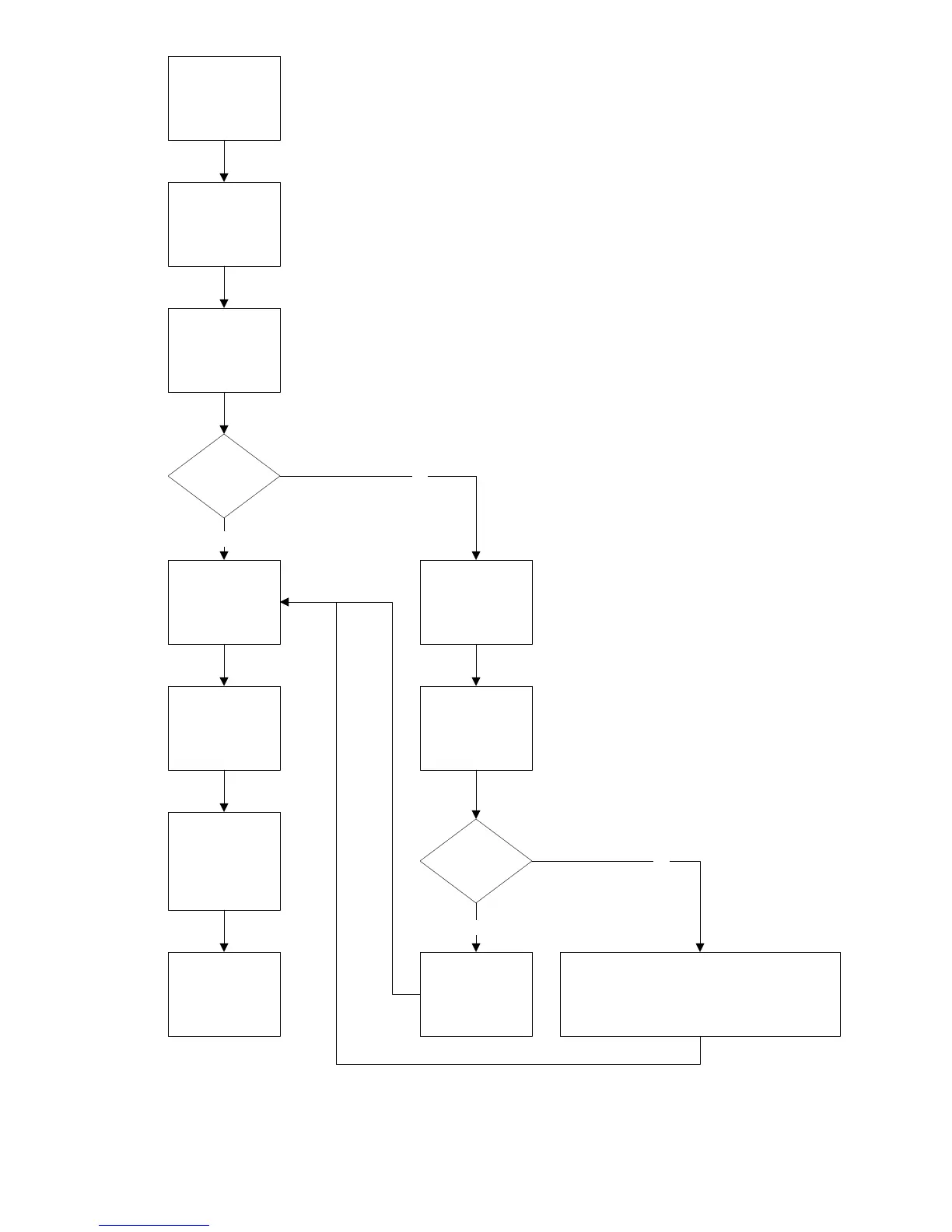
Repair the BD set
with mainboard
issue
Order new
mainboard for
repair
Check the original
BD loader
If there is a N
digits label
attached on the
loader?
Record all N digits
and then continue
to exchange the
new board
Yes
If no label found,
go to the text file to
check production
data
No
Download the
latest SW and
proceed upgrade
Follow appendix A
to enter “Service
Mode” for OPU
and new
mainboard
alignment
Finished alignment
and then normal
functional check,
return to consumer
if no issue
Follow appendix B
to get the N digits
for OPU and new
mainboard
alignment
Can you find
the N digits?
In this case, we cannot proceed OPU and new
mainboard alignment with original loader, please
exchange old loader with new one together,
because only new loader will attach the N digits
label
place sticker with
N digits on the
loader for future
repairs
Yes
No
Note: N digits can be N=3,6,...



 To Next Page